
Point of Sale
Counter and restaurant POS with offline mode, session control, multiple payment methods, receipts and the accounting entries each session posts.
OfflineSessionsPayments
Retail breaks at the counter and in the stockroom. The POS says one thing, the back office another, and the website sells something that left the shelf an hour ago.
Odoo runs point of sale, stock, purchasing, pricing and accounting on one database, so the counter, the stockroom and the website are reading the same number.
Businesses running Odoo with OdooBots







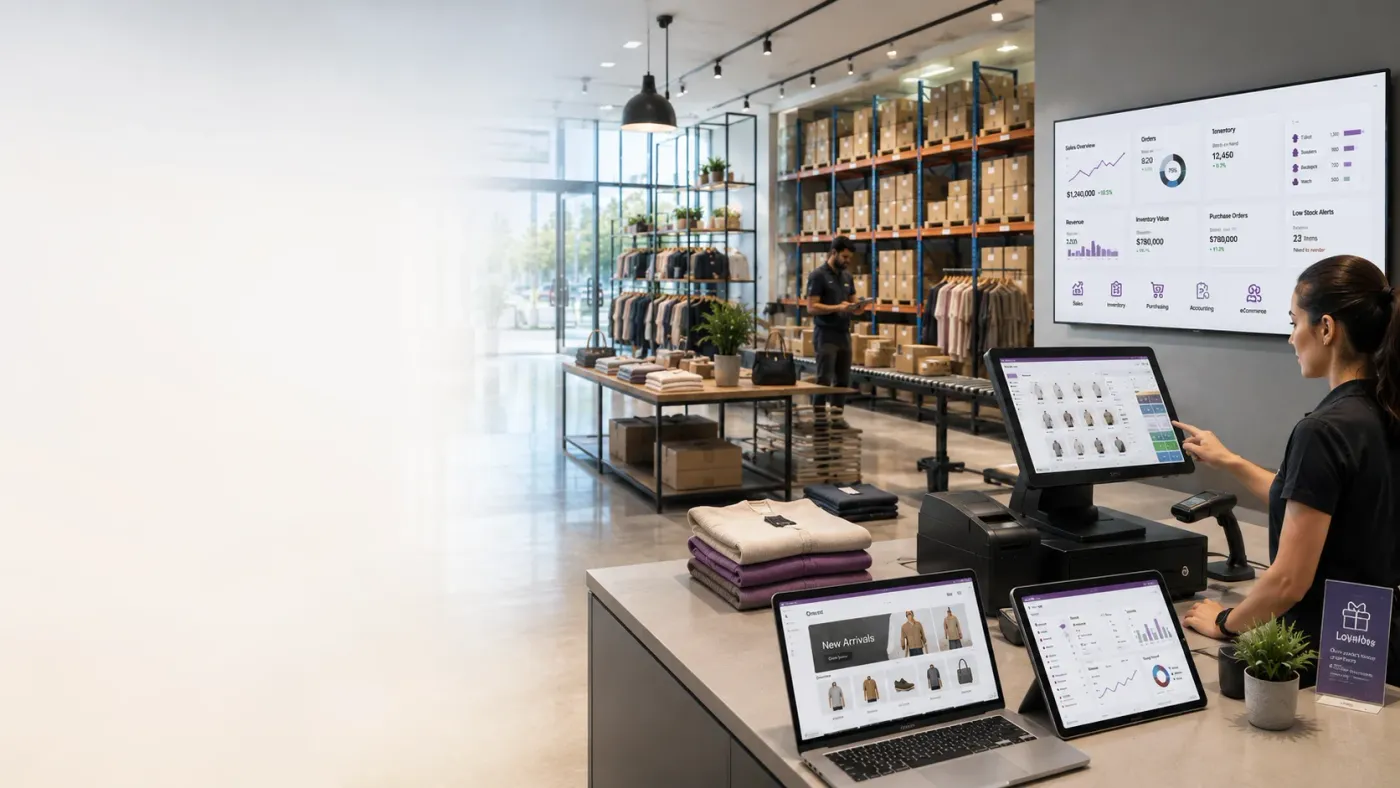
Odoo ERP for retail connects point of sale, inventory, purchasing, pricing and accounting in one database. The POS works offline and posts a session that reconciles cash and card; stock moves in the same system the website and the back office read; pricelists and promotions apply at the till; and replenishment follows what actually sold rather than what somebody noticed was low.
The decision that causes most retail pain later is whether store and online share one stock pool. Separate pools are simpler to configure and guarantee you will oversell one channel to protect the other.
Odoo connects what a retail business actually runs on: Point of Sale at the counter, Inventory for stock across store and warehouse, Purchase for replenishment, Sales and eCommerce for other channels, and Accounting underneath.
Counter and restaurant POS with offline mode, session control, multiple payment methods, receipts and the accounting entries each session posts.
Store and warehouse locations, internal transfers, cycle counting and reordering rules per location so each shop replenishes for its own demand.
Website catalogue fed by the same stock the shop uses, with payment gateways and orders landing as real sales orders.
Vendor pricelists, purchase agreements and replenishment planned from actual sell-through rather than from a monthly estimate.
Pricelists, discounts, coupons and loyalty programmes applied automatically at the till and online, so an offer means the same thing everywhere.
Session postings, cash reconciliation, GST and e-invoice, and margin reporting by product, category and store.
These are the configuration decisions that are cheap to make now and structural to change later. We walk through each one before a single record is migrated.
Whether the store and the website draw from the same quantity. Separate pools are easier to set up and guarantee overselling on one channel. Decide deliberately.
Who opens and closes, what the float is, and how a difference is handled. This is a control decision before it is a setting.
How long a till must keep selling without a connection, and what that means for stock accuracy when it reconnects.
Which offers are automatic and which need an override. Staff-applied discounts are where retail margin quietly goes.
Whether every product scans at the till, and who maintains barcodes on new lines. Unscannable products slow the counter more than anything else.
Minimum and maximum per product per location, so a slow line in one shop is not reordered because another sells it.
How a return re-enters stock, whether it is re-sellable, and the refund path. Vague handling here erodes stock accuracy fastest.
The right configuration depends on how your business actually operates, not on your sector label.
One till, one stockroom. Simplicity and speed at the counter matter more than configuration depth.
Several outlets with transfers, per-store replenishment and consolidated reporting.
Store and online from one stock pool, with reservation rules deciding who gets the last unit.
Table management, kitchen flow and recipe-based consumption from stock.
Multi-company structure with shared catalogue and separate books per franchisee.
B2C and B2B from the same stock, needing different pricing and tax treatment.
We would rather say this before you buy licences than after. These are the areas where we scope real development, recommend a bolt-on, or tell you Odoo is the wrong tool.
Odoo covers points, coupons and simple tiers. Behavioural segmentation and lifecycle campaigns usually need a dedicated marketing platform.
Mix-and-match, conditional bundles and layered trade promotions beyond standard pricelist rules need custom work.
Many tills across many stores need infrastructure planning and careful session design, not a default hosting plan.
Price-embedded barcodes from scales, and some payment terminals, need specific integration work.
Odoo variants handle apparel grids, but very large matrices make reporting and stock-taking heavy without extra configuration.
Inter-company royalty calculation and settlement between franchisor and franchisee needs development.
Implementing Odoo for retail needs more than installing the applications. Your ERP should reflect how your operations actually run.
Understand your store count, till count, whether you sell online, how promotions work today, and what gets scanned at the counter.
Map sale to replenishment onto Odoo, and settle the single-versus-separate stock pool question before anything is configured.
Configure the applications above around your requirements rather than installing them at their defaults.
Prepare and migrate masters, open items and opening balances. Data cleaning is scoped explicitly, because it is usually the largest single task. See Odoo migration.
Connect the systems you are keeping and build only what configuration genuinely cannot reach. See integration and customization.
Your own team runs real transactions in a test database before go-live. Role-based training for the people who key them daily. See Odoo training.
Cutover planning, opening balance freeze, hypercare in the first weeks, then ongoing support and AMC.
We do not publish one implementation price, because the same application list costs very differently depending on the factors below. We do publish what moves the number, and the price is fixed in writing before work starts.
Retail implementations are judged at the counter. We configure the POS around your till workflow and settle the stock-pool question before anything else, because that single decision is what causes overselling months later.
Product capabilities stated on this page are documented by Odoo. The configuration advice and limitations come from our own implementations.
Tell us how many tills you run and whether you sell online from the same stock. Those two answers decide most of the configuration, and the diagnosis call is free.