
Employee records
One record per person with contract, documents, reporting line, department, skills and history, replacing the folder and the three spreadsheets.
ContractsDocumentsOrg chart
Odoo HR is strong where most Indian businesses are weakest: one employee record, leave that is applied for and approved in the system rather than on WhatsApp, attendance that feeds something, and expenses that get reimbursed without three reminders.
It is weaker exactly where Indian businesses are most regulated, which is payroll. We say that plainly on this page rather than at user acceptance testing.
Businesses running Odoo with OdooBots







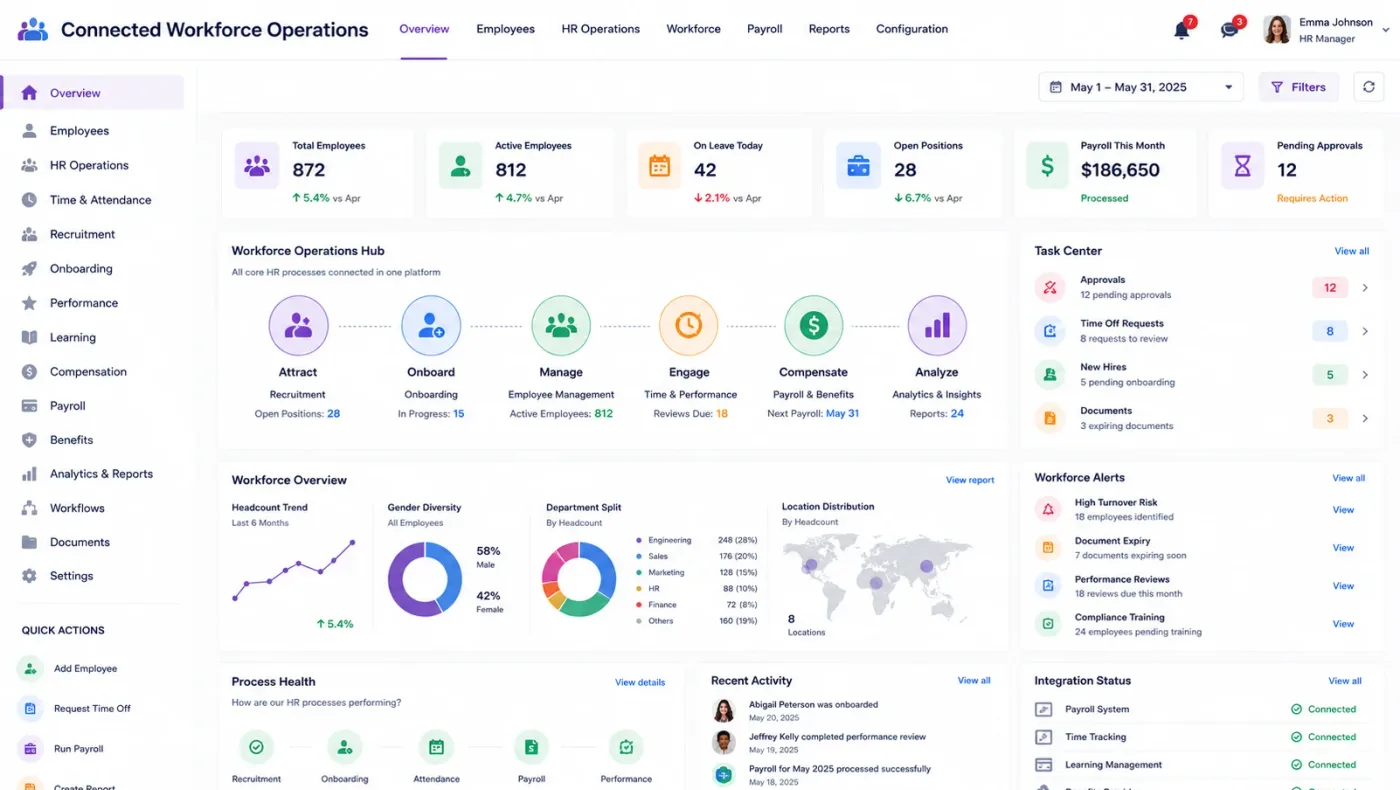
Odoo HR holds one record per employee and runs the workflows around it — joining, attendance, leave, expenses and exit. Employee records carry contracts, documents and reporting lines; recruitment runs job positions through a candidate pipeline; attendance records worked hours; leave is requested, approved and balanced against an allocation; and expense claims are submitted, approved and reimbursed through accounting.
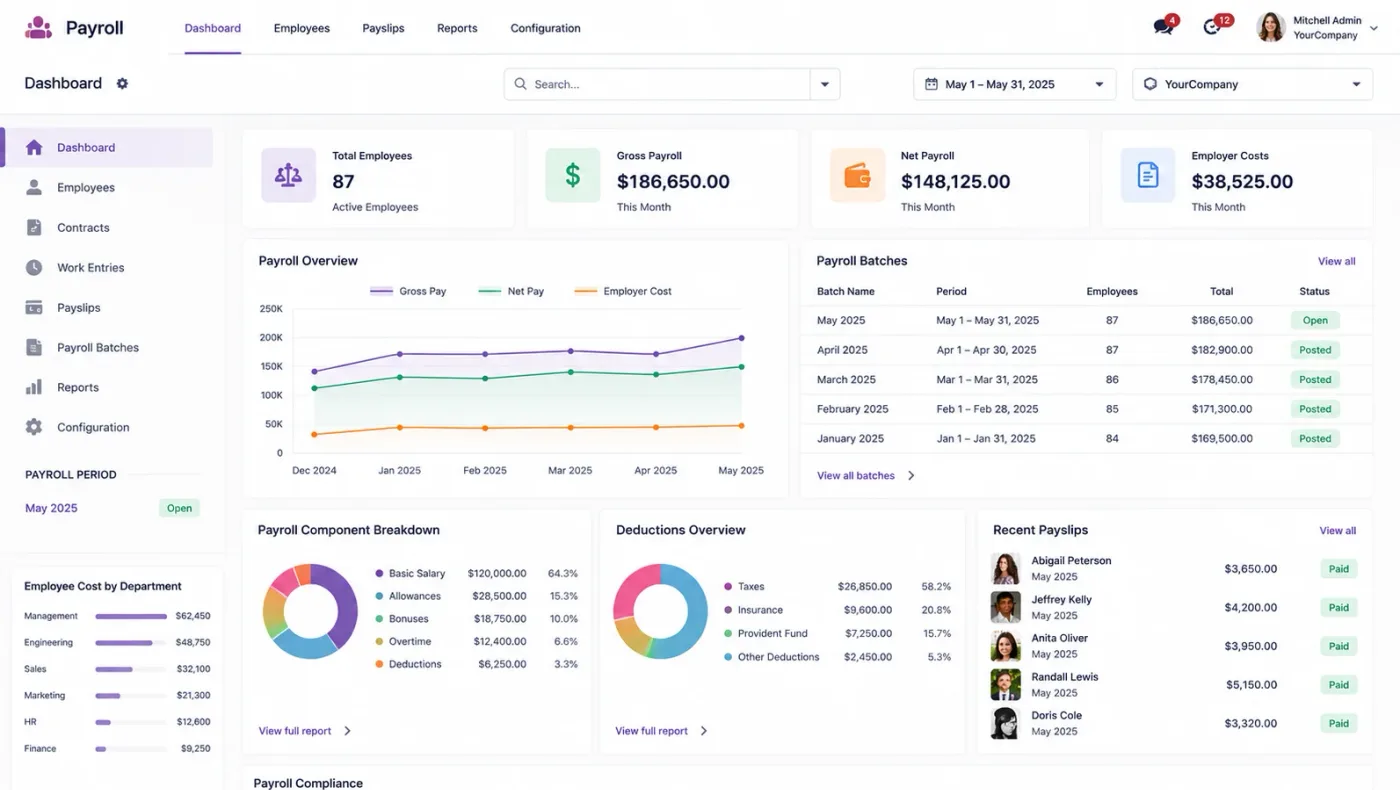
Odoo Payroll is an Enterprise application and its Indian localisation is thin compared with dedicated payroll products. Many of our clients run Odoo for everything else and keep a specialist payroll tool, and we would rather tell you that now.
Six areas make up the HR applications, and their value grows where they touch the rest of the system.
One record per person with contract, documents, reporting line, department, skills and history, replacing the folder and the three spreadsheets.
Check-in and check-out from kiosk, browser or integrated device, measured against a working schedule, with worked hours available to payroll or projects.
Leave types with allocations, requests and approvals in the system, balances visible to the employee, and a calendar managers can plan around.
Job positions with a candidate pipeline, interview stages, documents and the eventual conversion of a hire into an employee record.
Claims submitted with receipts, approved by the reporting line, and posted and reimbursed through accounting rather than settled in cash.
Employees seeing their own leave balance, applying for time off, submitting expenses and finding their documents without asking the HR team.
Attendance produces worked hours. Timesheets book those hours against projects, so a services business gets cost and utilisation from the same data. Expenses post to accounting and reach the project they belong to. Leave shows in the planning view so a manager allocating work does not assign someone who is away.
Where HR sits in the same database as projects and accounts, those connections are free. Where it sits in a separate product, each one is an integration.
These are the configuration decisions that are cheap to make now and structural to change once transactions exist. We walk through each one before a single record is migrated.
The calendars people are actually measured against, including shifts and six-day weeks. Wrong schedules make every attendance and leave figure wrong.
Types, allocations, carry-forward, encashment and who approves what. Written as configuration rather than as custom judgement each time.
Accurate manager relationships, because every approval chain in the system follows them and a stale chart stalls approvals.
Kiosk, browser, mobile or a biometric device. Device integration is a scoped piece of work, not a setting.
Categories, limits, what needs a receipt and what needs pre-approval, so the rules are enforced rather than remembered.
Whether payroll runs in Odoo or stays in a specialist tool, and what crosses between them. The decision that defines the project scope.
What employee documents are stored and who can see them, because an HR record is the most sensitive data in the system.
Odoo moves features between Community and Enterprise from one version to the next, so the list below is what holds today and is confirmed against your own version during the diagnosis rather than taken as permanent.
Community covers the foundation: employee records, departments, contracts, attendance, leave and recruitment, with expenses posting through accounting.
Enterprise adds payroll, appraisals and planning. For Indian businesses the payroll question deserves more care than a feature comparison, because statutory handling is where dedicated products are genuinely ahead.
We would rather say this before you buy licences than after. These are the areas where we scope real development, recommend a bolt-on, or tell you another tool is the better answer.
PF, ESI, professional tax and TDS handling in Odoo is basic next to dedicated Indian payroll products. Most of our clients keep a specialist tool.
PF and ESI returns, Form 16 and challan generation are not Odoo functions and need either custom work or a payroll product.
Attendance devices need an integration per device family rather than a configuration setting.
Rotating shifts with skill and coverage rules usually need Planning plus development.
OKR or competency frameworks beyond the Appraisals application need custom modelling.
eLearning suits internal training and short courses; it is not a full LMS with certification tracking.
Implementing Odoo HR needs more than installing the application. It should reflect how your business already works, and change only what is worth changing.
Understand your headcount and shift patterns, how leave is applied for today, how attendance is captured and whether payroll is in scope.
Settle working schedules, the leave policy in rules, reporting lines and the payroll boundary before anything is configured.
Set Odoo HR up around how you work rather than installing it at its defaults, and build only what configuration genuinely cannot reach. See Odoo customization.
Masters, open items and opening balances prepared and loaded. Data cleaning is scoped explicitly, because it is usually the largest single task. See Odoo migration.
Your team runs real transactions in a test database before go-live, including the awkward cases that never appear in a demonstration.
Role-based training for the people who key transactions daily, then cutover, hypercare and ongoing support and AMC.
We do not publish one price, because the same application costs very differently depending on the factors below. We do publish what moves the number, and the price is fixed in writing before work starts.
We tell clients to keep their payroll software. It loses us scope and it is the right advice for Indian statutory handling, and an HR project that fails on payroll takes the rest of the implementation down with it.
Product capabilities stated on this page are documented by Odoo. The configuration advice, edition notes and limitations come from our own implementations.
Tell us your headcount and whether payroll is in scope. Those two answers decide the shape of the project, and the diagnosis call is free.