
Custom business logic
Calculations, validations or processing rules that differ from standard Odoo workflows.
Is Odoo missing a business function your team depends on, or are existing modules unable to support your workflows?
Custom modules that extend standard functionality, implement specific business rules and support processes configuration cannot handle — built to be tested, maintained and carried through future upgrades.
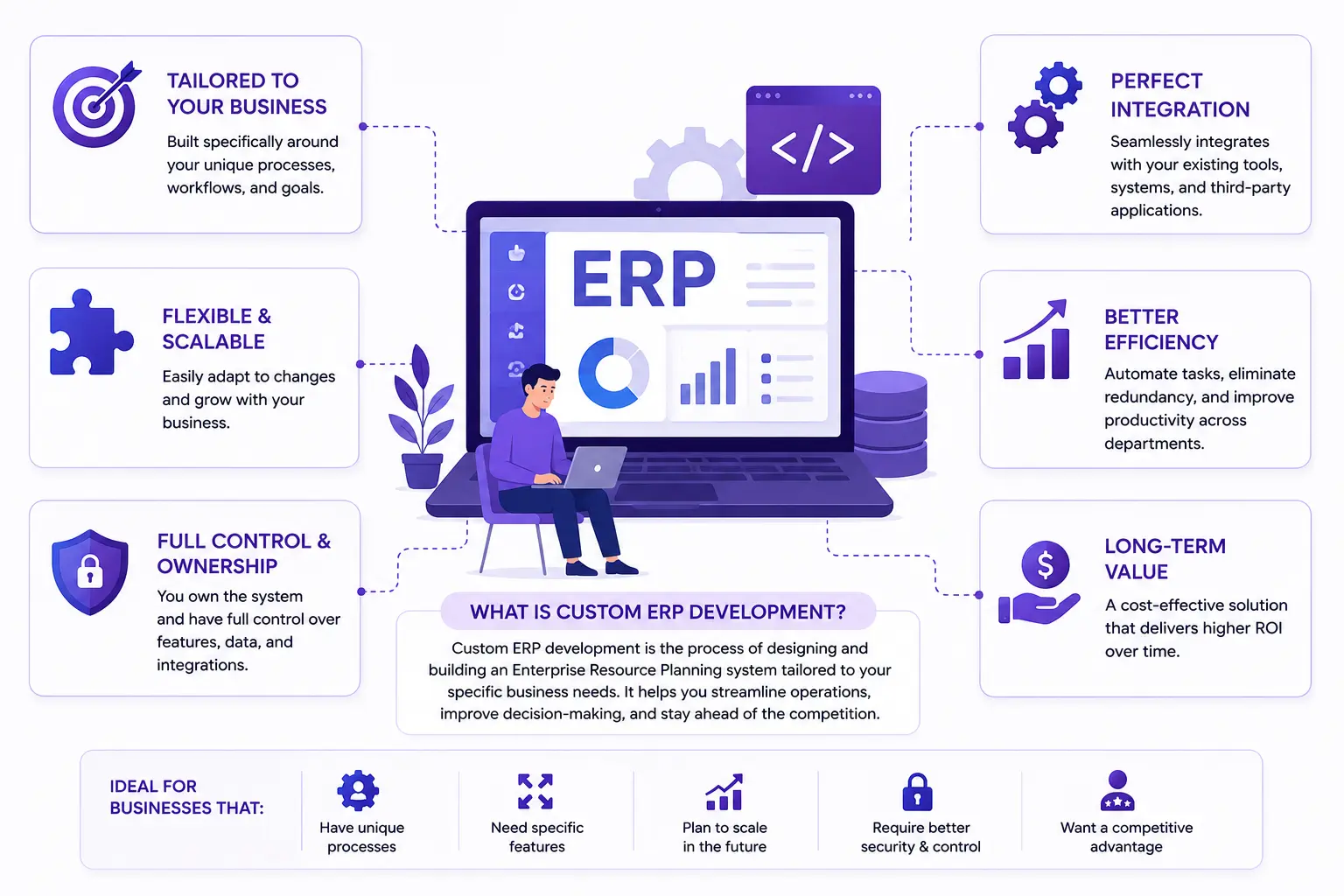
Businesses extending Odoo beyond standard features







Custom module development means creating or extending Odoo modules to support business requirements that standard functionality and configuration cannot address. A module is a unit with its own manifest, dependencies, models, views and security rules — which is what makes it testable, reviewable and upgradeable, rather than a change scattered through someone else’s code.
Before development, assess whether the requirement can be addressed through standard Odoo configuration, an existing module, or an inheritance-based extension. If configuration already meets it, a custom module only adds maintenance.
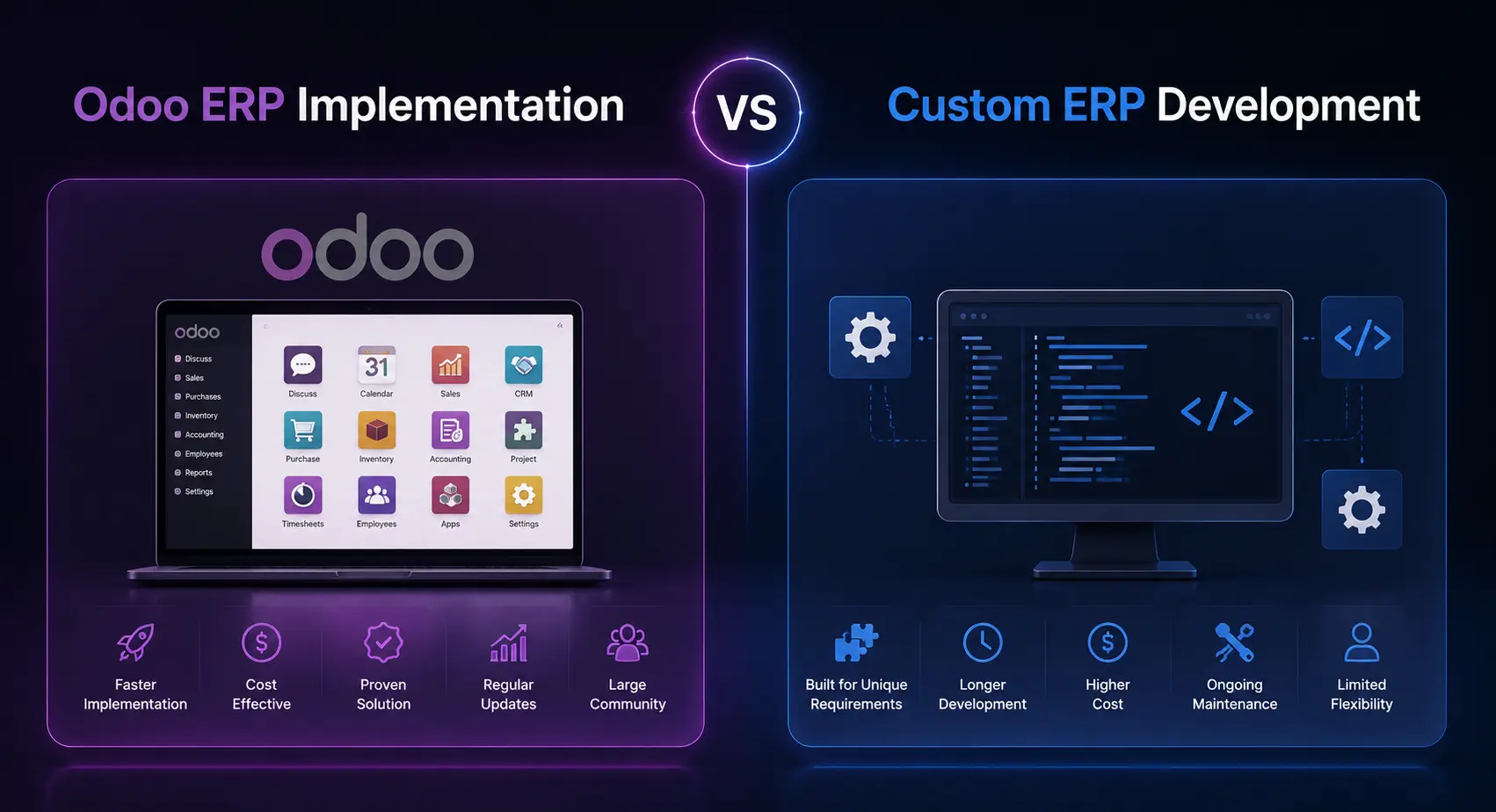
Custom module development is worth considering when standard Odoo features and configuration cannot meet a defined business requirement. Common development requirements include:
Calculations, validations or processing rules that differ from standard Odoo workflows.
Business-specific information that does not fit existing Odoo data structures.
Approval levels, conditional validations or role-based actions added to existing processes.
Forms, list views, reports or user interactions shaped around specific operational tasks.
Module-level logic for actions that depend on particular records, conditions or events.
Model access rights and record rules for users with different responsibilities.
The module scope depends on the business requirement and the existing Odoo architecture. A module is rarely only one of these — a new model usually brings views, security rules and a report with it.

Custom modules must follow Odoo’s framework and interact correctly with existing applications. The developer should also understand module dependencies and upgrade implications: changes to standard models, inherited methods or external dependencies can affect existing functionality during a future upgrade.

If configuration or an existing Odoo application already meets the requirement, a custom module adds maintenance you will carry at every upgrade. Define the functional gap before deciding.
A custom module can affect future version upgrades. Changes in Odoo models, methods, views, dependencies or framework APIs may require module updates, so modules should be reviewed and tested against each target version.
These details let the developer assess the existing architecture, identify dependencies and estimate the work honestly.
The operational problem and the expected outcome.
The standard modules and existing custom modules involved.
Fields, calculations, validations, user actions and workflow conditions.
Who can view, create, edit, approve or delete the relevant records.
Other modules, integrations and existing customizations that may be affected.
Odoo version, hosting setup and available source code.
Expected results and the business scenarios that must be validated.
Customization is the service and the outcome. A custom module is the deliverable it usually arrives in.
The service view: scope, approach and what customization covers.
When an existing custom module is the thing that is broken.
Carrying custom modules onto a new Odoo version.
Where Studio stops and a module starts.
Two modules that each work alone and fail together.
All capabilities, and how engagement works.
The Odoo behaviour this page describes, in Odoo’s own documentation.
Every capability
Each Odoo capability has its own page: what the work involves, when configuration would have been enough, and what to settle before hiring for it.
Journal rules, reconciliation, tax workflows and financial reports.
Custom endpoints, controllers, authentication and payloads.
Automated actions, scheduled processes and cross-app rules.
Python exceptions, ORM defects and access-rule conflicts.
Lead routing, pipeline stages, activity automation and sales reporting.
Storefront behaviour, checkout logic and payment providers.
Direction, field mapping, duplicate prevention and retries.
Equipment, preventive schedules and repair workflows.
BoMs, work orders, routing, scrap and shop-floor data capture.
Version upgrades where custom modules and history must survive.
QWeb templates, PDF layouts, XLSX output and calculations.
Customer and vendor portals, and the access rules behind them.
Or start at hire an Odoo developer for hiring models, code ownership and how engagement works.
Share the business requirement, the Odoo applications involved and any existing customizations. If configuration or an existing module already covers it, we will tell you before quoting development — and the diagnosis call is free.