
Missed maintenance schedules
Standard preventive maintenance planning may not cover schedules based on machine runtime, production cycles or equipment usage.
RuntimeCycles
Equipment breakdowns disrupting production? Preventive maintenance getting missed, or repair requests difficult to track?
Equipment tracking, preventive maintenance schedules, maintenance request workflows and work-centre operations — customised in the Odoo Maintenance application against your machines and your service rules.
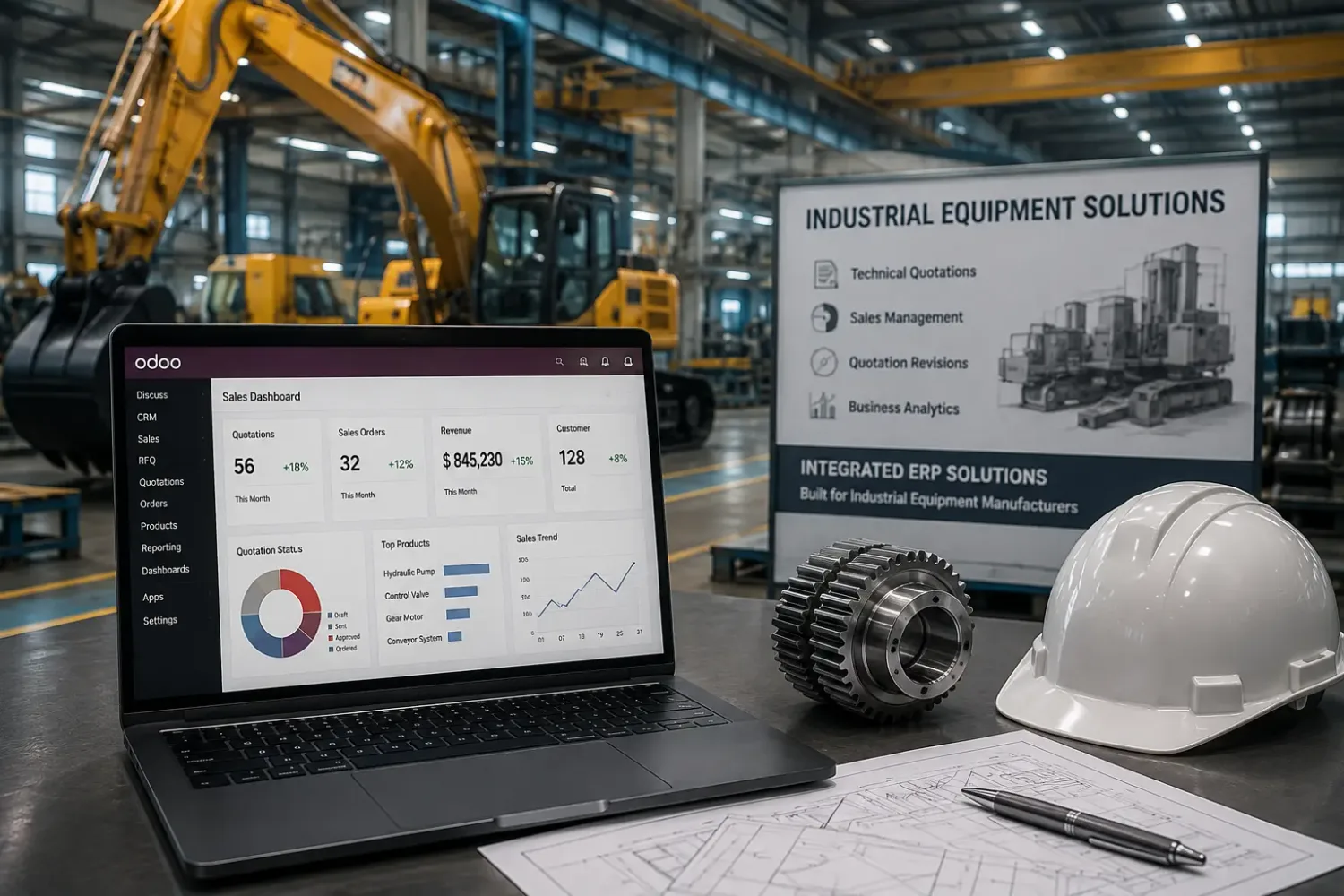
Plants and workshops running on Odoo







An Odoo maintenance developer customizes equipment records, maintenance requests, preventive maintenance rules, reporting and integrations with applications such as Inventory and Manufacturing. Odoo Maintenance already supports equipment management and both corrective and preventive requests — so these requirements should be assessed against the existing configuration before any custom development is introduced.
This page is about the Odoo Maintenance application: machines, equipment and servicing. If you are looking for support and upkeep of the Odoo software itself, that is Odoo support & maintenance — a different service with a confusingly similar name.
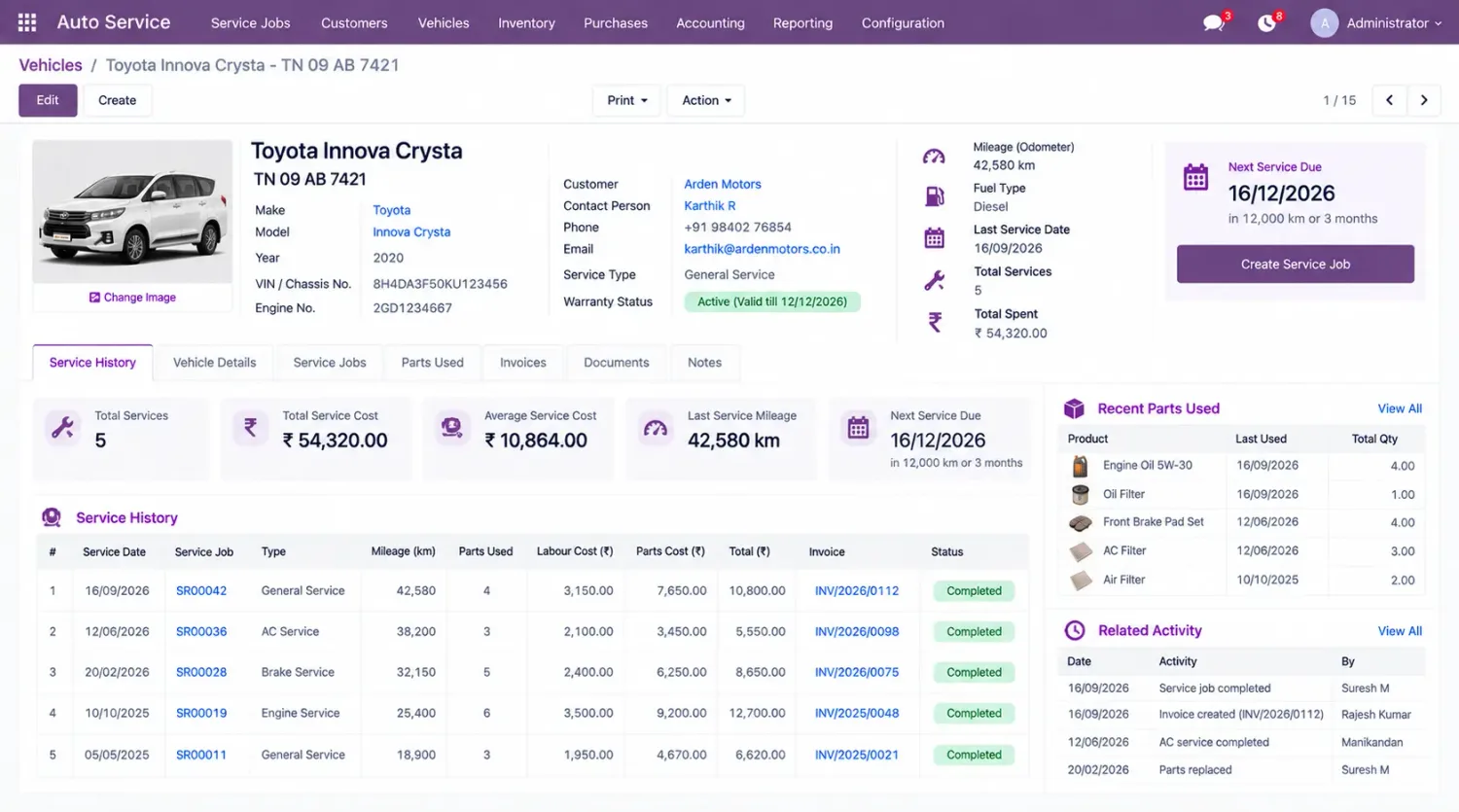
Every maintenance customization sits at one of these five points. Naming which one is the quickest way to scope the work.
The interval, runtime or meter reading that says a machine is due.
Preventive or corrective, raised by whoever noticed, approved by whoever must.
The team, technician, shift or location the work belongs to.
The job itself, the parts consumed and the inspection recorded against it.
Cost and service record against the equipment, which is what the next decision uses.
Odoo Maintenance supports equipment management and corrective and preventive maintenance requests. However, businesses with complex machinery, multiple facilities, or specific maintenance procedures may need additional functionality.
Standard preventive maintenance planning may not cover schedules based on machine runtime, production cycles or equipment usage.
Businesses may need additional service records, inspection details, component replacement history or equipment-level cost tracking.
Maintenance requests may require custom approval stages, priority rules, technician assignment or escalation workflows.
Maintenance teams may need more specific workflows to reserve, consume and track spare parts through Inventory.
Maintenance activities may need additional rules for coordinating equipment availability with manufacturing schedules. See hire an Odoo manufacturing developer.
Businesses operating across plants or locations may need custom maintenance permissions, reporting and equipment ownership rules.
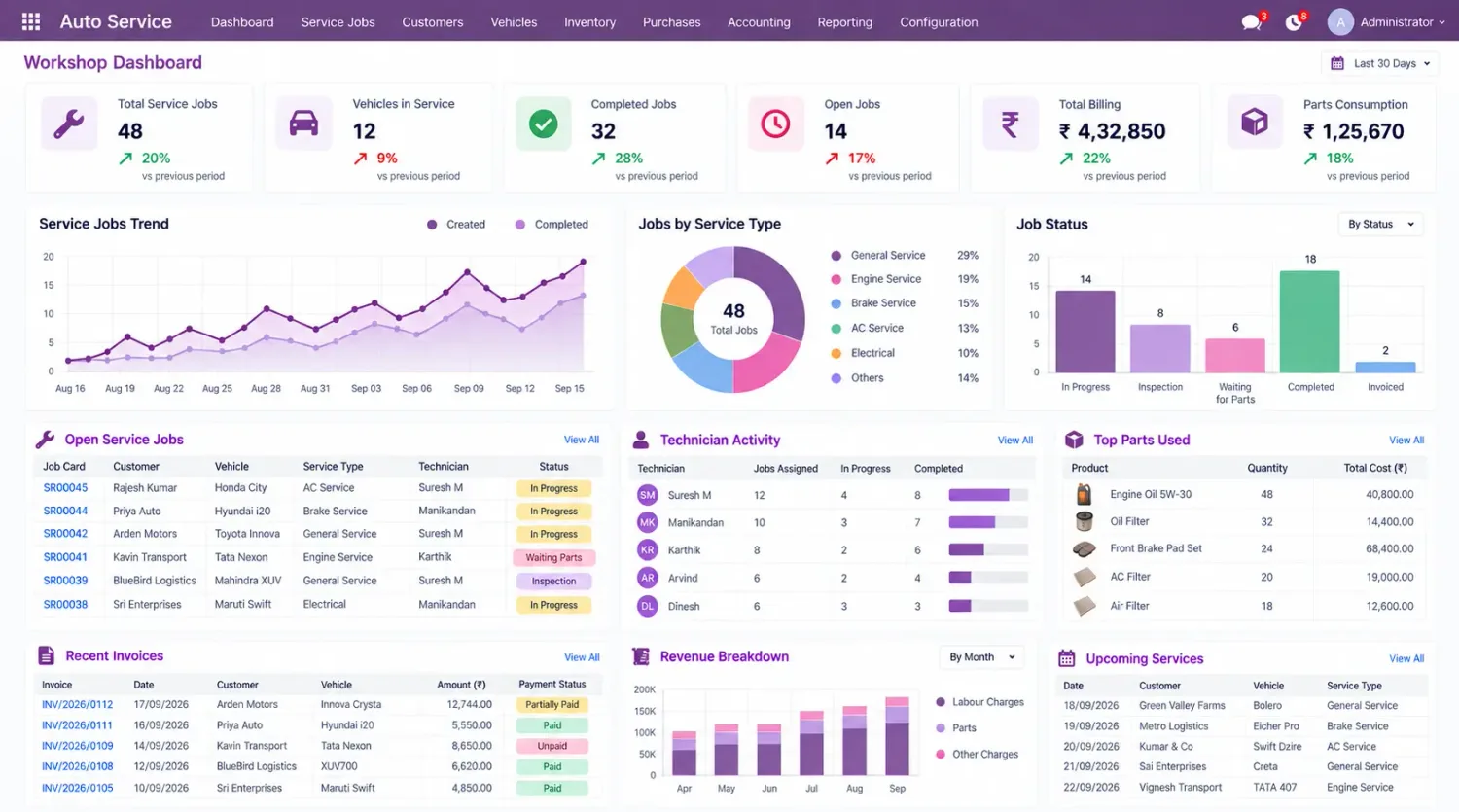
Develop maintenance triggers based on machine operating hours, production cycles or meter readings when these requirements are not covered by standard scheduling. Odoo supports preventive maintenance scheduling from configured equipment maintenance intervals; custom development is for triggers the interval cannot express.
A usage-based trigger is only as good as the reading behind it, so where the hours or cycles come from is the first thing to settle — an operator entry, a work order, or a machine feed.

Add custom approval steps, request validation, escalation rules and technician assignment based on business requirements. Extend the request form, stages, notifications and the conditions under which a request may be closed.
Assignment should respect access rules so a technician sees the equipment and requests they are responsible for — and a plant manager sees their plant, not every plant.
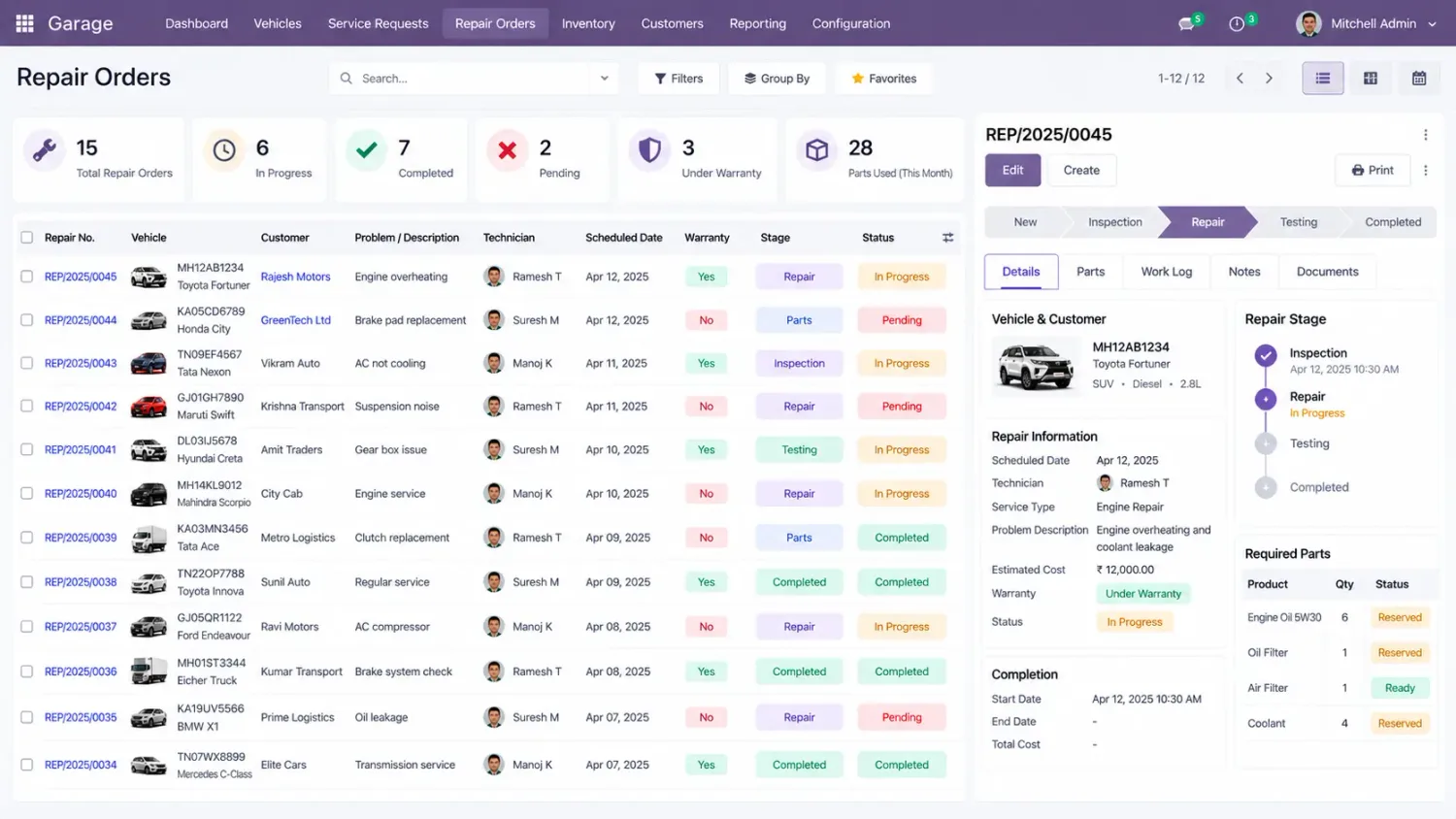
Extend equipment records to capture inspections, component replacements, repair details and additional maintenance information, and develop the inspection criteria your service procedures actually use.
The developer should understand Odoo’s standard maintenance metrics — Mean Time Between Failure and Mean Time To Repair — before extending equipment performance reporting, because a custom metric that contradicts the standard one is worse than no metric.
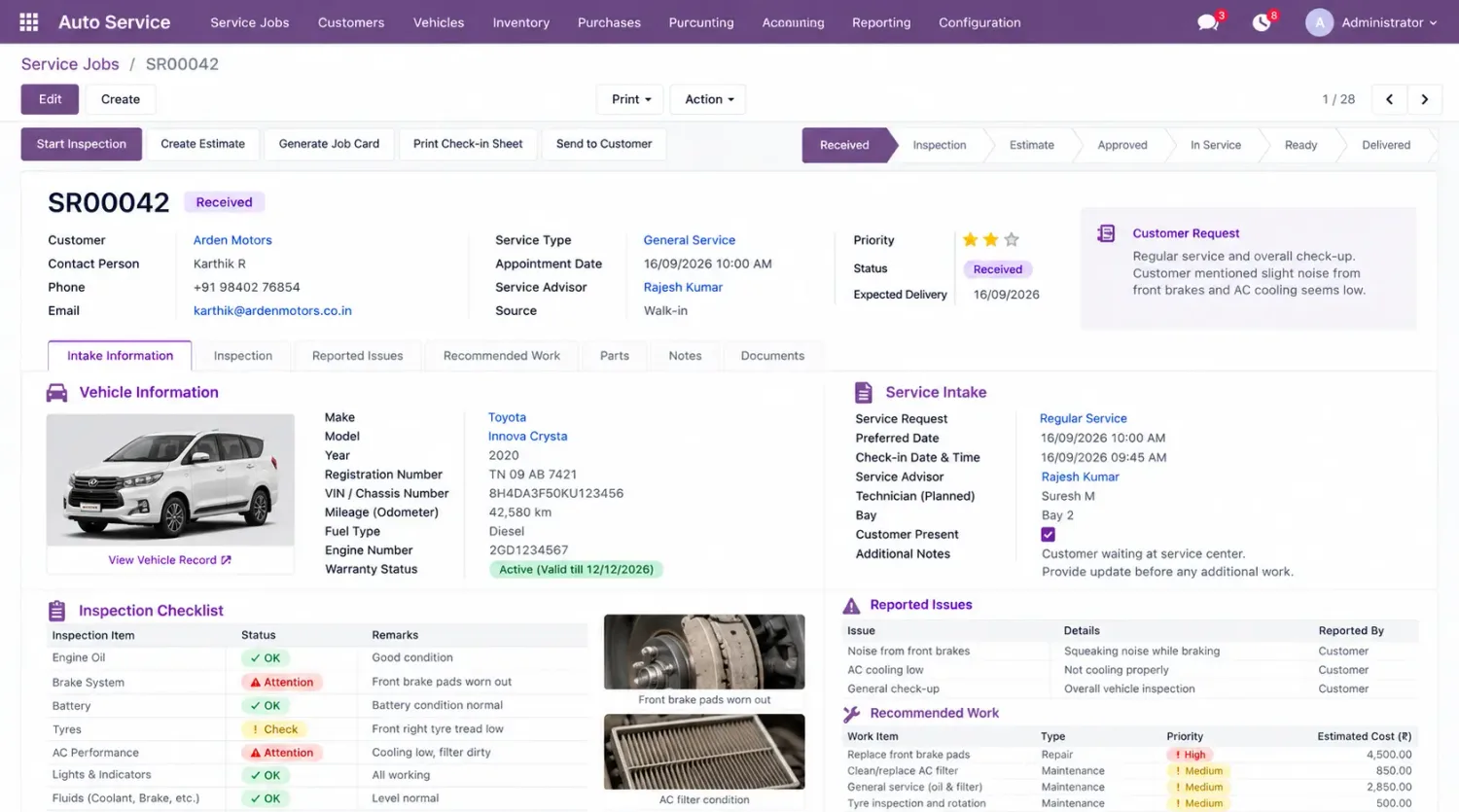
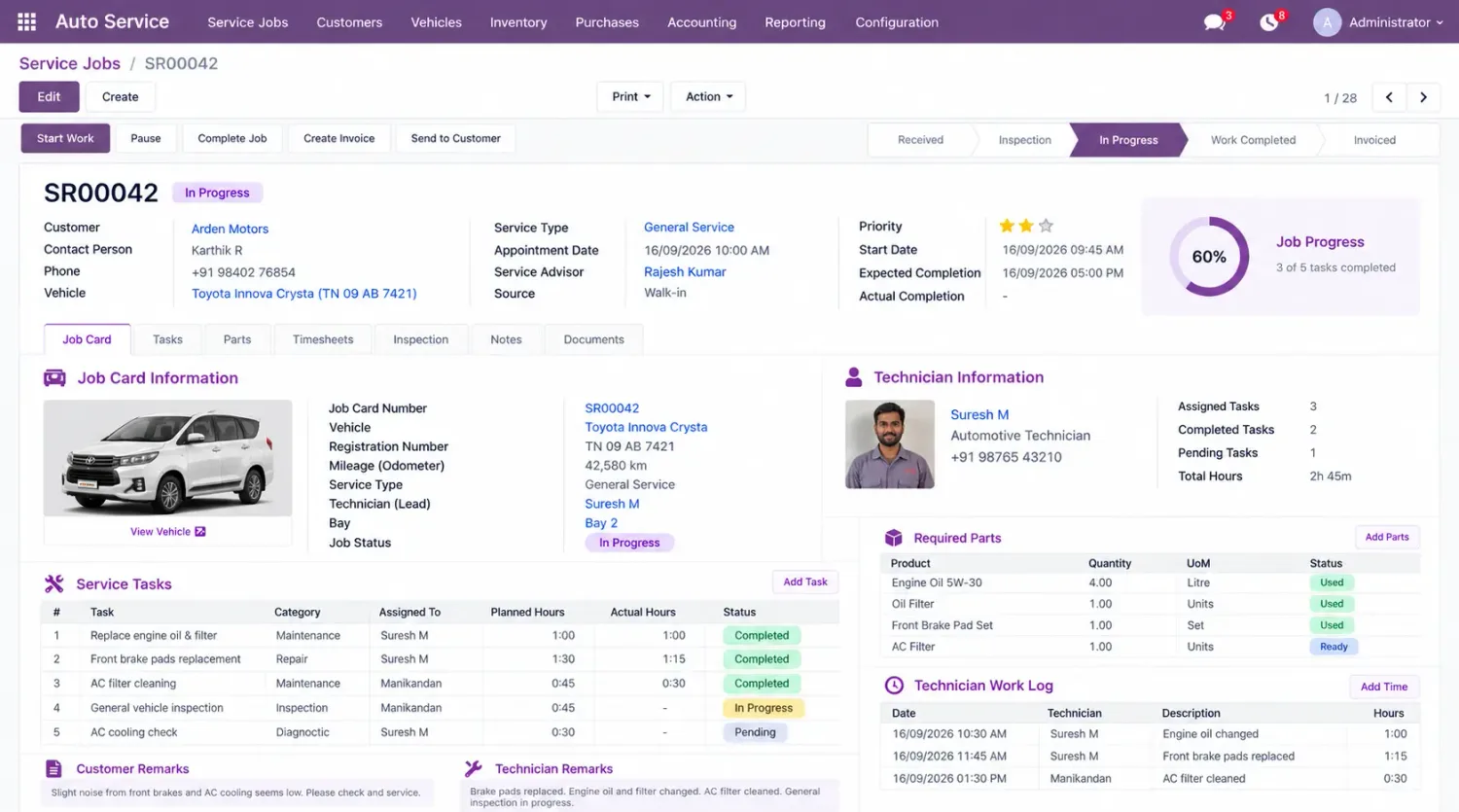
Connect maintenance workflows with Inventory to manage parts availability, reservations and consumption during servicing, and extend cost records to analyse labour, spare parts, external service expenses and equipment-level maintenance costs.
Spare parts movements must be handled without compromising stock accuracy. A part consumed on a job and never recorded is both a wrong stock figure and a missing line in that equipment’s cost history.
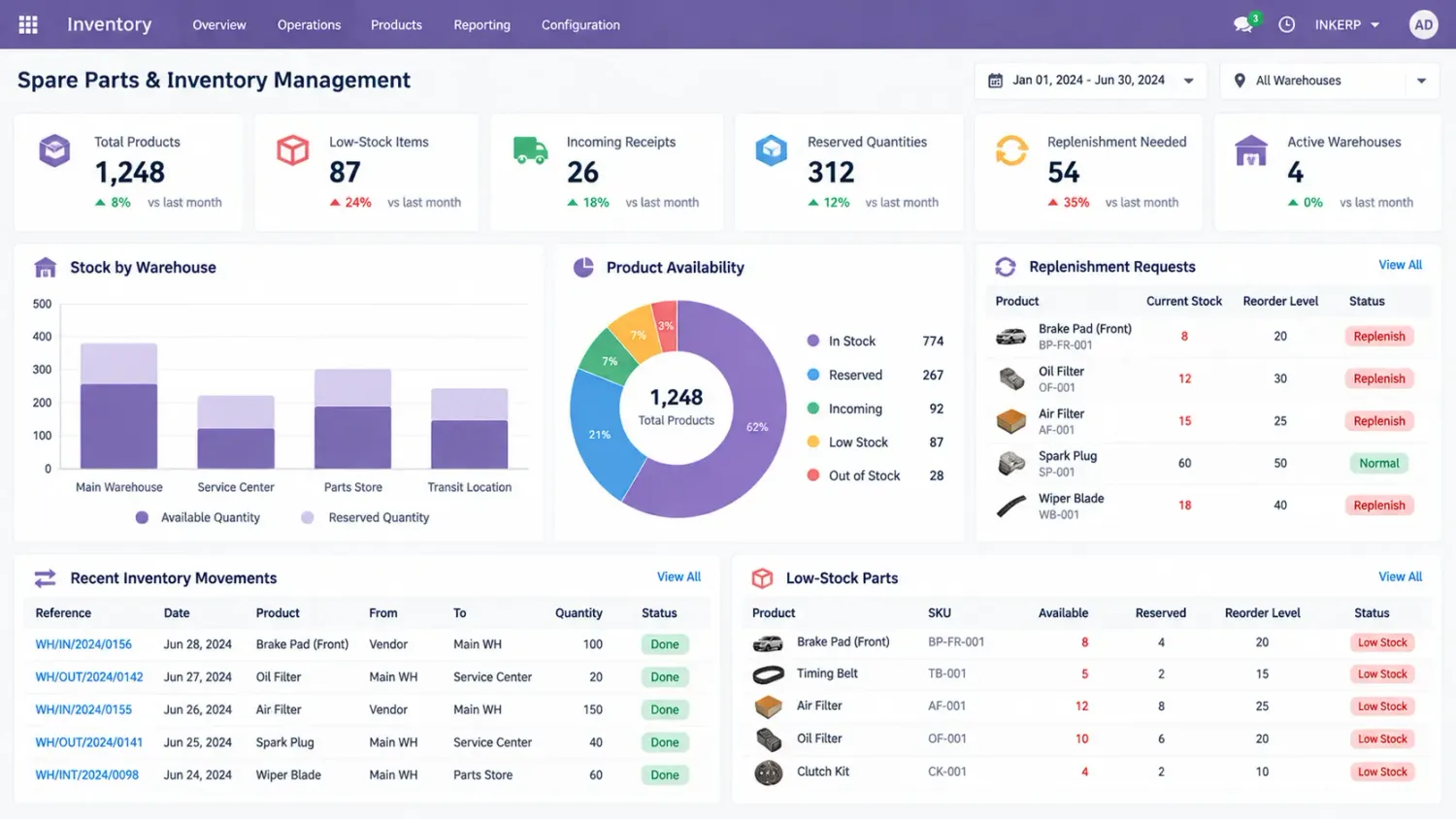
Maintenance customization requires knowledge of Odoo’s data models and its connection with manufacturing and inventory operations.
Extend equipment and maintenance request models, fields, business methods and validations.
Implement custom scheduling rules using equipment usage, service intervals or operational conditions.
Customize forms, list views, kanban stages, access rules and request processing.
Handle spare parts movements, stock availability, reservations and consumption without compromising stock accuracy. See Odoo Inventory.
Work with work centres and manufacturing orders to coordinate maintenance with production. See Odoo Manufacturing.
Develop maintenance reports, scheduled actions, notifications and automated business rules where required.
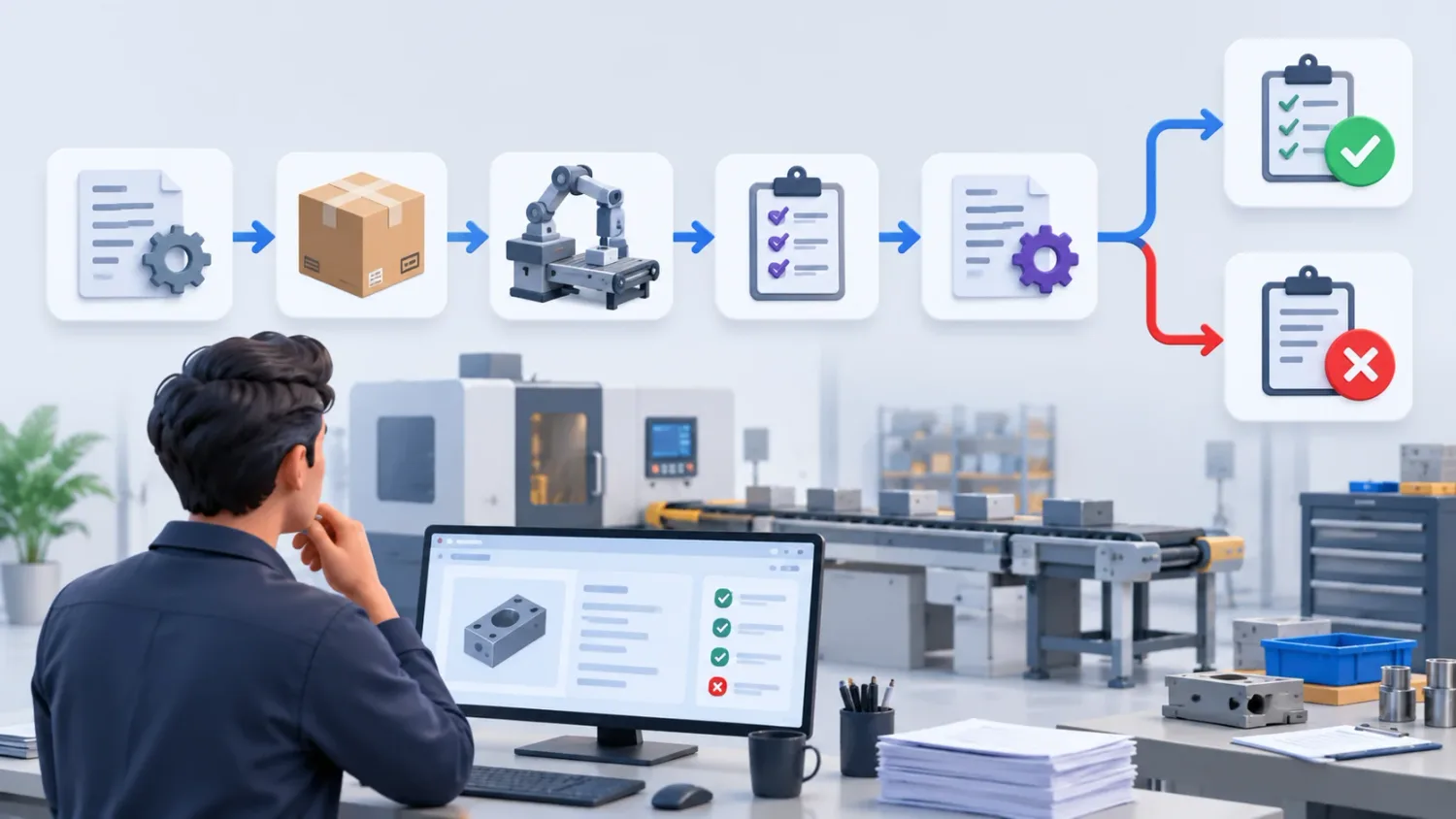
If standard equipment records, maintenance requests, calendars and reporting already meet your requirements, configuration may be sufficient. Consider custom development when your business needs:
Preventive maintenance based on machine usage or production cycles rather than fixed intervals.
Specific inspection, approval and equipment servicing workflows.
Better coordination between maintenance, manufacturing and inventory.
Repair costs and detailed service history tracked per machine.
Maintenance management across multiple plants, with permissions and reporting per location.
Additional reporting beyond standard maintenance views and metrics.
These details help the developer identify which requirements can be configured and which need custom code.
The machinery, tools, equipment categories and work centres involved.
Preventive schedules, inspection intervals, usage-based triggers and corrective maintenance procedures.
Who can raise, approve, assign and close maintenance requests.
Spare parts, stock movements and consumption rules linked to maintenance activities.
The equipment performance, repair costs, downtime and maintenance history you need to monitor.
Version, Community or Enterprise edition, hosting arrangement and installed applications.
For requirements beyond the Maintenance application, and the pages this one depends on.
Hiring models, what code ownership means, and how to judge an Odoo developer.
Work centres, production schedules and the orders maintenance interrupts.
Where spare parts live, and the stock accuracy maintenance must not break.
Support for the Odoo software itself — a different service with a similar name.
Custom modules built to survive version upgrades, quoted separately.
The named people who would do the work, with the Odoo areas each one covers.
The Odoo behaviour this page describes, in Odoo’s own documentation.
Need usage-based preventive schedules, structured repair requests, spare-parts coordination or equipment-level cost reporting? Share your equipment, maintenance rules and Odoo version so we can tell you whether this is configuration or code — and the diagnosis call is free.