OdooBots
Loading
Capability · Odoo API

Hire Odoo API Developer

Is Odoo failing to exchange data reliably with your website, eCommerce platform, payment gateway, or business applications?

Custom API endpoints, external system connections, automated data exchange and integration troubleshooting — built against your Odoo version, access rules and data structure, not against a generic connector.
Karthik RajOdoo Technical Consultant, 10+ years| Reviewed by Suresh Babu| Updated 5 November 2026| Endpoints · auth · mapping · sync
0Odoo projects delivered
0Consultants & developers
Config firstCode only where needed
ChennaiAmbattur, Tamil Nadu
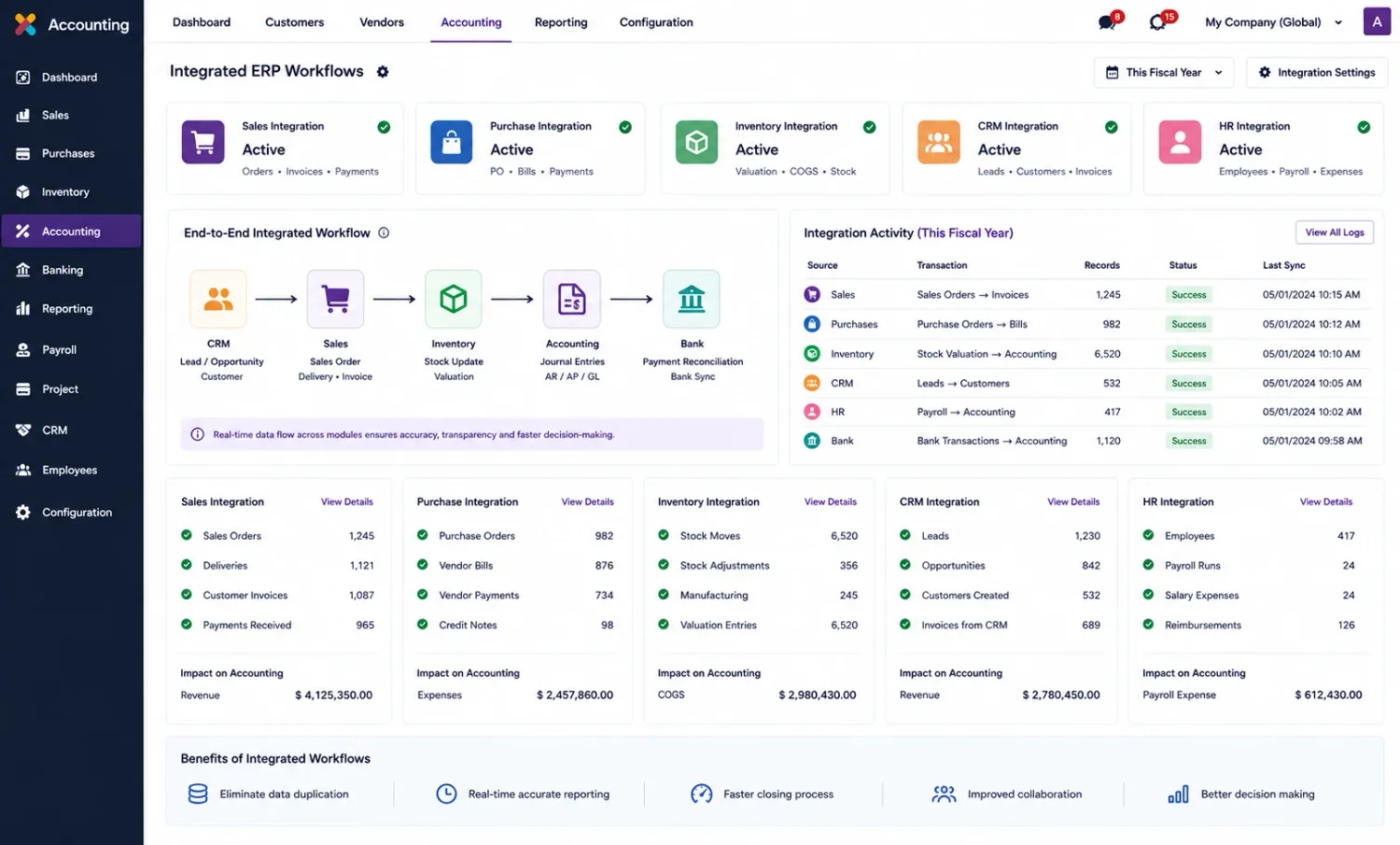
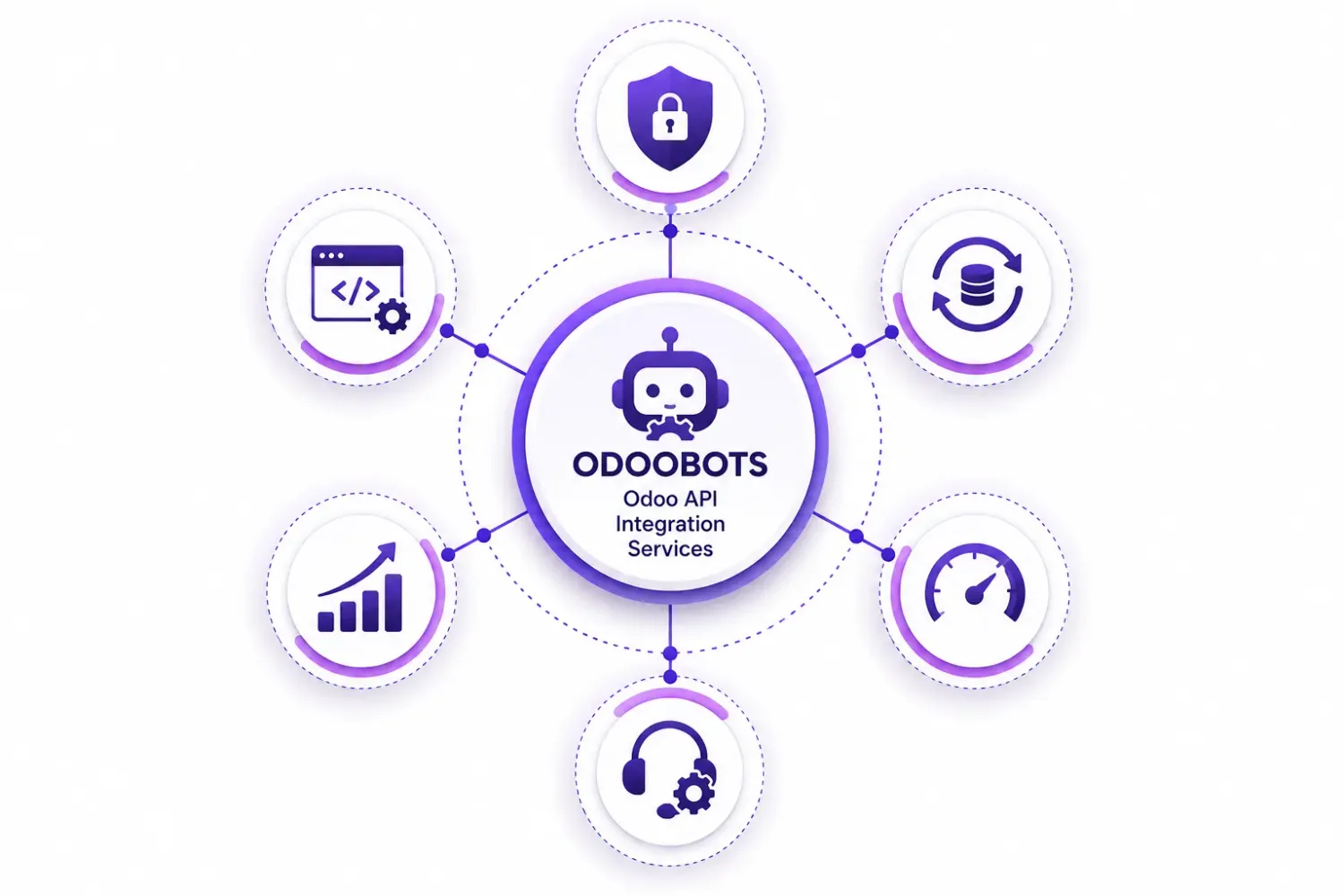
A diagram of OdooBots Odoo API integration services with code, database, analytics and support nodes around a central mark
10+
Karthik RajTechnical Consultant

Businesses connecting Odoo to other systems

Dhanalakshmi Industries logo Sanjeev Autoparts logo Electro Flux Equipments logo Anchor Marine Equipment Company logo NEXG logo PV Constructions logo SESS logo
Definition

What does an Odoo API developer do?

An Odoo API developer builds and maintains integrations between Odoo and external applications — custom endpoints, data synchronization, authentication, field mapping and API error handling. An API connection may work initially and fail when business processes become more complex, so the work is less about connecting two applications than about making the exchange follow the actual data structure, access rules and transaction requirements of your Odoo environment.

If an existing connector or standard configuration already meets the requirement, custom development may not be necessary. Odoo integration services covers the connector-led route; this page is the code underneath it — controllers, authentication, payloads and the failure handling around them.
External API
Odoo’s own interface for reading and writing records from outside. Enough for most exchanges, before any custom route is written.
Controller
A custom HTTP route inside an Odoo module, for when one business operation has to happen as one call.
Field mapping
The translation between the other system’s fields and Odoo’s. Where most "missing data" problems actually live.
Idempotency
Sending the same request twice producing one record, not two. The control that separates a working integration from a noisy one.
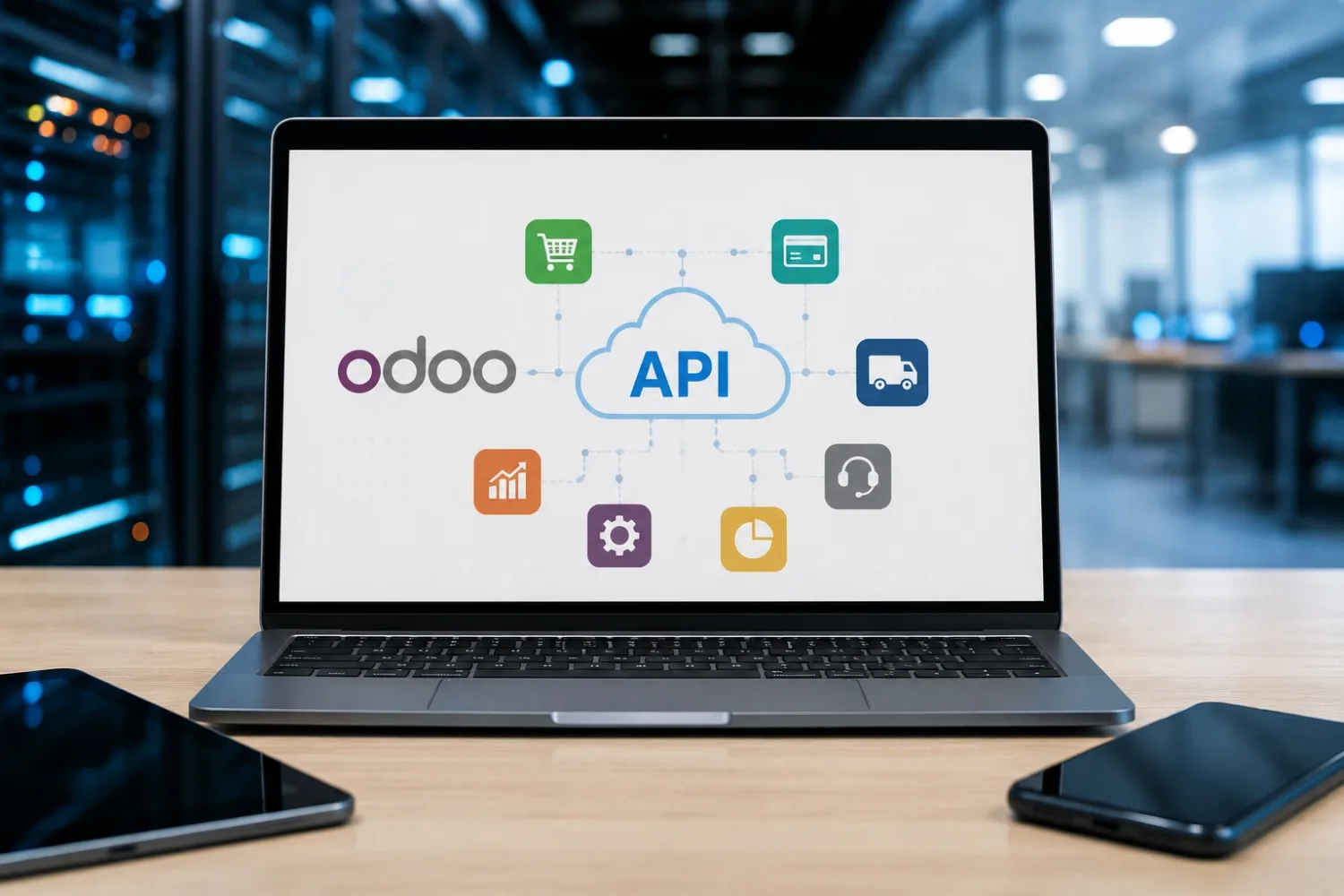
A laptop showing an Odoo logo connected through an API cloud to shopping, delivery, analytics and support application icons
Connecting is the easy half — the hard half is what happens on the second attempt, the malformed payload and the record that already exists.
Connector or code

Do you actually need a custom integration?

A custom endpoint is a surface you then secure, version and maintain for years. It is worth being sure the cheaper route is genuinely closed first.

Start here

An existing route may already do it

  • Odoo’s own external API reads and writes records without any new code.
  • A published connector for the platform, where one exists and is maintained.
  • Scheduled actions and automation rules for work that stays inside Odoo.
  • The external system’s own Odoo app, if it ships one.
Now it is development

Custom endpoints and business methods

  • One external call that has to become several Odoo actions, atomically.
  • Authentication or access restrictions the standard API does not offer.
  • Field mapping and validation the connector cannot express.
  • Duplicate prevention, retry and logging around an exchange that matters.
  • An integration written for an older Odoo version and now facing an upgrade.

See Odoo integration services for the connector-led route, and the sources below for which API applies to your version.

Symptoms

API integration problems that need Odoo development

An API connection may work initially but fail when business processes become more complex. Development support may be required when:

Incomplete data exchange

Orders, customer records, invoices or inventory updates do not transfer correctly between Odoo and external applications.

OrdersStock

Incorrect field mapping

Data structures or field formats differ between Odoo and the connected system, causing missing or inconsistent records.

MappingFormats

Failed API requests

Authentication errors, invalid payloads, access restrictions or endpoint changes interrupt integrations. See why an Odoo 19 API integration fails.

AuthPayloads

Complex business operations

A standard API call cannot perform several related actions under the required business rules.

Controllers

Unreliable synchronization

Duplicate records, delayed updates or repeated requests create inconsistencies across systems.

DuplicatesRetries
An Odoo integrated workflows screen showing sales, purchase, inventory, CRM and HR integrations marked active, with per-integration record counts and success status
Status you can read — an integration without a visible success and failure count is one you only hear about from a customer.
Capability 1 · Endpoints

Custom API endpoints and Odoo controllers

Develop Odoo controllers to expose specific business operations and data to external applications, and extend Odoo models and methods when an integration requires multiple related operations to execute under defined business rules.

A custom route is the right answer when one external action has to become several Odoo actions atomically. It is the wrong answer when the standard external API would have done, because every custom endpoint is a surface you then have to secure, version and maintain.
  • Routes that expose one business operation, not the whole model.
  • Authentication, permissions and record rules decided with the route, not after it.
  • Request validation before anything is written to the database.
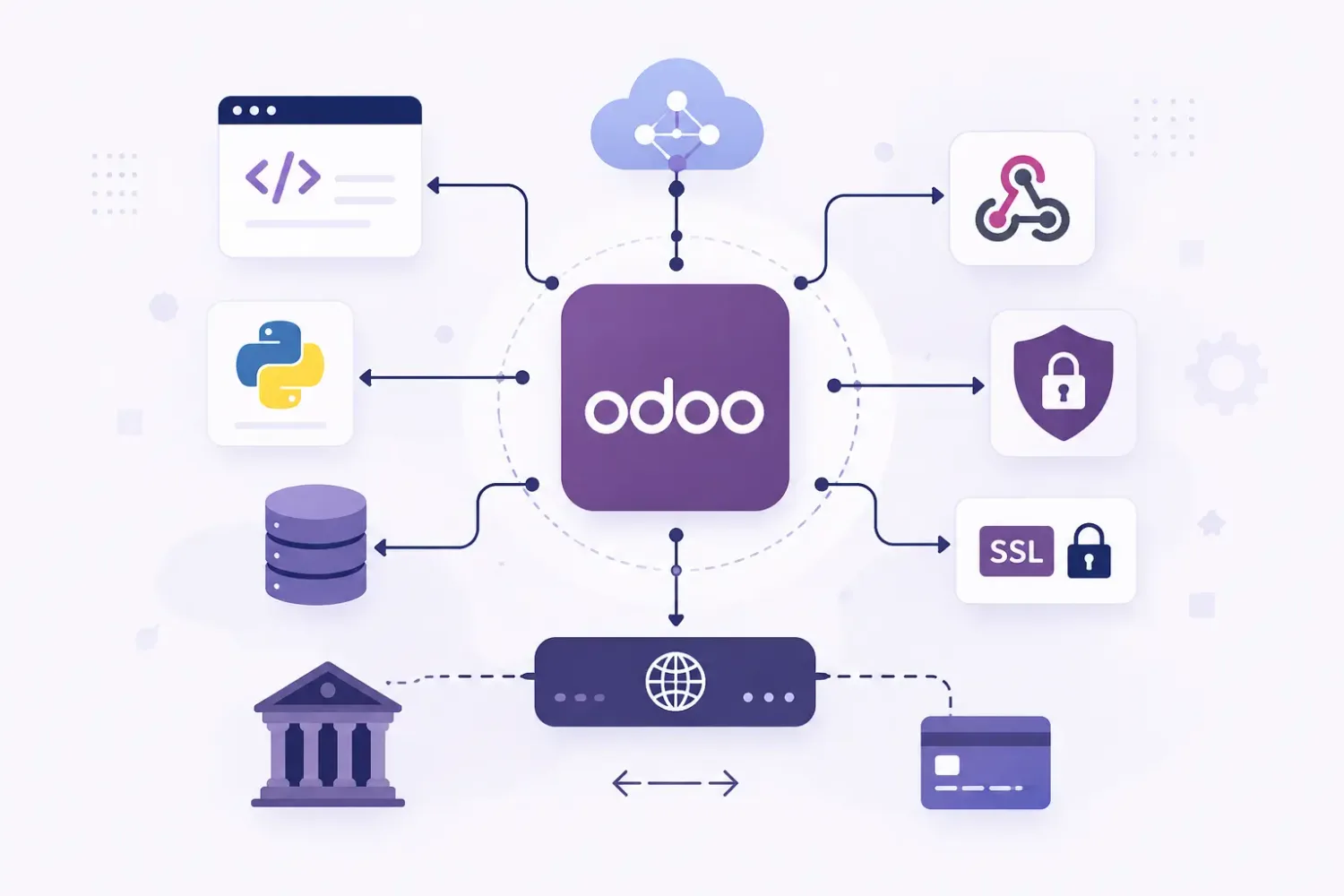
An integration architecture diagram with code, Python, database and banking systems connecting through a central Odoo node to webhooks, SSL and payment endpoints
Through the business logic, not around it — writing to tables directly is faster to build and is how an integration quietly corrupts a database.
Capability 2 · Systems

External system integration

Connect Odoo with websites, eCommerce platforms, payment services, shipping providers, CRM platforms and other business software. The development approach depends on the external application’s API capabilities, Odoo version, hosting environment and required data flow.

Webhook-based communication is implemented where the external system supports it, which reduces the need for repeated polling — and reduces the load an integration puts on the database.
  • The external system’s own limits decide the design, not our preference.
  • Webhooks where supported; scheduled pulls where they are not.
  • Hosting matters: Odoo Online, Odoo.sh and self-hosted differ in what is possible.
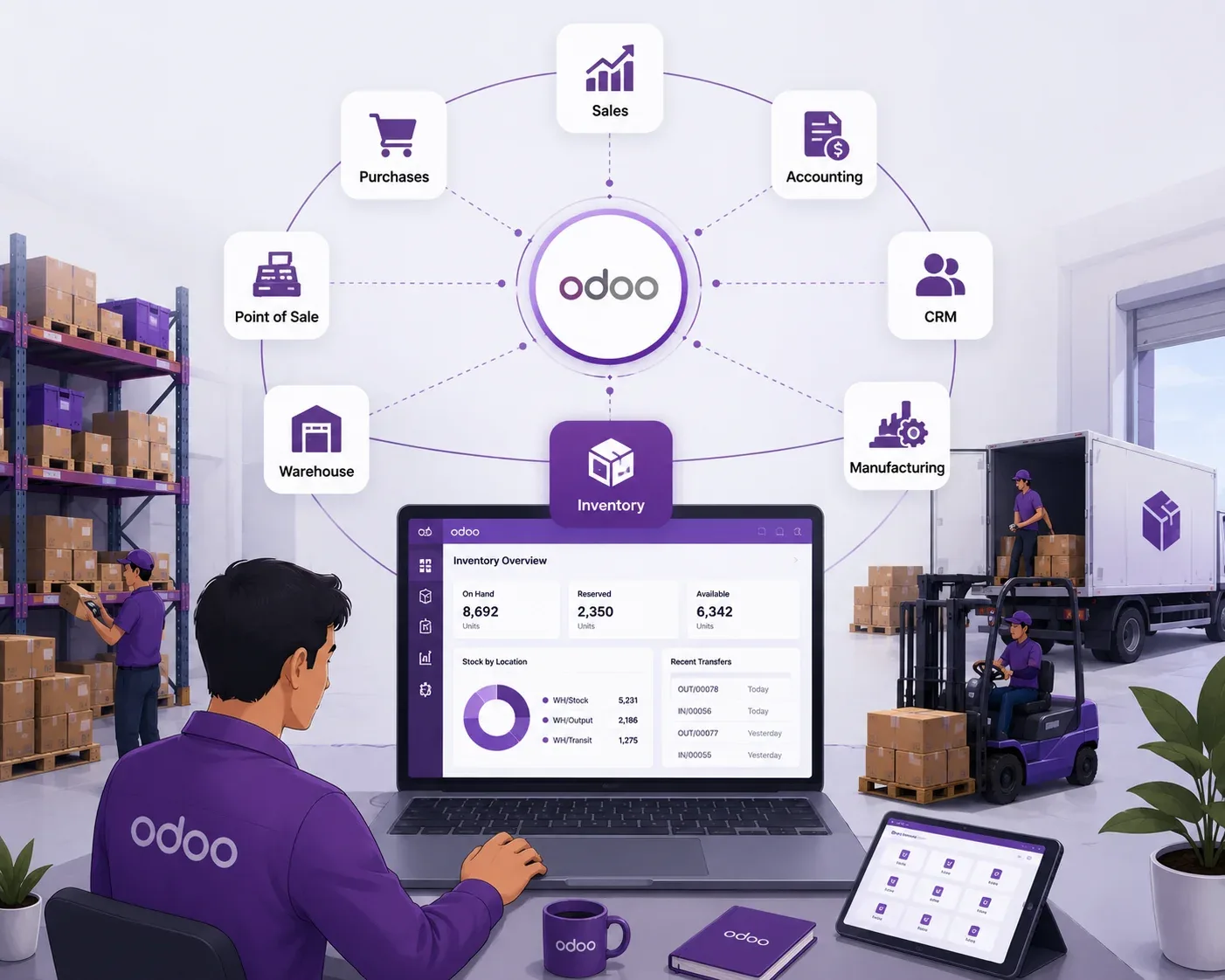
An Odoo hub connected to purchases, accounting, CRM, manufacturing, warehouse and point of sale, beside an inventory dashboard
One system, many doors — each connected application touches records the others depend on, which is why mapping is agreed before code.
Capability 3 · Sync

Data synchronization and error handling

Implement controlled data exchange for customers, products, sales orders, invoices, payments and inventory records, and add validation, logging, retry controls and failure handling so integrations are easier to monitor and maintain.

Duplicate prevention is the control most often left out and the one that costs the most to undo: every exchanged transaction should carry an external reference so a repeat is detectable rather than discovered during a reconciliation.
  • An external reference on every record, so the same payload twice is one record.
  • Failures queue and retry rather than disappearing into a log file.
  • Direction and frequency defined per record type, not globally.
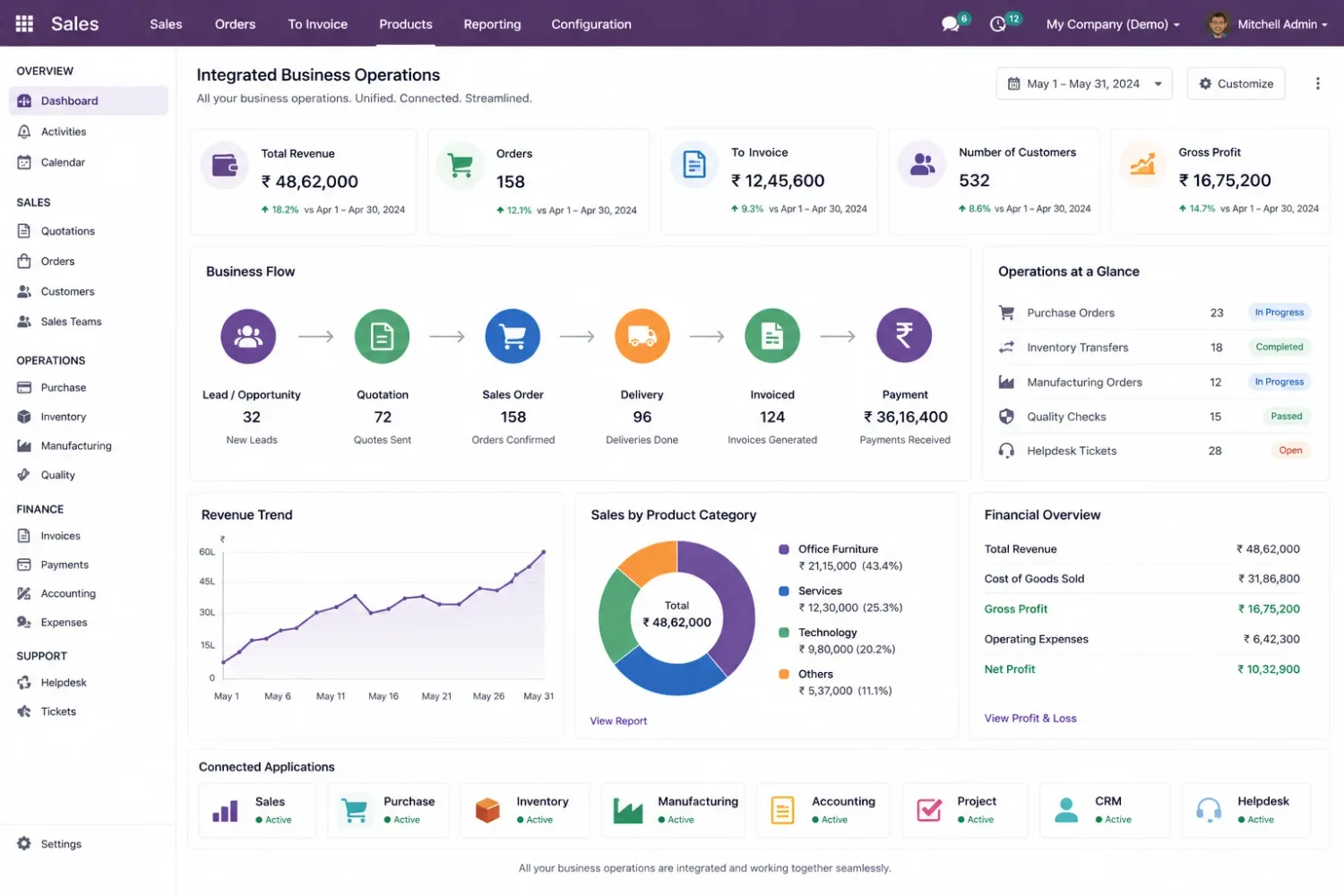
An Odoo business operations screen showing the flow from lead and quotation through sales order, delivery, invoice and payment, with connected applications listed
Sync the flow, not the table — an order that arrives without its delivery and invoice rules is data, not a transaction.
Expertise

Technical skills required for Odoo API development

API development in Odoo involves more than sending HTTP requests. The developer must understand how Odoo handles business data and permissions.

Python and Odoo ORM

Work with models, fields, recordsets and business methods without bypassing Odoo’s application logic.

ORM

REST API and HTTP

Request methods, status codes, headers, JSON payloads and response validation.

HTTPJSON

Odoo controllers

Develop custom routes using Odoo’s controller framework when standard external API access does not meet the requirement.

Routes

Authentication and access control

Configure API authentication, user permissions, access rights and record rules appropriately.

AuthRecord rules

Data mapping and validation

Map external fields to Odoo models and validate incoming data before creating or updating records.

Mapping

Integration testing

Test successful requests, invalid inputs, duplicate submissions, API failures and synchronization scenarios.
Failure cases
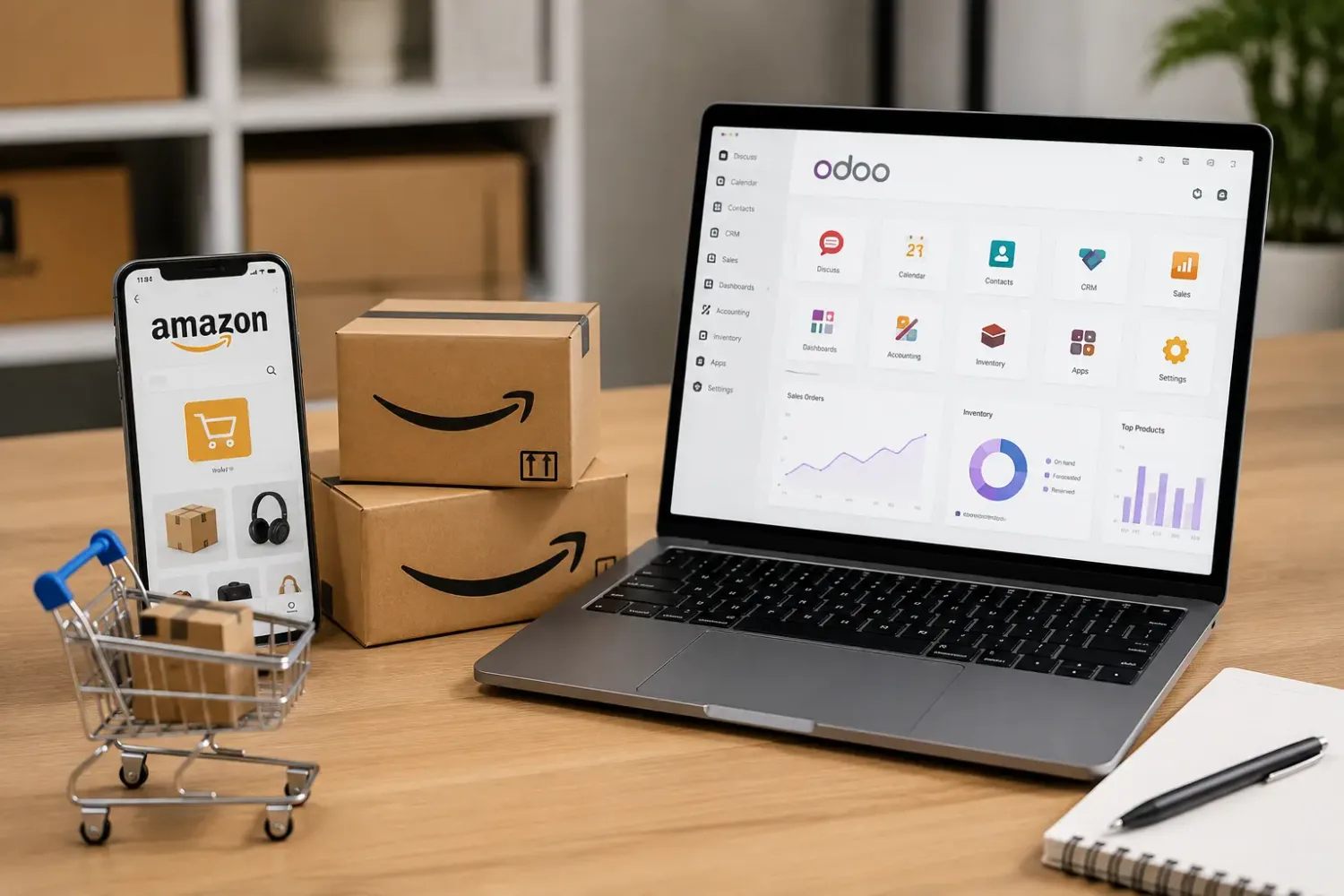
A phone showing a marketplace app beside parcels and a laptop running Odoo dashboards
Pick the API for the version — Odoo 19 introduces the External JSON-2 API, and its documentation marks the older XML-RPC and JSON-RPC APIs as deprecated — the choice has to match the database you are on.
When to hire

When does your business need an Odoo API developer?

If the requirement can be handled through an existing connector or standard configuration, custom development may not be necessary. A technical assessment identifies what actually needs to be built. Consider hiring one when:

  1. The existing integration has run out

    Your current integration cannot support new business workflows.

  2. You need to expose Odoo operations

    An external application needs access to selected Odoo operations or data.

  3. Orders and stock must stay in step

    Your website or eCommerce platform requires reliable order and inventory synchronization.

  4. Access needs to be controlled

    You need custom authentication, request validation or access restrictions.

  5. Failures are reaching the business

    API failures are affecting order processing, invoicing, payments or stock updates.

  6. An upgrade is coming

    You are upgrading Odoo and need to assess existing API integrations for compatibility.
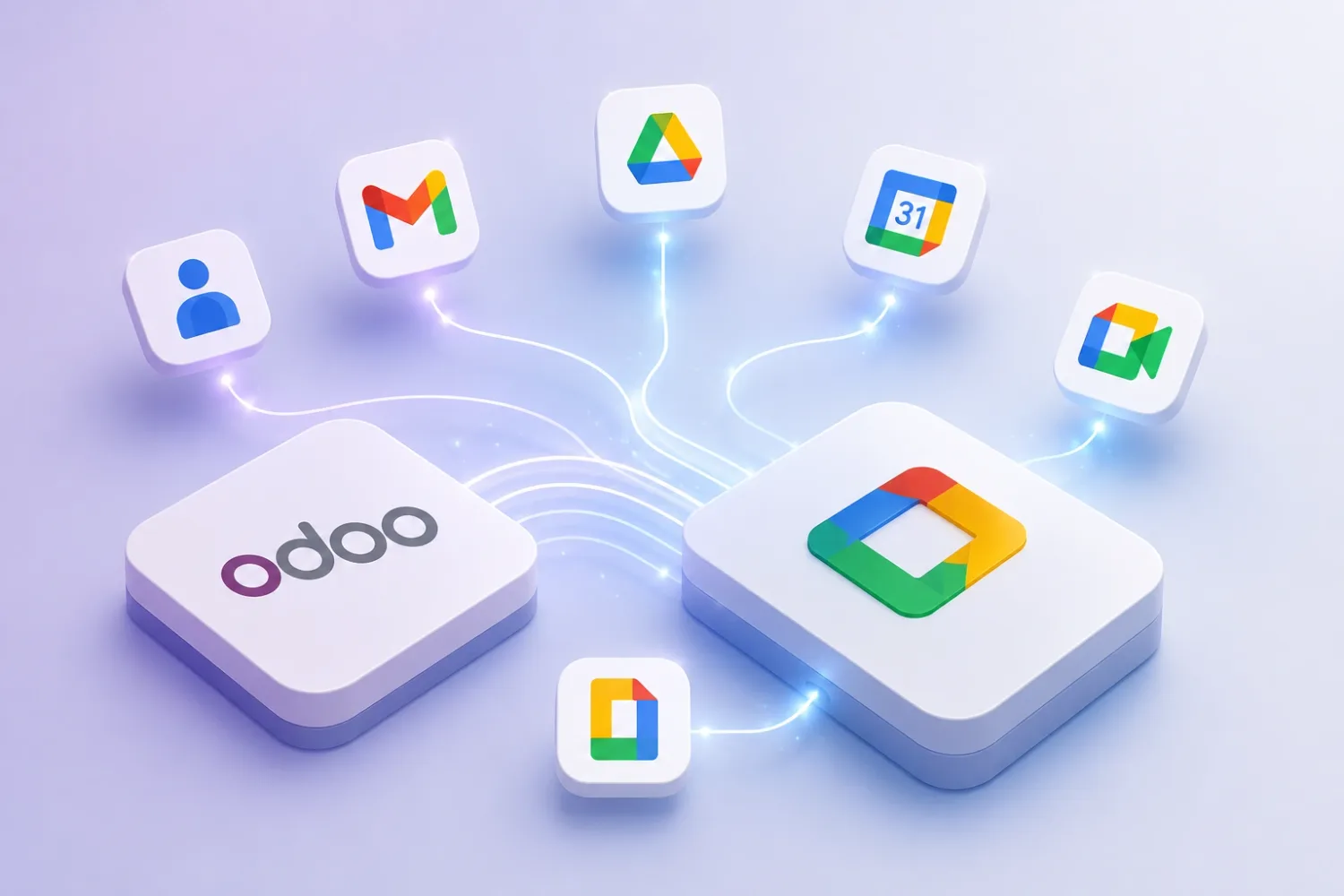
An Odoo tile connected to Google Workspace application icons including mail, calendar, drive and documents
Check the connector first — an available connector that fits is cheaper than a custom endpoint that has to be maintained for years.
Before you start

What to define before starting Odoo API development

These details help establish the integration scope, development effort and testing requirements before implementation begins.

  1. 01

    Systems to connect

    Identify Odoo and the external applications involved.

  2. 02

    Data to exchange

    The records and fields that must be sent, received or updated.

  3. 03

    Direction and frequency

    Whether data moves one way or both ways, and whether updates are real-time, event-driven or scheduled.

  4. 04

    API documentation

    The external system’s API documentation, authentication requirements and available test environment.

  5. 05

    Business rules

    Validation requirements, duplicate handling, record dependencies and what should happen after synchronization.

  6. 06

    Current integration issues

    Error responses, request logs and examples of failed transactions where available.
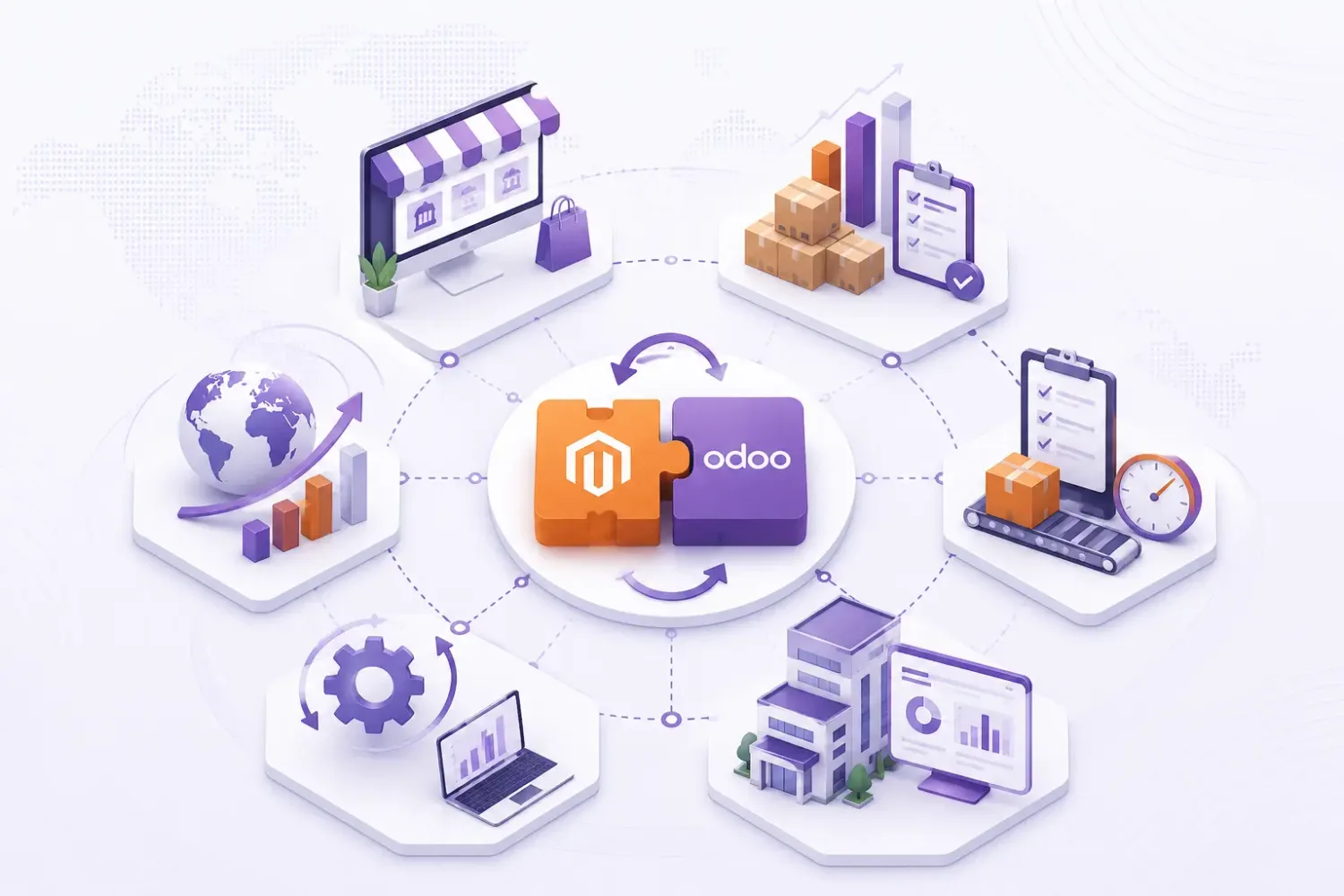
An illustration of a storefront platform and Odoo joined as two interlocking pieces, surrounded by catalogue, order and analytics icons
A test environment, please — an integration first exercised against live data is one whose first duplicate is a real customer order.
FAQ

Frequently asked questions

What does an Odoo API developer do?
An Odoo API developer builds and maintains integrations between Odoo and external applications. This can include custom endpoints, data synchronization, authentication, field mapping and API error handling.
Can an Odoo API developer connect Odoo with a third-party application?
Yes. A developer can integrate Odoo with third-party applications that provide suitable APIs or supported integration methods. The implementation depends on the external system’s capabilities and data requirements.
Can I create a custom REST API in Odoo?
Yes. Odoo developers can create custom HTTP controllers and routes to expose specific business operations or data. Authentication, permissions, request validation and response handling must be designed for the intended use.
Can an Odoo API developer fix an existing integration?
Yes. A developer can inspect API requests, authentication, field mapping, server responses and Odoo business methods to identify and resolve integration problems.
Can Odoo APIs synchronize inventory and sales orders in real time?
They can support near-real-time or event-driven synchronization, depending on the external system, API capabilities and integration design. The implementation must also account for duplicate requests and conflicting updates.
Is custom API development always required to integrate Odoo with another application?
No. Existing connectors, standard APIs or supported integration tools may already meet the requirement. Custom development is needed when the available options cannot support the required data flow or business logic.
Does an Odoo API developer need to understand Python?
Yes. Python is important for developing Odoo modules, custom controllers, model methods and server-side integration logic. Knowledge of HTTP, JSON, authentication and API testing is also essential.
What should I check before hiring an Odoo API developer?
Check their experience with Odoo ORM, Python, HTTP APIs, custom controllers, authentication, data synchronization and integration testing. Also ask how they handle API failures, duplicate requests, access permissions and version compatibility.
References

Sources and official documentation

The Odoo behaviour this page describes, in Odoo’s own documentation.

Discuss your Odoo API development project

Need a custom endpoint, a new system connected, or an integration that keeps failing? Share the systems involved, the records that must move and any error responses you have, so we can tell you whether a connector already covers it — and the diagnosis call is free.