
Duplicate lead records
Customize lead identification and validation to reduce duplicate records created through multiple channels.
MatchingValidation
Leads getting lost, sales opportunities assigned incorrectly, or follow-ups slipping through your CRM pipeline?
Lead management, opportunity workflows, sales team assignment, follow-up automation and CRM integrations — customised against your existing Odoo setup rather than against a template.
Sales teams running on Odoo







An Odoo CRM developer customizes lead management, opportunity pipelines, lead assignment, sales activities, automated workflows, reports and integrations. CRM problems usually appear when standard workflows cannot express a specific sales rule, qualification criterion or integration requirement — and custom development should address that limitation rather than duplicate functionality Odoo configuration already provides.
If your requirement is standard pipeline configuration, activity scheduling or an available lead assignment setting, custom development may not be necessary. Identify the limitation before extending the CRM module — see Odoo CRM for what configuration alone covers.
A CRM problem is almost always one handover failing. These are the five, in the order a record passes through them.
The form, campaign or call that creates the record — and whether it matched one that already existed.
The criteria that decide a lead is worth a salesperson’s time.
Territory, product, customer type or capacity deciding whose name goes on it.
What must be true before an opportunity may move to the next stage.
Won or lost, with the reason captured as data rather than typed into a note.
CRM problems often arise when standard workflows cannot handle specific sales rules, lead qualification criteria, or integration requirements.
Customize lead identification and validation to reduce duplicate records created through multiple channels.
Extend assignment rules when leads need routing based on territory, product category, customer type, or sales team capacity.
Add stage transition conditions and approval rules to prevent opportunities from progressing without required information.
Customize activity scheduling and reminders when standard activity workflows do not match your sales process.
Implement additional qualification fields, scoring conditions, and conversion rules based on your business criteria.
Integrate Odoo CRM with external platforms when lead, customer and opportunity data must remain synchronized. See Odoo integration.
Customize how leads enter Odoo and how your sales team evaluates them: custom lead capture fields and validation rules, lead qualification criteria and scoring conditions, duplicate lead detection and handling, website form and external lead source integrations, and custom lead-to-opportunity conversion conditions.
Odoo also ships predictive lead scoring. A custom scoring rule should be the answer only where your qualification depends on something the standard model cannot see.
Extend lead distribution when assignment depends on business-specific conditions: territory-based lead assignment, product and service-based routing, customer category-based assignment, sales team allocation rules, and custom reassignment and escalation conditions.
Assignment logic should respect sales team membership and access rules, so a routed lead is visible to the person it was routed to and no one who should not see it.
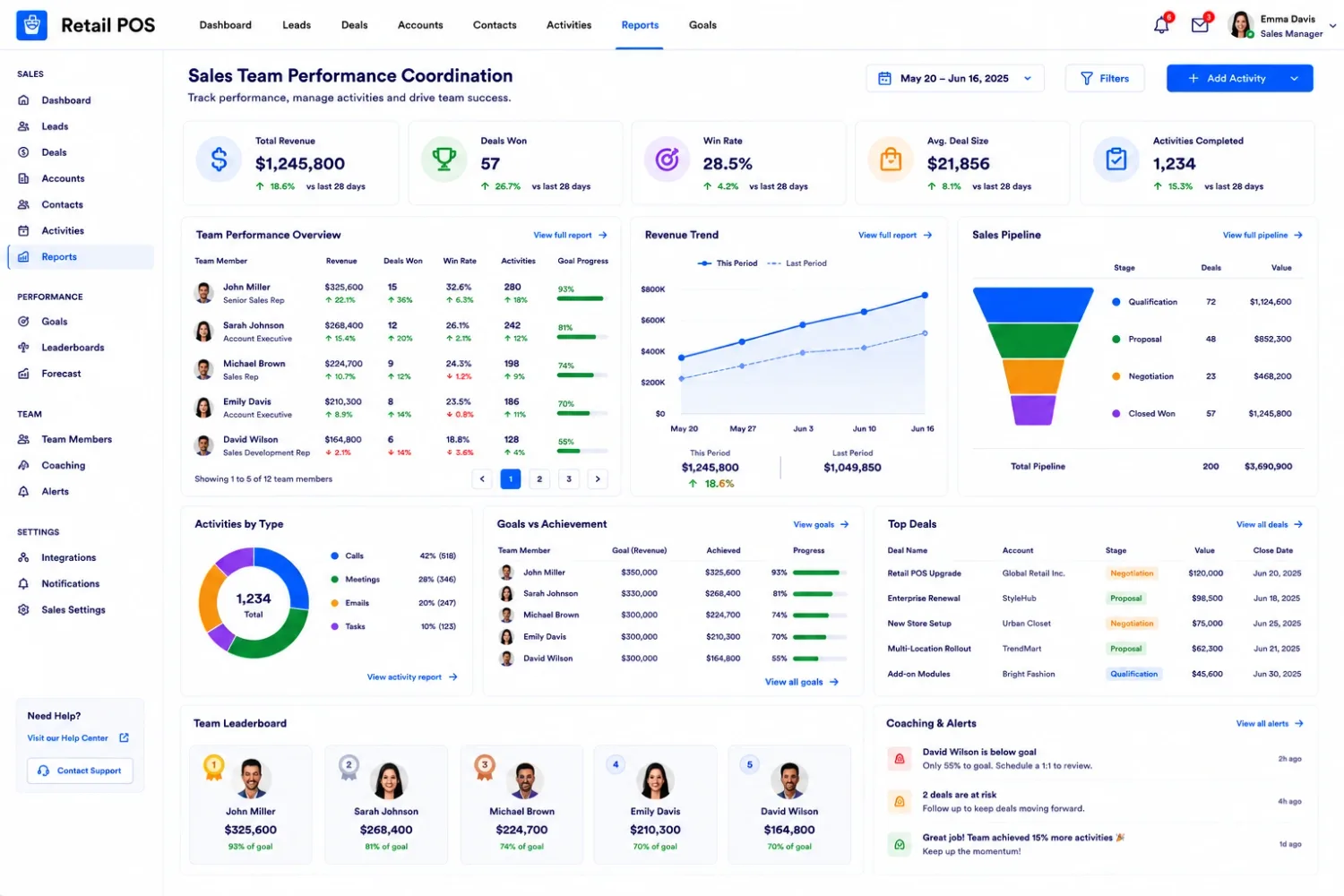
Customize opportunity progression to enforce your sales process: required fields before stage changes, stage-specific approval conditions, automated actions based on opportunity status, custom probability and qualification logic, and won and lost opportunity validation.
Stage gates change daily behaviour more than any other CRM customization, so they are worth agreeing with the sales team before they are written rather than after.
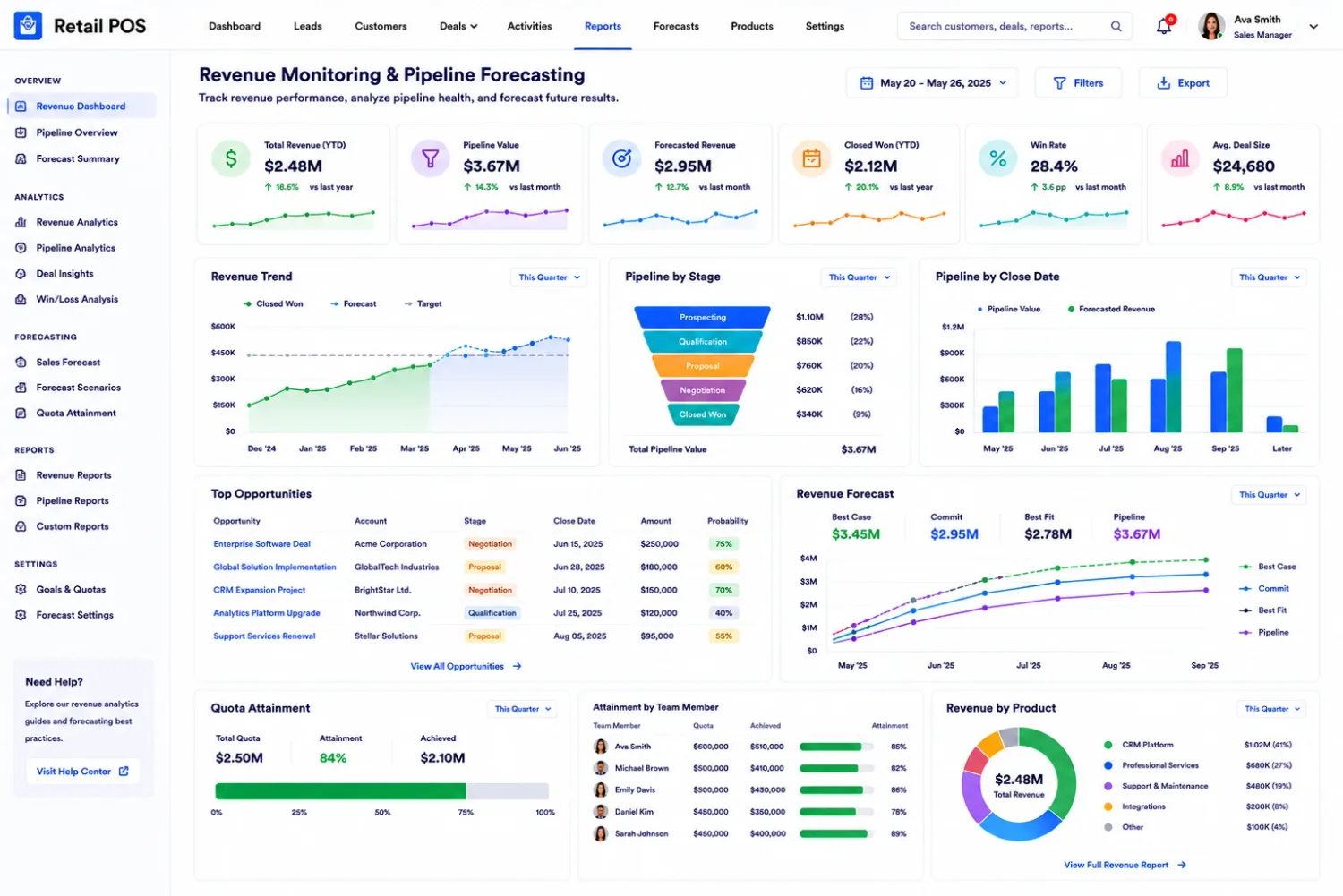
Extend sales activities to manage follow-ups according to your team’s operating rules: automated activity scheduling, custom follow-up sequences, salesperson reminders and escalation rules, activity validation based on pipeline stages, and custom notifications for overdue opportunities.
Odoo supports scheduled activities and activity plans out of the box. Development is for the sequencing and escalation those plans cannot express.
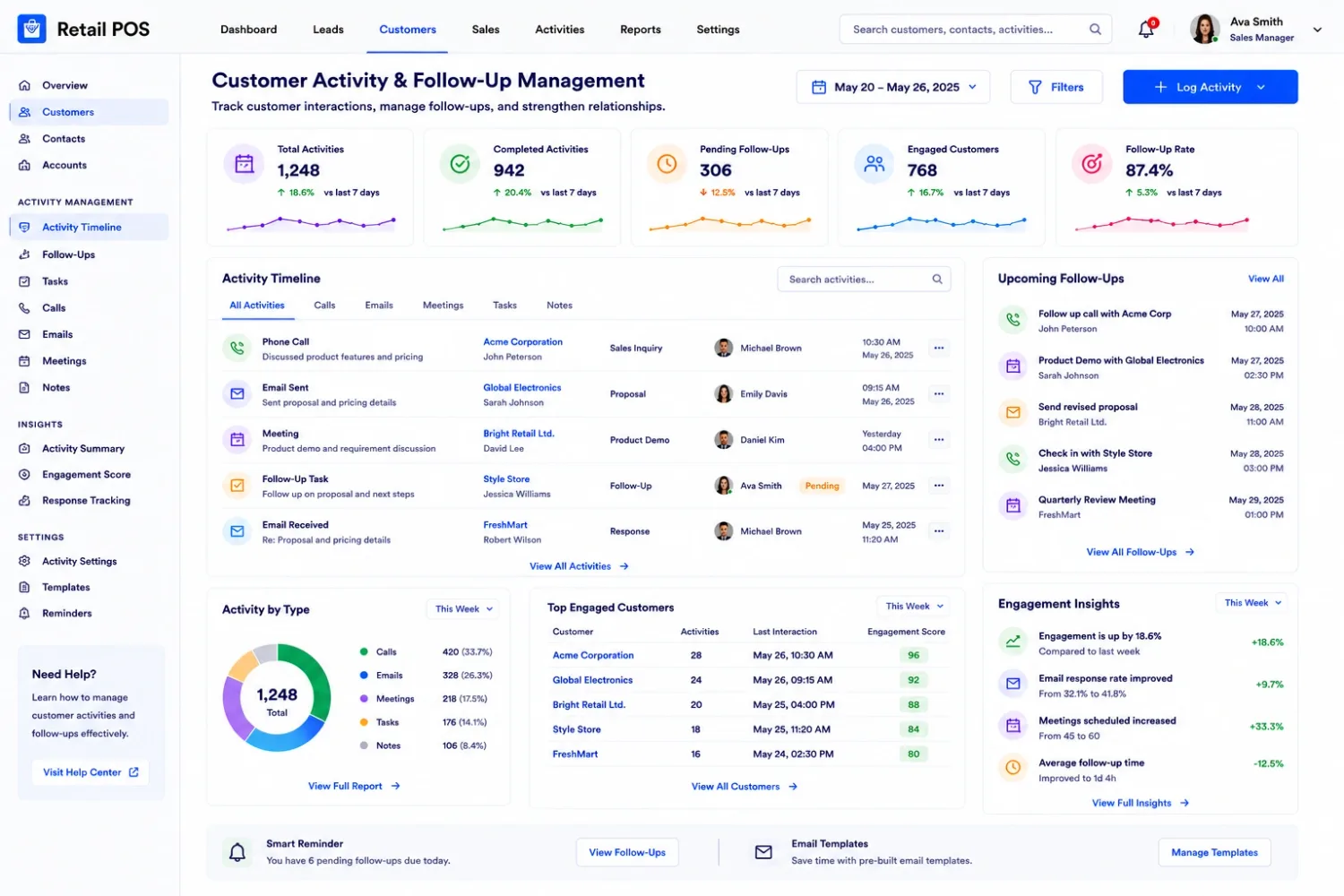
Connect Odoo CRM with external systems and extend sales reporting: website and eCommerce lead integrations, email and communication platform integrations, telephony and external sales application connectivity, custom pipeline and conversion reports, salesperson and sales team performance dashboards, and API-based lead and opportunity synchronization.
Integrations should include field mapping, authentication, duplicate handling, synchronization controls and error logging. Duplicate handling is the one most often skipped, and it is the one that fills a pipeline with noise. See hire an Odoo API developer for how those connections are built.
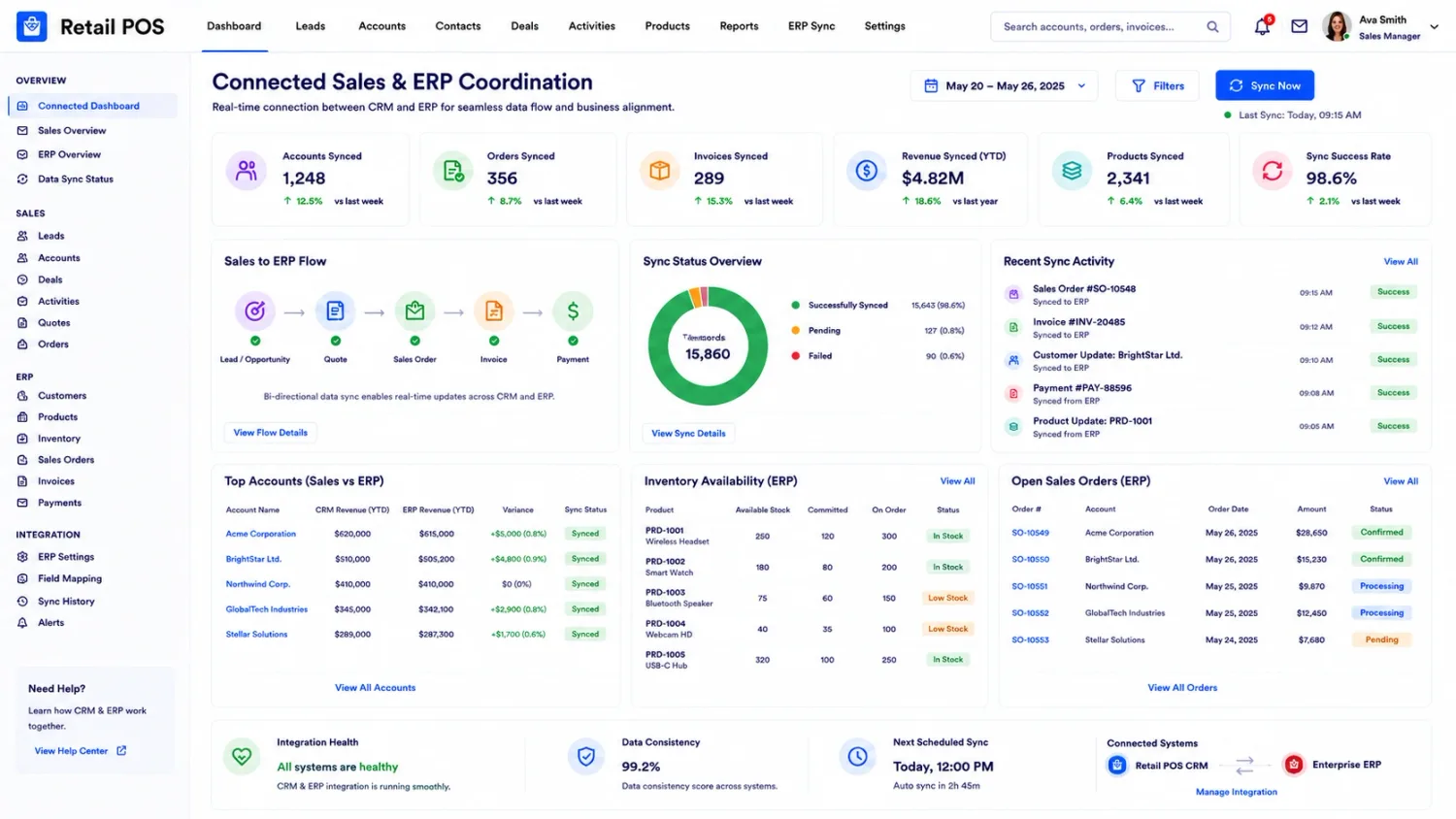
An Odoo CRM developer should understand both the technical structure of Odoo and the sales processes being customized.
Model inheritance, recordsets, computed fields, constraints and business methods.
Practical knowledge of crm.lead, customer records, sales teams and activity-related models.
Lead conversion, opportunity stages, assignment rules, activity scheduling and automated actions.
Module structure, dependencies, views, access rights, security rules and maintainable code. See Odoo customization.
Authentication, REST API communication, data mapping, synchronization and error handling.
Lead conversion testing, duplicate detection, assignment validation, pipeline transitions and regression testing.
A qualified developer should also understand how customizations affect existing lead records, opportunity history, access permissions and sales reporting. Consider hiring one when:
Leads require routing based on territory, product or customer assignment rules that settings cannot express.
Opportunity stages need mandatory fields or approval conditions before an opportunity may advance.
Your sales process requires qualification logic beyond standard CRM configuration and predictive scoring.
Activities depend on custom timing, escalation, or conditions tied to pipeline stage.
Lead and opportunity data has to stay consistent with websites, marketing platforms or telephony systems.
Current CRM modules cause duplicate records, incorrect assignments or failed automated actions.
Your sales team needs reporting that requires custom calculations or additional data sources.
These details help establish the actual CRM development scope and identify which requirements can be handled through configuration.
Version, Community or Enterprise edition, hosting arrangement and installed applications.
Website forms, email campaigns, external platforms and other lead generation channels.
Lead qualification criteria, opportunity stages, conversion rules and approval requirements.
Sales teams, territories, product categories and salesperson allocation conditions.
Installed CRM modules, automated actions and external integrations.
How lead assignment, pipeline movement, follow-ups and reporting should work after customization.
For requirements beyond CRM code, and the pages this one depends on.
Hiring models, what code ownership means, and how to judge an Odoo developer.
What configuration alone covers: pipeline, activities, teams and forecasting.
Endpoints, authentication and the synchronisation behind a CRM integration.
Storefront and checkout work, and the online orders CRM then has to follow.
Custom modules built to survive version upgrades, quoted separately.
The named people who would do the work, with the Odoo areas each one covers.
The Odoo behaviour this page describes, in Odoo’s own documentation.
Need custom lead routing, controlled opportunity progression, automated sales follow-ups or CRM integrations? Share your Odoo version, sales workflow and current CRM challenges so we can tell you whether this is configuration or code — and the diagnosis call is free.