
Reading records
search_read against any model with a domain filter and a field list, so an external system pulls exactly the records and columns it needs rather than everything.
search_readDomainsFields
Most systems can be connected to Odoo, because Odoo exposes its entire data model over an external API rather than a curated list of endpoints. Anything you can do in the interface, a program can do too.
Which means the interesting questions are never "is it possible". They are what happens when the other system is down, which side wins when both change the same record, and who finds out when a message fails.
Businesses running Odoo with OdooBots







Odoo API integration connects any system that can speak HTTP to Odoo’s external API, which exposes the full data model over XML-RPC and JSON-RPC. A call authenticates, then reads or writes records through the same ORM methods the interface uses — search_read, create, write, unlink. Outbound, Odoo can call another system when a record changes. The work is not the call; it is the field mapping, the conflict rules, the retries and the queue someone watches.
Because the API exposes the whole model, it is equally easy to build something fragile. An integration without retry handling, idempotency and a failure queue works in testing and diverges quietly in production.
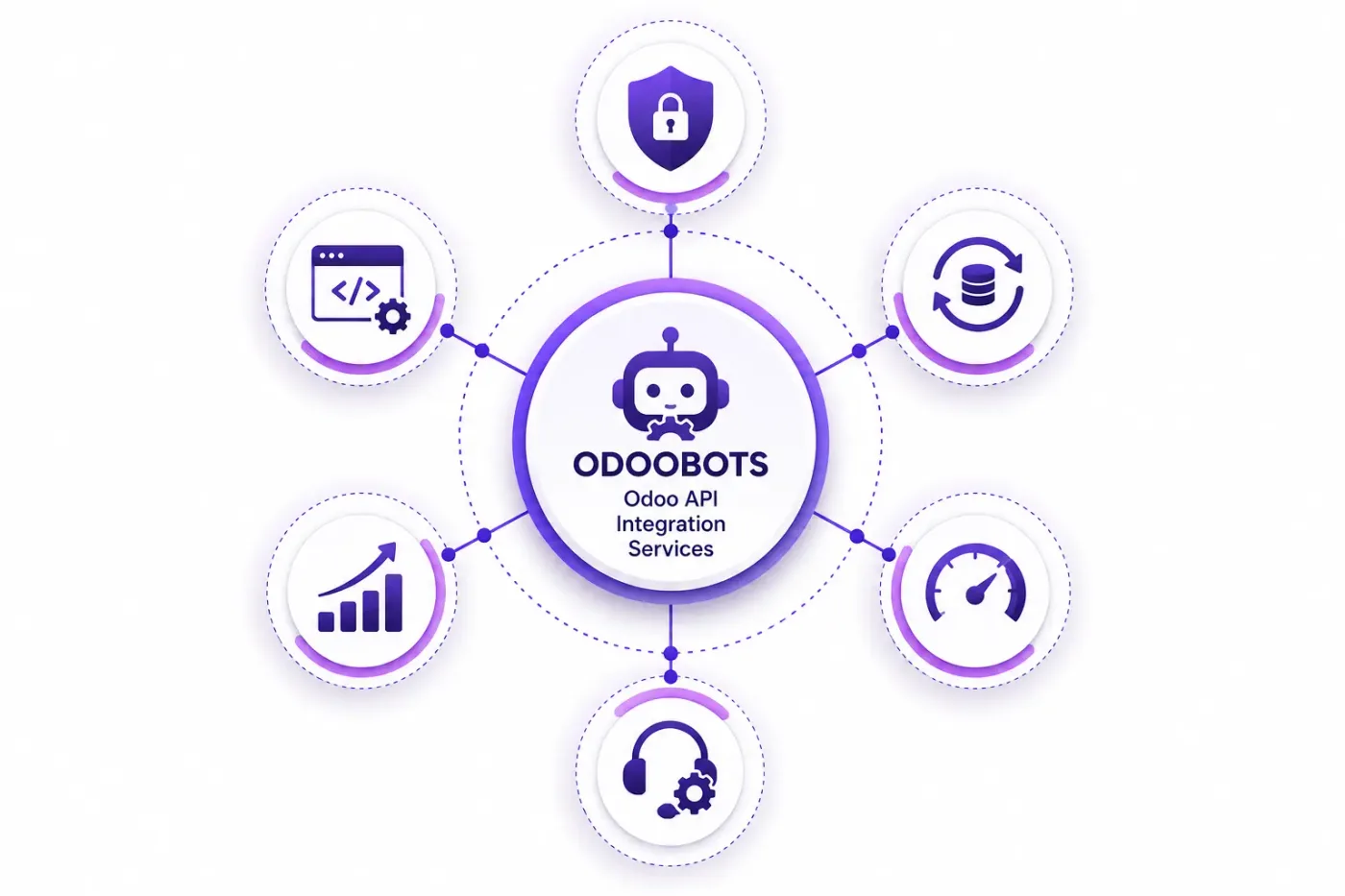
Six things make up a custom integration, and only the first two are what people picture when they ask for one.
search_read against any model with a domain filter and a field list, so an external system pulls exactly the records and columns it needs rather than everything.
create, write and unlink through the same ORM the interface uses, so validation rules, computed fields and automations all still apply.
Database, login and an API key rather than a user password, scoped to a dedicated integration user whose access rights are deliberately limited.
Odoo calling another system when a record changes, through automated actions or a custom module, with the payload and retry behaviour defined.
Large loads run in batches sized to the slower side’s rate limit, with checkpoints so a failed run resumes instead of starting again.
Every message that failed, held with its reason and payload, replayable once the cause is fixed, with an alert when the queue grows.
The external system authenticates with an API key tied to a dedicated Odoo user, then reads or writes through the standard endpoints. Each record carries an external id so re-running a message updates rather than duplicates. A failure goes to a queue with its payload, an alert fires if the queue grows, and someone replays it once the cause is fixed.
That last part is what separates an integration that survives a year from one that quietly stops working in month three and is noticed at audit.
These are the decisions that are cheap to make now and painful to reverse once two systems have been exchanging records for a month.
Decided field by field, not system by system. This is the whole integration, and every later argument traces back to it.
Which identifier pairs a record on both sides, and whether it is stable. Matching on a name or an email is how duplicates start.
What happens when both sides changed the same field since the last sync. Last-write-wins is a decision, not a default to drift into.
Push on change, pull on schedule, or both, and how often. This decides cost and load more than anything else.
The slower system sets the pace. Designing for it up front avoids a rewrite when volume doubles.
A dedicated user with an API key and only the access rights the integration needs, never a shared administrator login.
Retry policy, the queue, the alert and the named owner. Agreed in week one, because nobody designs it after go-live.
We would rather say this before you buy licences than after. These are the areas where we scope real development, recommend a different tool, or tell you the connector will not reach.
Odoo’s side is rarely the constraint. What the other system exposes, how fast, and how well documented it is usually decides the scope.
API integrations are near real time. A system that genuinely needs sub-second consistency needs a different architecture.
Beyond a certain throughput this becomes a queueing and infrastructure question as much as a mapping one.
File drops or direct database reads are sometimes the only route. They work, and they are more fragile, and we will say so.
A custom integration is code, so it is part of your upgrade scope. Building it as a proper module is what keeps that cost small.
The common failure is not a bad build. It is nobody owning the queue two years later, which is why the handover includes who watches it.
Connecting API to Odoo is less about the connector than about agreeing what is true where, and what happens when a record will not go through.
Understand which systems you are connecting, what their APIs expose, the volume and direction of data, and what has to happen when one side is unavailable.
Agree the owner of every field, the matching key, conflict rules, trigger and batch size in writing, then build against that rather than discovering it in testing.
Connect API to Odoo using the standard connector where one fits, and build only what the connector genuinely cannot reach. See Odoo customization.
Your records, in a test database, including the awkward ones — the cancelled order, the partial refund, the product that exists on one side only.
A queue for failed records with a named owner and an alert, because an integration nobody watches diverges quietly and the divergence is found at audit.
Cutover with a reconciliation on both sides, then hypercare, then ongoing support and AMC.
We do not publish one integration price, because the same connector costs very differently depending on the factors below. We do publish what moves the number, and the price is fixed in writing before work starts.
We quote the error handling as a line item rather than hiding it, because that is the part that decides whether the integration still works in a year. Anyone can make the first call succeed.
Product capabilities stated on this page are documented by Odoo. The mapping advice, failure handling and limitations come from our own integrations.
Tell us which systems you want connected and whether the data has to travel both ways. Those two answers decide the scope, and the diagnosis call is free.