
Orders by marketplace
Orders from each marketplace you sell on arriving as Odoo sales orders with their currency, marketplace and fulfilment channel recorded.
MarketplacesCurrencyChannel
Selling on Amazon is not the same as selling from your own store, and the difference matters for an ERP. You do not control the customer relationship, the fees are deducted before you are paid, and stock in a fulfilment centre is yours but not in your warehouse.
An Odoo integration earns its place by answering the question Amazon sellers cannot answer from Seller Central alone: after fees, returns and shipping, what did this actually make?
Businesses running Odoo with OdooBots







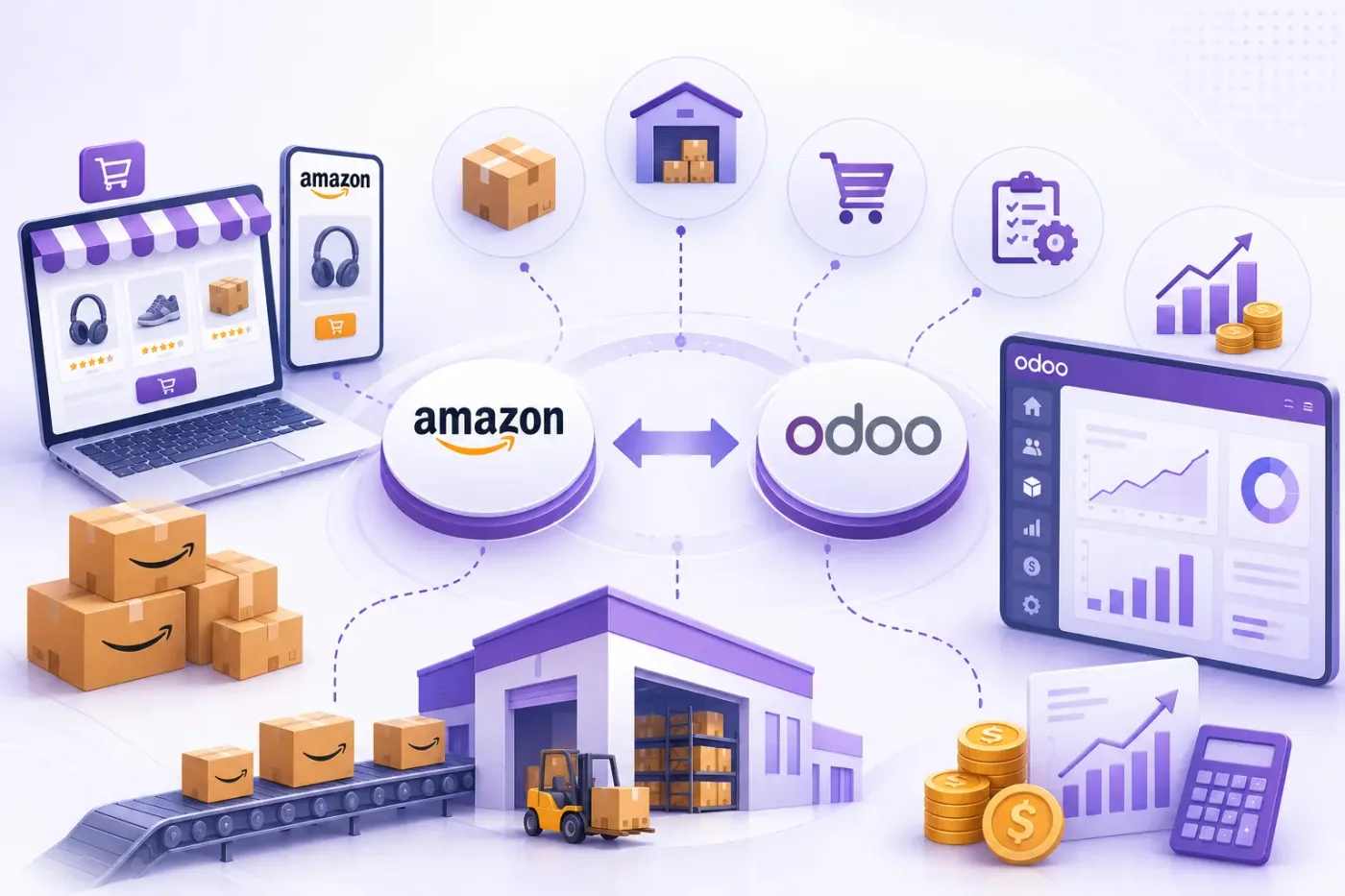
Odoo Amazon integration brings marketplace orders, stock and settlements into the ERP so marketplace margin is a report rather than a guess. Orders from each marketplace arrive as sales orders, merchant-fulfilled orders drive your own picking and despatch, Amazon-fulfilled stock is held as its own location, and settlement reports reconcile the deposit against the fees, refunds and reimbursements that produced it.
The margin question is settled in the settlement report, not the order list. Referral fees, FBA fees, storage and returns are deducted before you are paid, so an order total tells you very little on its own.
Six things move between Seller Central and Odoo, and the fulfilment channel changes what each one means.
Orders from each marketplace you sell on arriving as Odoo sales orders with their currency, marketplace and fulfilment channel recorded.
FBM orders driving your own picking, packing and despatch in Odoo, with tracking and carrier confirmed back to Amazon.
FBA inventory held as its own Odoo location, so stock in a fulfilment centre is visible and valued without pretending it is in your warehouse.
Seller SKUs matched to Odoo products, with available quantity published for the listings you fulfil yourself.
Settlement reports imported so a deposit reconciles against the referral fees, FBA fees, storage, refunds and reimbursements behind it.
Amazon refunds raising the matching credit note, with returned stock going back to the right location rather than reappearing as a mystery.
An FBM order arrives as a sales order; your warehouse picks and despatches it, and the tracking goes back so Amazon can confirm shipment within its window. An FBA order arrives too, but the stock moves out of the fulfilment-centre location instead of your warehouse, because Amazon has already shipped it. In both cases the revenue is recorded when the order lands and the true margin appears when the settlement is imported.
That last step is the one sellers skip, and it is the only one that answers what the marketplace actually made.
These are the decisions that are cheap to make now and painful to reverse once two systems have been exchanging records for a month.
Each marketplace has its own currency, tax position and settlement cycle, so the list is agreed before anything is connected.
Fulfilment-centre stock as its own Odoo location with its own valuation. Treating it as warehouse stock makes every availability report wrong.
The reference that pairs an Amazon listing with an Odoo product, unique and present on both sides before the first import.
How referral, FBA, storage and advertising fees post, so marketplace margin can be reported rather than reconstructed at year end.
How a deposit is matched to the settlement lines behind it. This is the step that makes the bank reconciliation possible.
Which entity invoices, how marketplace tax is treated, and what your accountant needs on the invoice. Settled in week one.
How Amazon reimbursements for lost or damaged inventory are recorded, so stock written off is not written off twice.
We would rather say this before you buy licences than after. These are the areas where we scope real development, recommend a different tool, or tell you the connector will not reach.
Creating listings, A+ content and managing the Buy Box stay in Seller Central. The ERP holds the commercial record.
Amazon Ads spend and performance come from the advertising console. Importing cost as an expense is possible; campaign management is not an ERP job.
Automatic repricing against competitors is specialist software. Odoo holds your cost and floor price, not the bidding logic.
Deciding what to send to which fulfilment centre needs demand planning beyond standard reordering rules.
Amazon limits what buyer information you receive. Contacts in Odoo will be less complete than from your own store, by design.
Amazon’s API throttles requests, so large catalogues sync on a schedule rather than instantly. This is a design constraint, not a fault.
Connecting Amazon to Odoo is less about the connector than about agreeing what is true where, and what happens when a record will not go through.
Understand which marketplaces you sell on, your FBA and FBM split, how fees are accounted for today, and what your accountant needs for GST.
Agree the seller SKU key, the FBA stock location, the fee posting structure and how settlements reconcile, before anything is connected.
Connect Amazon to Odoo using the standard connector where one fits, and build only what the connector genuinely cannot reach. See Odoo customization.
Your records, in a test database, including the awkward ones — the cancelled order, the partial refund, the product that exists on one side only.
A queue for failed records with a named owner and an alert, because an integration nobody watches diverges quietly and the divergence is found at audit.
Cutover with a reconciliation on both sides, then hypercare, then ongoing support and AMC.
We do not publish one integration price, because the same connector costs very differently depending on the factors below. We do publish what moves the number, and the price is fixed in writing before work starts.
Most Amazon sellers can tell you their revenue and not their margin, because the fees are in a settlement report nobody imports. We configure that import first, since it is the only part of the integration that changes a decision.
Product capabilities stated on this page are documented by Odoo. The mapping advice, failure handling and limitations come from our own integrations.
Tell us your FBA and FBM split and how many marketplaces you sell on. Those two answers shape the configuration, and the diagnosis call is free.