
Order and delivery updates
Confirmation, despatch and delivery messages sent as approved templates from the sales order, carrying the order number and tracking detail.
TemplatesTrackingOrder
In India a customer will read a WhatsApp message and ignore an email, which is why every business wants this integration. What most of them do not know before starting is that WhatsApp is not an open channel: outside a 24-hour window you may only send pre-approved templates.
That one rule shapes the whole design. Done properly, Odoo sends order updates, payment reminders and follow-ups that land where customers actually look, with every conversation attached to the record it belongs to.
Businesses running Odoo with OdooBots







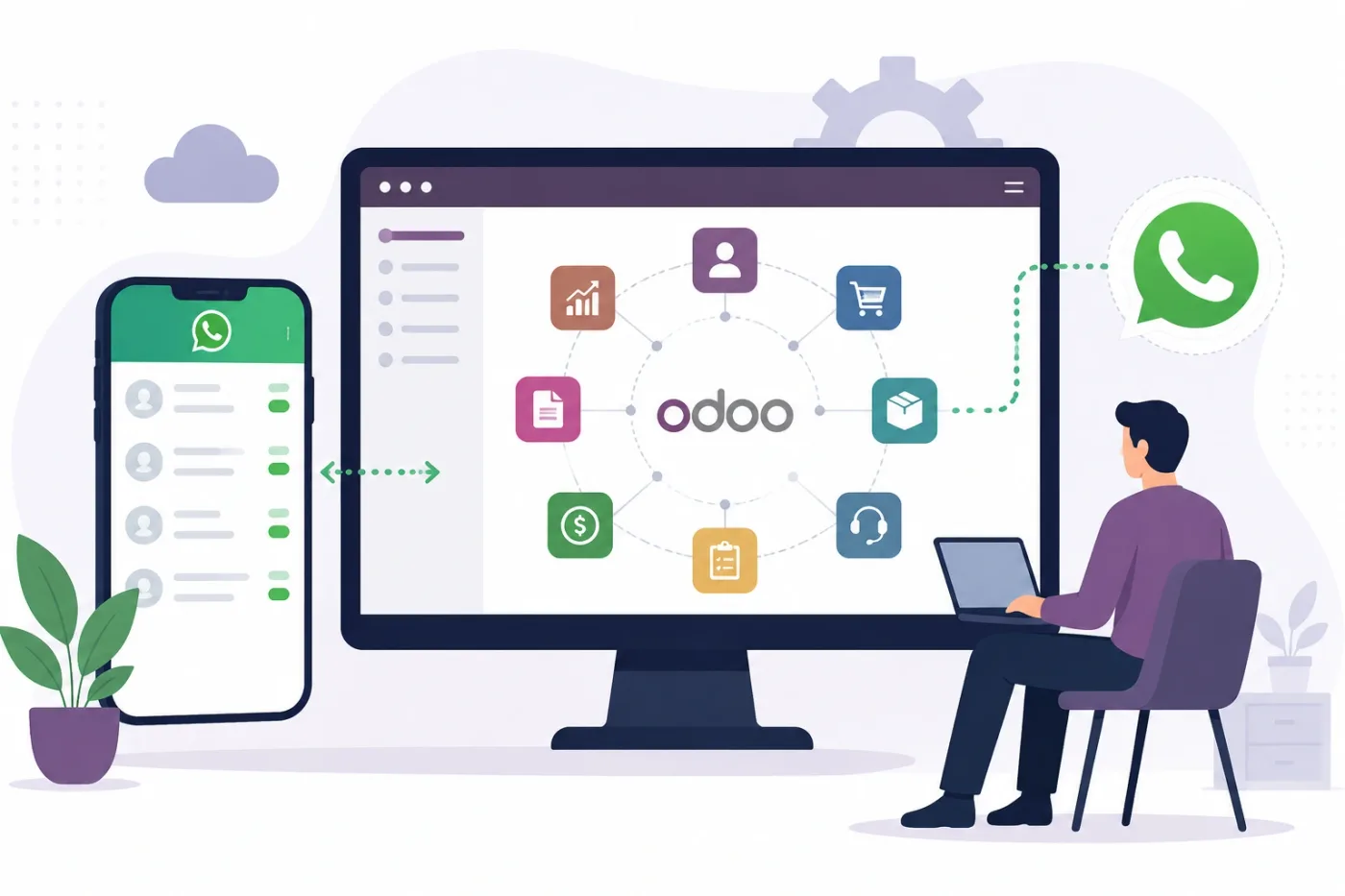
Odoo WhatsApp integration sends business messages from the record they belong to and keeps the reply attached to it. Order confirmations, despatch and delivery updates, invoice and payment reminders go out as approved templates, sales follow-up and support replies run inside the 24-hour service window, and the conversation is logged on the customer, the order or the ticket rather than living on someone’s phone.
The 24-hour window is the rule everything else follows. After a customer messages you, you may reply freely for 24 hours. Outside it, only templates Meta has approved will send — and approval takes time, so templates are drafted early in the project.
Six kinds of message move between Odoo and WhatsApp, and all of them are governed by the same window rule.
Confirmation, despatch and delivery messages sent as approved templates from the sales order, carrying the order number and tracking detail.
Reminders triggered from the invoice and its due date, so follow-up is a rule rather than something someone remembers.
Messages from the CRM lead, logged on the opportunity so the next person to pick it up can see what was said.
Helpdesk tickets raised or continued over WhatsApp, with the thread attached to the ticket and the SLA running as normal.
An incoming message matched to the customer by number and routed to the right team, instead of arriving on one person’s handset.
Approved marketing templates to opted-in contacts, with the opt-out honoured and recorded on the contact.
An order is confirmed and a template goes out with the order number. The customer replies to ask about delivery, which opens a 24-hour window in which your team can answer freely from the ticket or the order itself. Everything said is logged on the record. Days later, when the invoice falls due, a reminder template goes out because the window has closed and only templates can send.
Designing around that rule from the start is the difference between an integration that works and one that silently stops sending.
These are the decisions that are cheap to make now and painful to reverse once two systems have been exchanging records for a month.
The business number, its Meta Business verification and who controls the account. This blocks more projects than any technical step.
Every message sent outside a customer-initiated window needs an approved template, so the list is drafted and submitted in week one.
Whether replies are handled in Helpdesk, CRM or Discuss, and by which team. Without this, conversations land nowhere.
How consent is recorded and how an opt-out is honoured across every message type, not just marketing.
How an incoming number finds its contact, including country code variations and shared family numbers.
Meta charges per conversation by category, so the message list is chosen on value rather than on what is technically possible.
What happens when a customer asks something the template flow does not cover, so nobody is left waiting inside the window.
We would rather say this before you buy licences than after. Below is what the connector genuinely does not reach, where we scope development, and where we would tell you to keep the other system as it is.
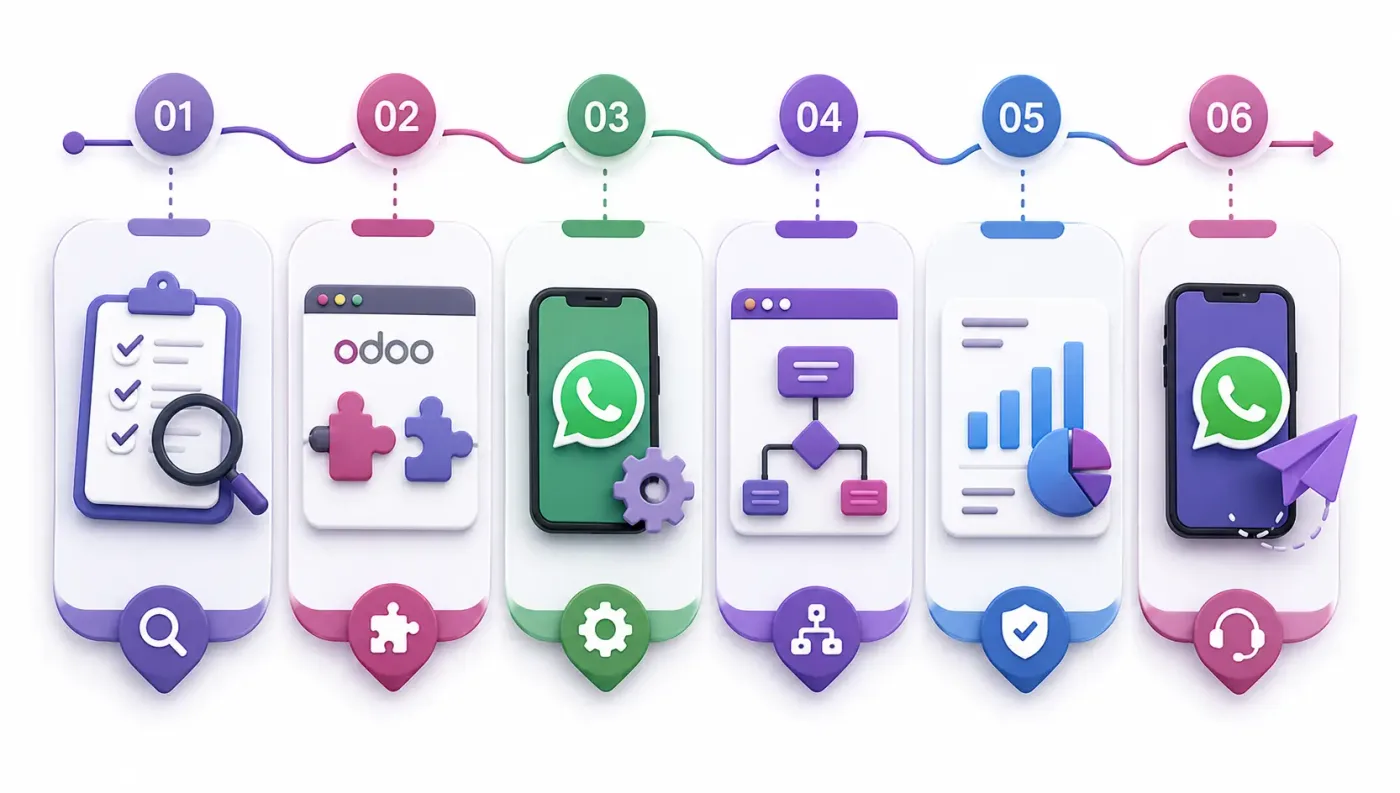
Connecting WhatsApp to Odoo is less about the connector than about agreeing what is true where, and what happens when a record will not go through.
Understand which number you will use, who controls the Meta Business account, which messages you want to send and who will answer replies.
Draft and submit the template list early, agree where replies are handled and how numbers match contacts, before anything is connected.
Connect WhatsApp to Odoo using the standard connector where one fits, and build only what the connector genuinely cannot reach. See Odoo customization.
Your records, in a test database, including the awkward ones — the cancelled order, the partial refund, the product that exists on one side only.
A queue for failed records with a named owner and an alert, because an integration nobody watches diverges quietly and the divergence is found at audit.
Cutover with a reconciliation on both sides, then hypercare, then ongoing support and AMC.
We do not publish one integration price, because the same connector costs very differently depending on the factors below. We do publish what moves the number, and the price is fixed in writing before work starts.
We start by drafting your templates and checking your Meta Business verification, because those two block go-live far more often than anything technical. And we will not build on an unofficial gateway, however cheap, because a banned number costs more than the saving.
Product capabilities stated on this page are documented by Odoo. The mapping advice, failure handling and limitations come from our own integrations.
Tell us whether your Meta Business account is already verified and which messages you want to send. Those two answers decide the timeline, and the diagnosis call is free.