
Lead capture
Enquiries from website forms, an email alias, phone calls and imported lists, with the source and campaign recorded on the record itself.
FormsEmail aliasSource
A CRM fails for one reason far more often than any other: the pipeline is a list of hopes rather than a list of next actions. Stages mean whatever the salesperson wants them to mean, nothing has a date, and the forecast is a number someone defends in a meeting.
Odoo CRM is straightforward to configure. What makes it work is deciding what a stage means and insisting every open opportunity has a next activity with a date on it.
Businesses running Odoo with OdooBots







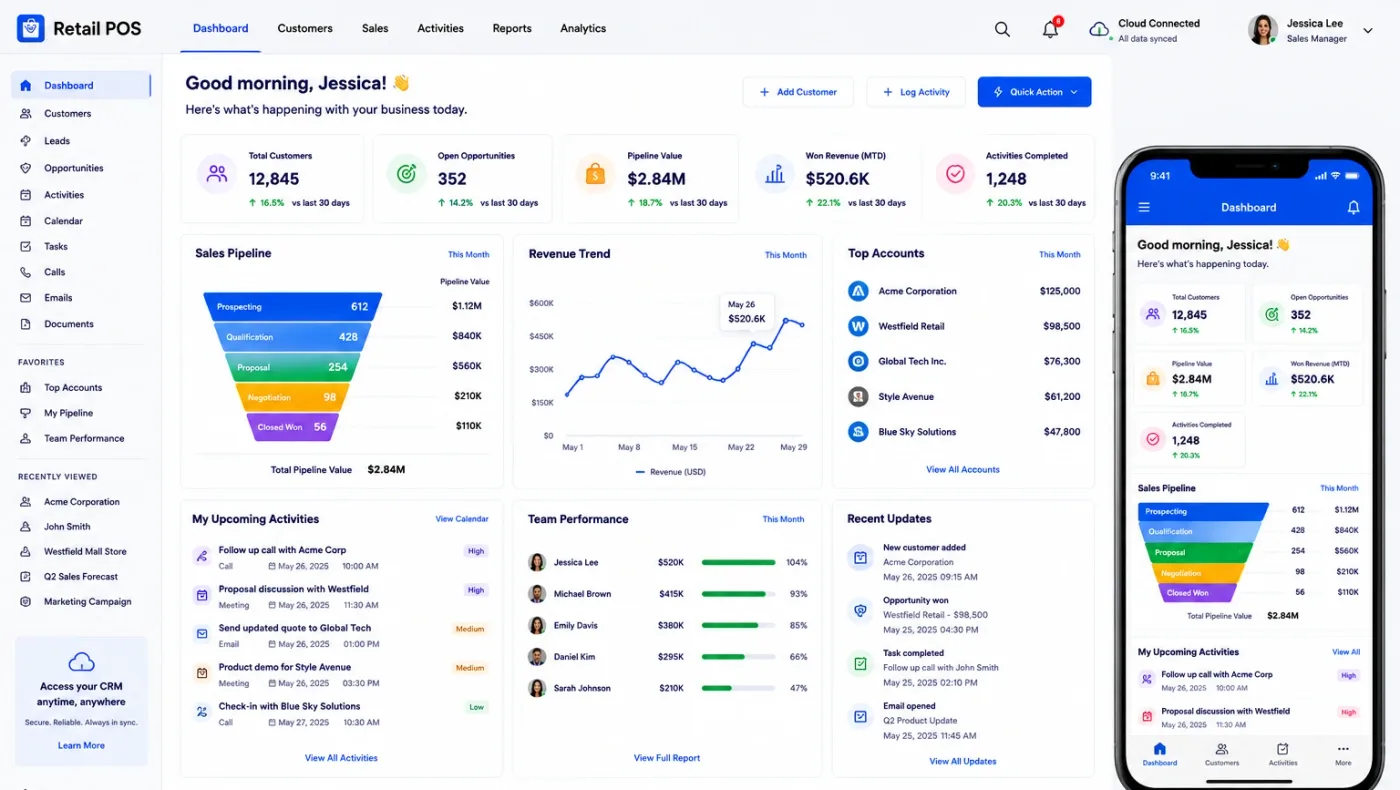
Odoo CRM captures leads, routes them by rule, and tracks each opportunity through stages that have an entry condition. Enquiries arrive from the website, email, phone or an imported list; assignment rules send them to the right person rather than the fastest one; every opportunity carries a next activity with a date; expected revenue and close date produce a forecast; and lost reasons are recorded so the pattern can be read rather than guessed at.
Pipeline stages should describe what the customer has done, not what your salesperson hopes. "Quotation sent" is a fact; "interested" is a feeling, and a pipeline built on feelings forecasts nothing.
Six parts make up the CRM, and its real advantage is what sits on the other side of a won deal.
Enquiries from website forms, an email alias, phone calls and imported lists, with the source and campaign recorded on the record itself.
Rules routing leads by territory, product interest, language or round robin, so an enquiry reaches the right person rather than the one who checks first.
Kanban stages with entry conditions, expected revenue, expected close date and a probability, plus lost reasons on everything that closes out.
Calls, meetings and follow-ups scheduled on the opportunity with a due date, so an open deal always has a named next action.
A quotation raised directly from the opportunity using the sales templates and pricelists, which closes the loop into Odoo Sales.
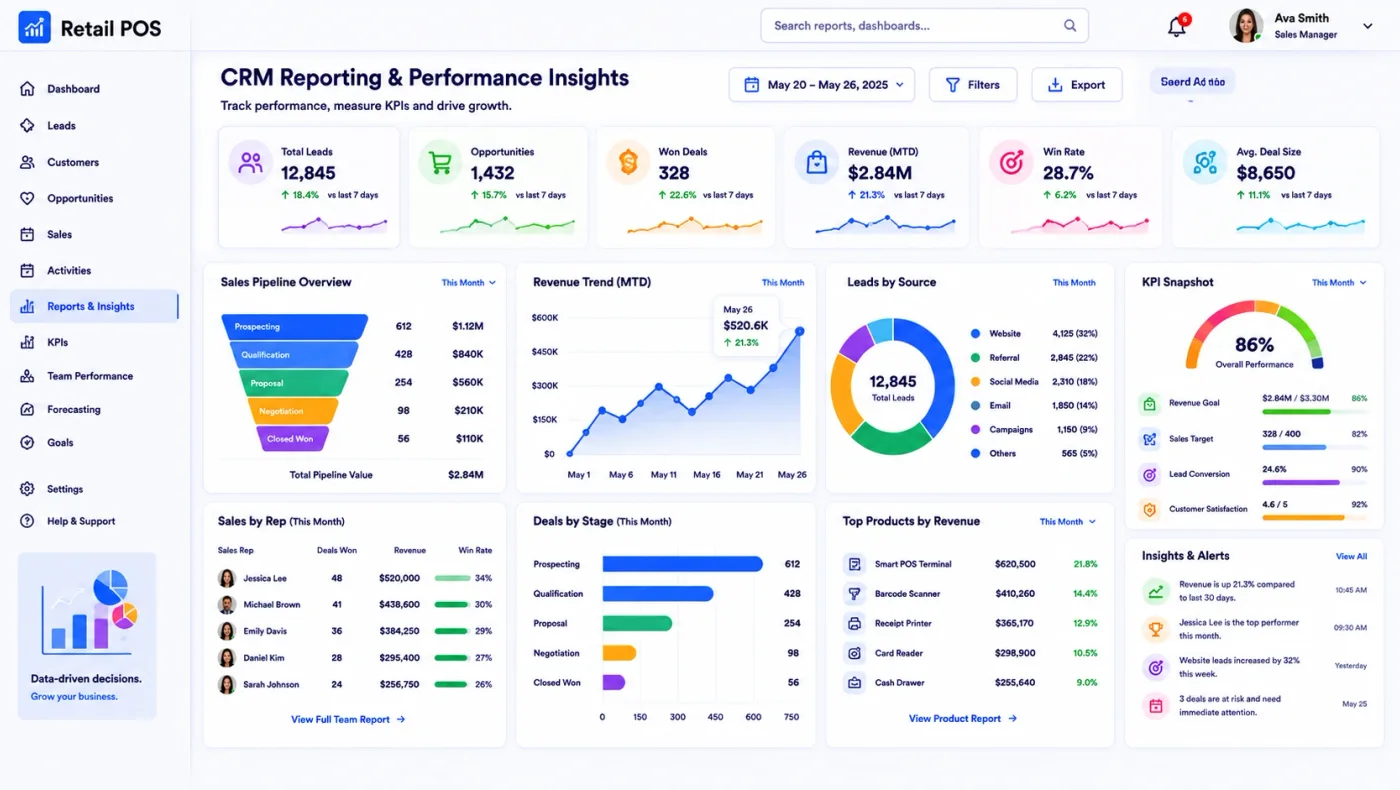
Pipeline by stage, salesperson and source, conversion between stages, forecast against target, and the lost-reason breakdown behind it.
An enquiry becomes a lead with its source recorded, is assigned by rule, and is worked through stages with a dated activity at each step. When it is won, the quotation it produced becomes a sales order in the same database — so the customer, the products and the price carry straight through to delivery and invoicing with nothing re-entered.
That is the difference between a CRM inside an ERP and a CRM beside one: there is no handover, and so there is nothing to reconcile.
These are the configuration decisions that are cheap to make now and structural to change once transactions exist. We walk through each one before a single record is migrated.
An entry condition per stage, written down. Without it the pipeline is a list of opinions and the forecast cannot be relied on.
Whether unqualified enquiries become leads first. It adds a step and it keeps a noisy pipeline readable.
Territory, product, language or round robin, decided before go-live so nothing sits unclaimed in a shared queue.
A short closed list people will actually use. Six reasons are useful; twenty-five get ignored and free text tells you nothing.
The rule that every open opportunity carries a next activity with a date, and who reviews the ones that do not.
How a repeat enquirer is matched on email or phone, so the same prospect does not appear four times with four owners.
The three or four numbers reviewed weekly, so the configuration produces them rather than something nobody opens.
Odoo moves features between Community and Enterprise from one version to the next, so the list below is what holds today and is confirmed against your own version during the diagnosis rather than taken as permanent.
Community includes the CRM that matters: leads and opportunities, teams, stages, activities, quotations from the deal, and the pipeline and conversion reporting over all of it.
Enterprise additions are mostly about volume and automation, which is why they repay a large sales team and rarely repay a small one.
We would rather say this before you buy licences than after. These are the areas where we scope real development, recommend a bolt-on, or tell you another tool is the better answer.
A CRM records a next action; it does not take it. Where follow-up is weak, the software makes the weakness visible rather than fixing it.
Tiered, split or collection-linked commission schemes need a custom module rather than configuration.
Deep territory and account-team structures with overlapping ownership usually need development.
Route planning and visit beats for a field team go beyond CRM and need Field Service or a custom module.
Weighted forecasting beyond probability times value, with scenarios, becomes a reporting project.
Importing a messy contact list produces a messy pipeline. Cleaning before import is unavoidable and always underestimated.
Implementing Odoo CRM needs more than installing the application. It should reflect how your business already works, and change only what is worth changing.
Understand where your enquiries come from, how they are assigned today, what your stages currently mean and what sales management reviews each week.
Settle the stage entry conditions, assignment rules, lost reason list and activity rule before the first lead is imported.
Set Odoo CRM up around how you work rather than installing it at its defaults, and build only what configuration genuinely cannot reach. See Odoo customization.
Masters, open items and opening balances prepared and loaded. Data cleaning is scoped explicitly, because it is usually the largest single task. See Odoo migration.
Your team runs real transactions in a test database before go-live, including the awkward cases that never appear in a demonstration.
Role-based training for the people who key transactions daily, then cutover, hypercare and ongoing support and AMC.
We do not publish one price, because the same application costs very differently depending on the factors below. We do publish what moves the number, and the price is fixed in writing before work starts.
We refuse to configure a pipeline until someone writes down what each stage means. It takes an afternoon, it is the least popular meeting of the project, and it is the difference between a forecast and a wish list.
Product capabilities stated on this page are documented by Odoo. The configuration advice, edition notes and limitations come from our own implementations.
Tell us what your pipeline stages mean today and where your enquiries come from. Those two answers shape the configuration, and the diagnosis call is free.