
Custom modules will not install
The module references a method, field or dependency that the target version changed or removed.
Moving to a newer Odoo version requires more than transferring database records. Custom modules, model definitions, dependencies, integrations and existing business workflows must remain compatible after migration.
Assessment of your existing system, adaptation of custom code, resolution of compatibility issues and validation of critical functionality — before production deployment, not after it.
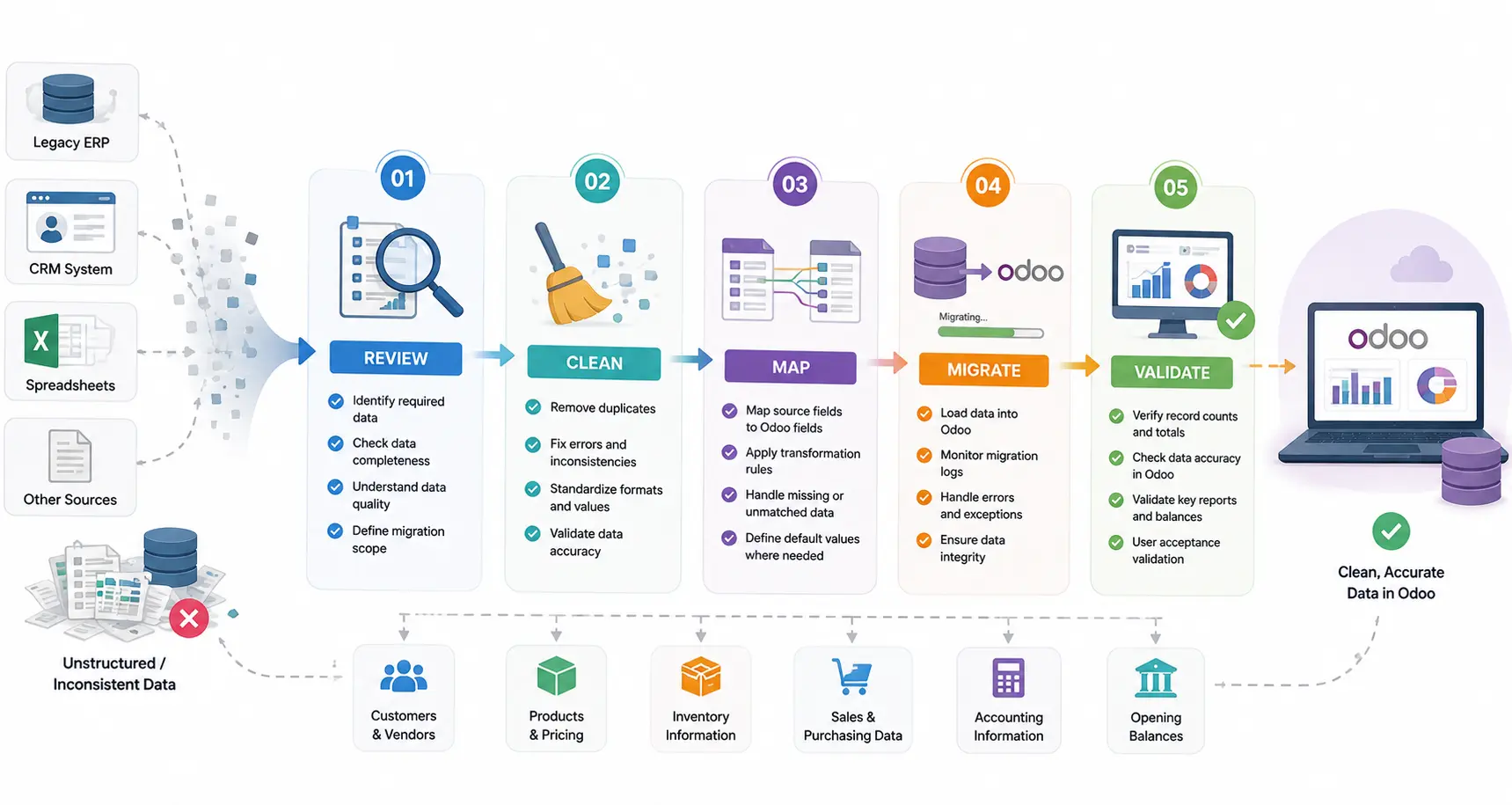
Businesses upgrading an existing Odoo database







An Odoo migration developer adapts existing Odoo code, custom modules, database structures and integrations for a target version. The work is identifying which custom modules reference deprecated methods or changed models, updating that code, migrating the data with its relationships intact, and validating critical business workflows in staging before anyone approves a production cutover.
Upgrading the database alone does not guarantee that custom functionality keeps working. If your database has no custom development, the standard Odoo upgrade path may be all you need.

An Odoo version upgrade can affect custom modules, inherited models, views, external integrations and existing business logic. Development support is usually required when:
The module references a method, field or dependency that the target version changed or removed.
Installation fails or the module loads but its business logic silently stops firing.
Fields, external identifiers and record relationships have to survive the move, not just the record counts.
Third-party applications depend on an authentication method or payload shape that the upgrade changes.
Crons and automated actions that worked before the upgrade no longer execute or process the wrong records.
Balances, relationships or historical records differ after migration and nobody can say why.
Custom modules developed for an older Odoo version may require code changes before they work correctly in a newer release. Deprecated methods, changed model definitions, view structures, dependencies and framework changes all have to be assessed against the target version.
Modules fail during migration for specific, findable reasons — changes to Python methods, ORM behaviour, fields, views and module dependencies. Each is found by reading the code against the target version, not by running the upgrade and seeing what breaks in production.
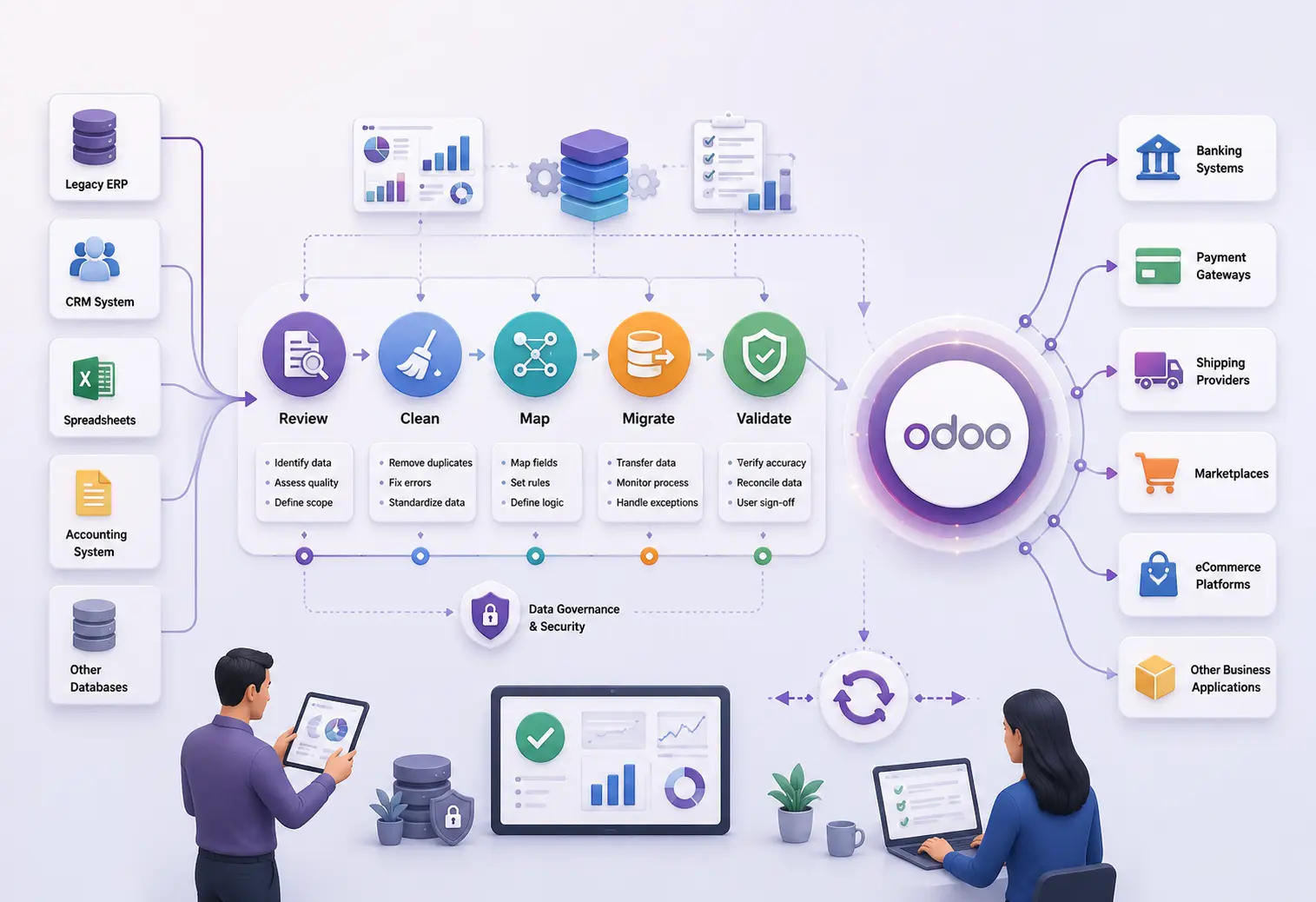
Database migration requires more than importing records into a new environment. Data structures, relationships, references and business-critical values must remain consistent — and the only way to know they did is to compare the result against the source.

Existing integrations may depend on APIs, authentication methods, field mappings or application behaviour that changes during an Odoo upgrade. Integration dependencies are reviewed, affected API calls updated, data synchronization validated and error handling tested.
Migration failures occur when custom modules reference removed fields, incompatible methods, missing dependencies or outdated view definitions. Server logs are read, the affected code traced, and the underlying compatibility issue corrected — rather than the symptom suppressed.
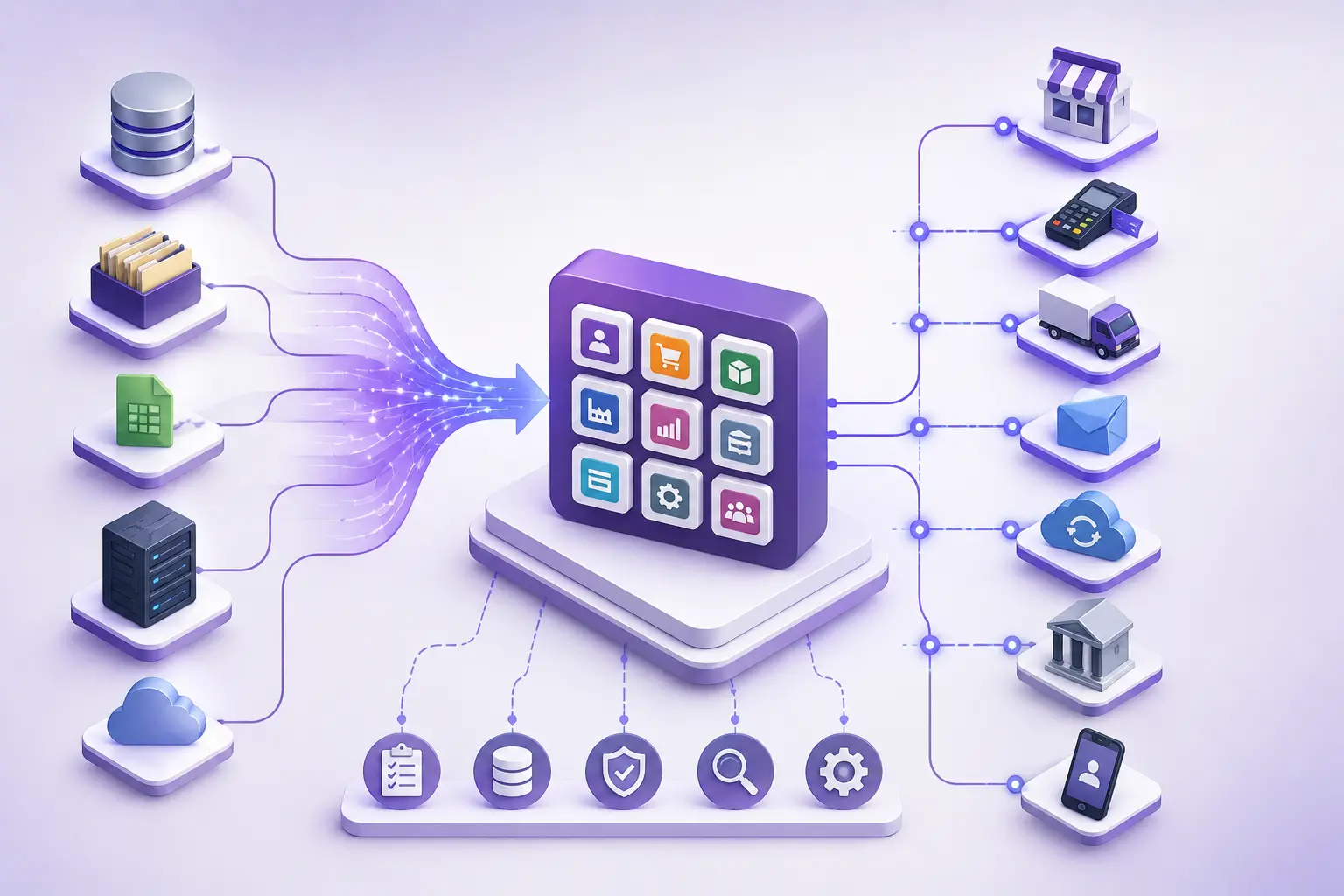
Six stages, in this order. Production is the last one, not the first.
Review the current Odoo environment, installed modules, custom code, database structure and migration requirements.
Identify incompatible methods, deprecated APIs, module dependencies, field changes and integration requirements.
Adapt custom modules, update affected code, handle required data transformations and resolve compatibility issues.
Execute migration activities in a controlled environment. Test module installation, data integrity, integrations, access permissions and critical business workflows.
Compare migrated records against agreed source data. Verify financial balances, record relationships, historical information and operational results.
Proceed with production migration after testing and business validation, following an agreed cutover and recovery plan.
Before modifying an existing Odoo environment, the developer needs to understand its technical dependencies. This assessment establishes scope and identifies risk before development begins.
Source and target versions, Community or Enterprise edition, hosting environment, installed applications and database configuration.
Custom addons, inherited models, Python methods, XML views, security rules and module dependencies.
Custom fields, relational records, external identifiers, historical information and data consistency requirements.
External applications, API connections, payment integrations, scheduled operations and automated workflows affected by the migration.
Which accounting, inventory, sales, purchase, manufacturing and reporting processes require validation after migration.

Odoo publishes a standard upgrade path, and for a lot of databases it is enough. Paying for development you do not need is as expensive as skipping development you do. This is the line.
The requirement should be assessed before choosing the migration approach. Not every Odoo upgrade requires extensive custom development, and we would rather tell you that than quote for it.
These are different things. The service is the managed engagement with scope, plan and timeline. This page is developer capacity against a defined technical problem on a system you already own.
The managed migration engagement, with scope, plan and responsibility.
Coming off Tally specifically, including the data traps.
When the upgrade breaks an integration you depend on.
Who is responsible for updating custom modules during an upgrade.
The specific failures a module hits on a new version.
All capabilities, and how engagement works.
The Odoo behaviour this page describes, in Odoo’s own documentation.
Every capability
Each Odoo capability has its own page: what the work involves, when configuration would have been enough, and what to settle before hiring for it.
Journal rules, reconciliation, tax workflows and financial reports.
Custom endpoints, controllers, authentication and payloads.
Automated actions, scheduled processes and cross-app rules.
Python exceptions, ORM defects and access-rule conflicts.
Lead routing, pipeline stages, activity automation and sales reporting.
Storefront behaviour, checkout logic and payment providers.
Direction, field mapping, duplicate prevention and retries.
Equipment, preventive schedules and repair workflows.
BoMs, work orders, routing, scrap and shop-floor data capture.
QWeb templates, PDF layouts, XLSX output and calculations.
A maintainable module with its own models and security rules.
Customer and vendor portals, and the access rules behind them.
Or start at hire an Odoo developer for hiring models, code ownership and how engagement works.
Share your current Odoo version, target version, custom module list and any migration errors you are already seeing. We will tell you whether this is a standard upgrade or a development job before quoting either — and the diagnosis call is free.