OdooBots
Loading
Capability · Odoo reports

Hire Odoo Report Developer

Are standard Odoo reports missing critical business information, calculations or document layouts your team needs?

Custom reports, extended templates, business-specific calculations and document outputs — built on QWeb and the records themselves, so the numbers on the page are the numbers in the database.
Suresh BabuOdoo Solution Architect, 7+ years| Reviewed by Karthik Raj| Updated 14 November 2026| QWeb · PDF · XLSX · calculations
0Odoo projects delivered
0Consultants & developers
Config firstCode only where needed
ChennaiAmbattur, Tamil Nadu
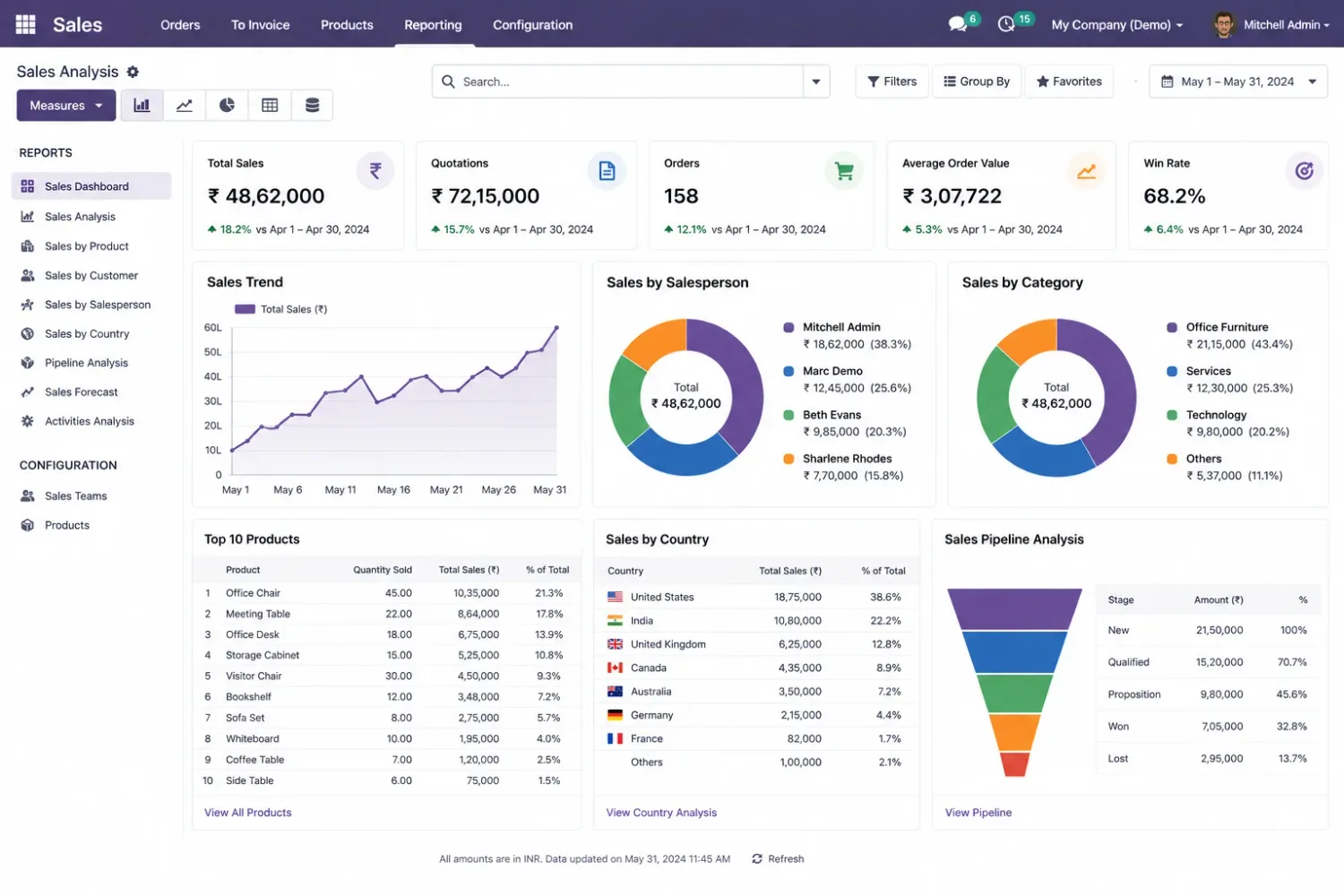
An Odoo sales report open on screen with its figures and document layout visible
10+
Suresh BabuFunctional Consultant

Businesses whose Odoo documents do not say enough

Dhanalakshmi Industries logo Sanjeev Autoparts logo Electro Flux Equipments logo Anchor Marine Equipment Company logo NEXG logo PV Constructions logo SESS logo
Definition

What does an Odoo report developer do?

An Odoo report developer creates and customizes reports by extending QWeb templates, retrieving business data, implementing calculations and modifying document layouts. The work is as much about where the numbers come from as about how the page looks — a beautiful report built on the wrong recordset is worse than no report.

Before developing a custom report, assess whether the requirement can be handled through existing report settings, filters, grouping or configuration.
QWeb
Odoo’s HTML templating engine, which is what a PDF report is built from.
Template inheritance
Extending a standard report rather than replacing it, so Odoo updates still apply.
Paper format
Page size, margins, headers and footers — where most layout complaints actually live.
Company context
Which records a user may see in a report, and in which company.
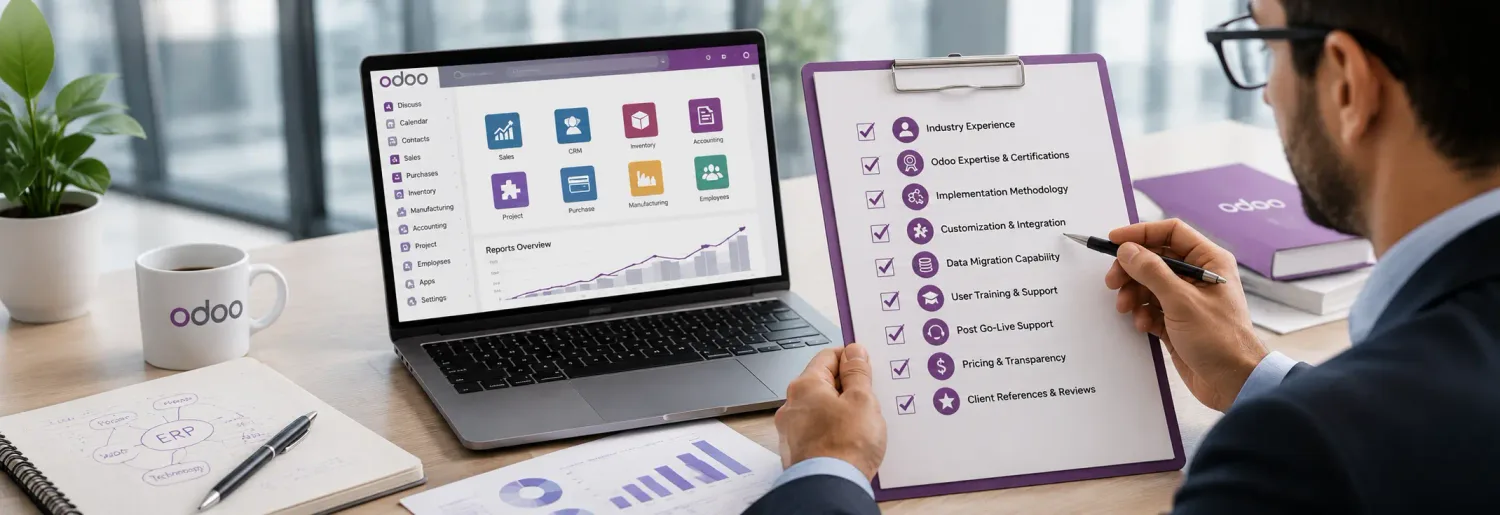
A reporting requirements checklist being reviewed against an existing Odoo document
Define the report before building it — Purpose, source models and required fields come before the layout.
Symptoms

Odoo reporting problems that require development

Standard Odoo reports cover common business requirements. Additional development becomes necessary when the need involves specific data, calculations or layouts.

Missing business information

Standard reports do not display the fields, related records or operational details your team needs.

Incorrect calculations

The report requires business-specific formulas, conditional values or additional calculation logic.

Limited document layouts

Quotations, invoices, delivery slips or other documents need a different structure or presentation.

Complex data requirements

A report must combine information from multiple Odoo models or related records.

Custom reporting conditions

Different users, companies, products or transaction types require different report content.

Reporting performance issues

Complex data retrieval or inefficient report logic makes generation slow.

Capability 1 · Documents

Odoo reports you can customize

A report developer can extend existing reports or create new outputs. The scope depends on the required output, source models, data relationships and calculation rules — not on a fixed list of document types.
  • Sales and quotation reports: layouts, pricing detail, product information, discounts and customer-specific fields.
  • Invoice and accounting reports: invoice layouts, financial detail, and business-specific presentation or calculation.
  • Inventory and delivery reports: product details, lot or serial numbers, warehouse information and stock movements.
  • Purchase reports: purchase orders and vendor documents with additional fields, approval information and procurement detail.
  • Manufacturing reports: production documents with BoM information, components, work orders and operations.
  • Management reports: information combined across applications into operational summaries.
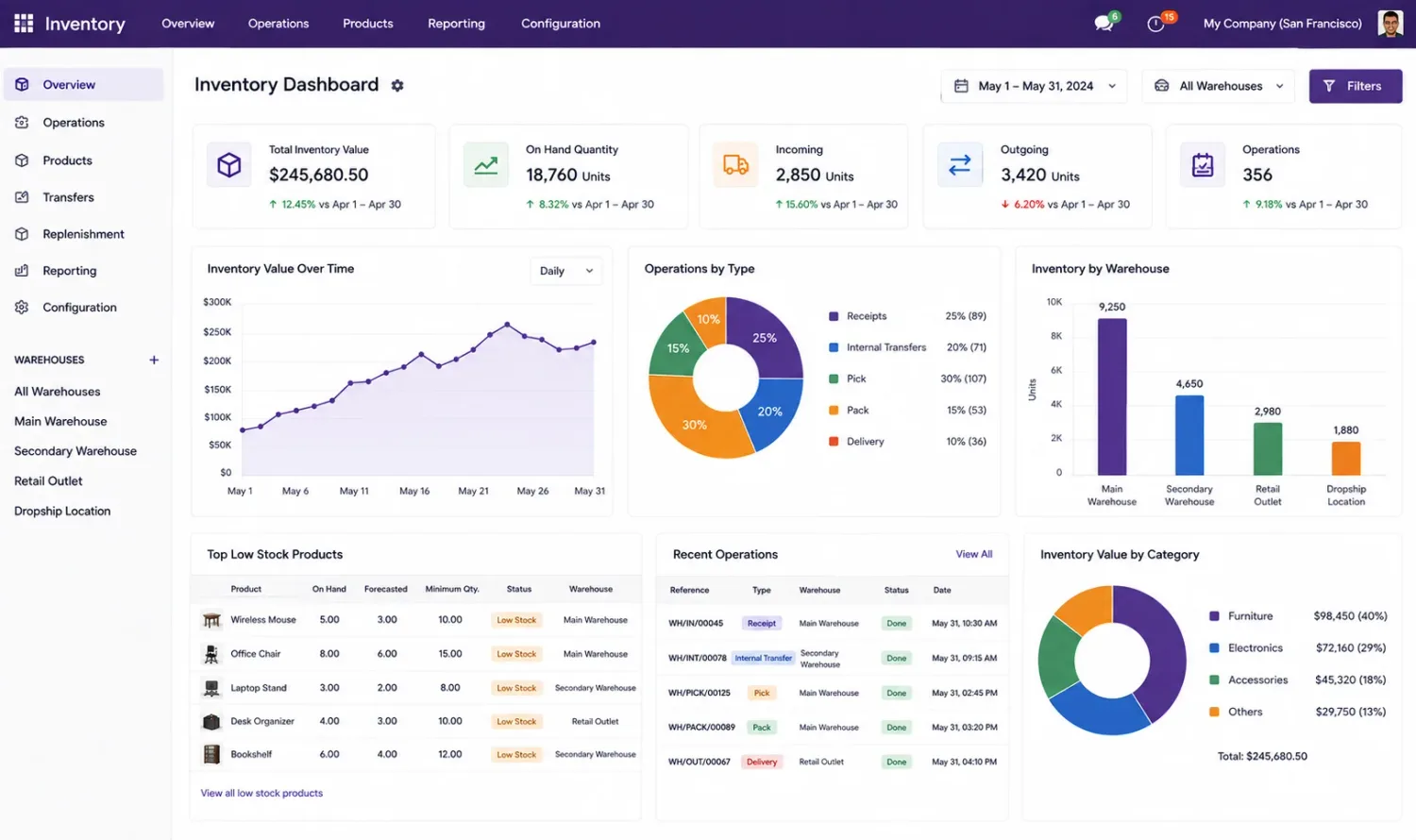
An Odoo inventory report showing stock movements and warehouse detail
Documents across applications — Each document type has its own source models and its own traps.
Capability 2 · Expertise

What Odoo report development requires

Custom report development requires knowledge of Odoo’s reporting framework and of the underlying business data. Access rights and company rules matter as much as the template: a report that retrieves records the user should not see is a data problem, not a formatting one.
  • QWeb templates: creating and extending HTML-based report templates using QWeb directives and expressions.
  • Python and Odoo ORM: retrieving records, processing business data and implementing report-specific calculations.
  • XML and report actions: report templates, actions, bindings and document generation settings.
  • View and template inheritance: extending existing templates without replacing standard functionality.
  • Data relationships: retrieving information from related models while handling recordsets correctly.
  • PDF and document formatting: page layouts, headers, footers, paper formats and presentation.
  • Access rights and company rules: reports that respect user permissions and company context.
  • Testing and debugging: validating calculations, content and output across real business scenarios.
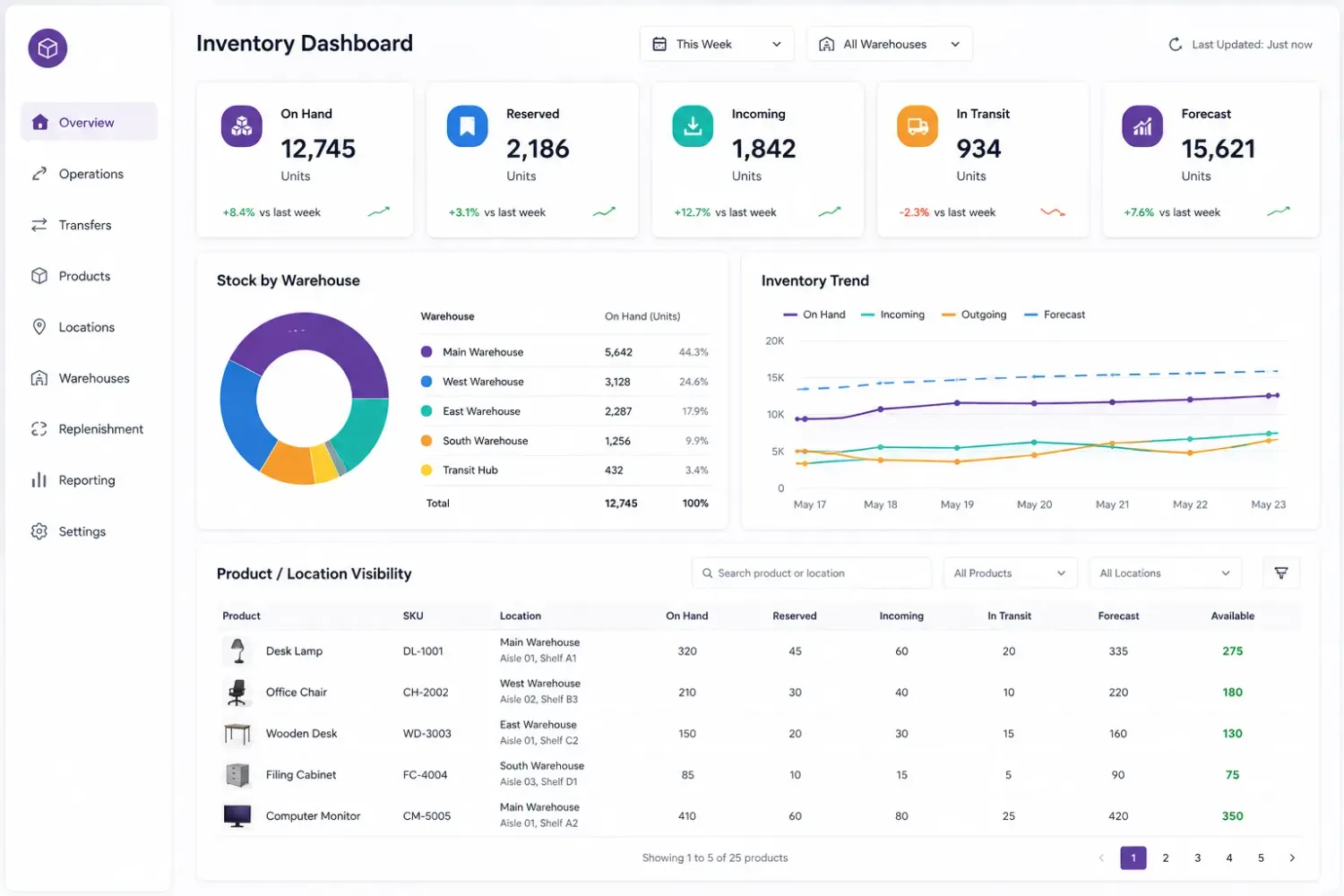
A stock report being validated against the underlying Odoo records
Validate the numbers, not just the layout — Incorrect output usually traces back to data retrieval, not to the template.
Configure or build

Can an existing Odoo report already do it?

If an existing report can meet the need through configuration, filters or grouping, custom development may not be necessary. These are the two sides.

Try this first

No development required

  • The information is available through filters, grouping or a pivot view.
  • The field exists and only needs adding to the document through configuration.
  • A standard report in an uninstalled application already covers it.
  • The layout issue is a paper format or a company document setting.
  • An export to spreadsheet answers the question well enough.
Now it is development

Custom report development

  • Standard reports cannot display the information your business requires.
  • Existing PDF documents need substantial layout or structural changes.
  • Reports require custom calculations or conditional data.
  • Information from multiple Odoo applications must appear in one report.
  • Existing report templates generate incorrect or incomplete output.
  • Report generation is slow because of complex retrieval or inefficient custom logic.

For specialized requirements the developer may also need XLSX generation or another output format, depending on the solution.

Before you start

What to define before report development

Clear requirements decide the report architecture, the data retrieval approach and the development scope.

  1. Report purpose

    What the report should communicate, and who will use it.

  2. Source data

    The Odoo applications, models and records involved.

  3. Required fields

    The information, calculations and related records that must appear.

  4. Report format

    PDF, XLSX or another supported output.

  5. Layout requirements

    Structure, branding, headers, footers and page formatting.

  6. Access requirements

    Which users or companies can generate and access the report.

  7. Sample output

    An existing report or reference document showing the expected result.
A supplier document in Odoo being compared against the required output format
Bring a sample — An example document removes more ambiguity than a specification does.
FAQ

Frequently asked questions

What does an Odoo report developer do?
An Odoo report developer creates and customizes reports by extending QWeb templates, retrieving business data, implementing calculations and modifying document layouts.
Can an Odoo developer customize standard PDF reports?
Yes. A developer can extend standard PDF reports, modify QWeb templates, add fields, change layouts and implement additional report logic without unnecessarily modifying Odoo’s core source code.
Which technologies are used for Odoo report development?
Odoo report development commonly uses QWeb, XML, Python and the Odoo ORM. Additional technologies may be required for specialized output formats or reporting functionality.
Can an Odoo report combine data from multiple modules?
Yes. A custom report can retrieve related information from multiple Odoo models and applications. The developer must handle model relationships, data access and calculation requirements correctly.
Can an Odoo developer create custom Excel reports?
Yes. A developer can implement XLSX report generation when the requirement involves structured spreadsheet output, custom calculations, formatting or business-specific data.
Can I modify an existing Odoo invoice or quotation report?
Yes. Developers can extend existing invoice and quotation templates to include additional fields, change document layouts and implement conditional content based on business requirements.
Why is my custom Odoo report generating incorrect data?
Incorrect output can result from faulty data retrieval, incorrect model relationships, calculation errors, template conditions or access restrictions. A developer can inspect the report logic and source records to identify the issue.
What information should I provide before hiring an Odoo report developer?
Provide your Odoo version, existing report template, required fields, source data, expected calculations, output format and a sample document if available. This helps establish the technical scope.
References

Sources and official documentation

The Odoo behaviour this page describes, in Odoo’s own documentation.

Discuss your Odoo report requirement

Share the existing report, the fields and calculations you need, the output format and a sample document if you have one. If filters or grouping already answer it we will say so — and the diagnosis call is free.