
Inconsistent synchronization
Customer details, product information, orders or stock quantities differ between Odoo and the external system.
Disconnected business applications creating duplicate records, delayed updates or inconsistent data in Odoo?
External application connections, business data synchronization, cross-system workflow automation and resolution of integrations that have started failing — designed around what the other system can actually do.
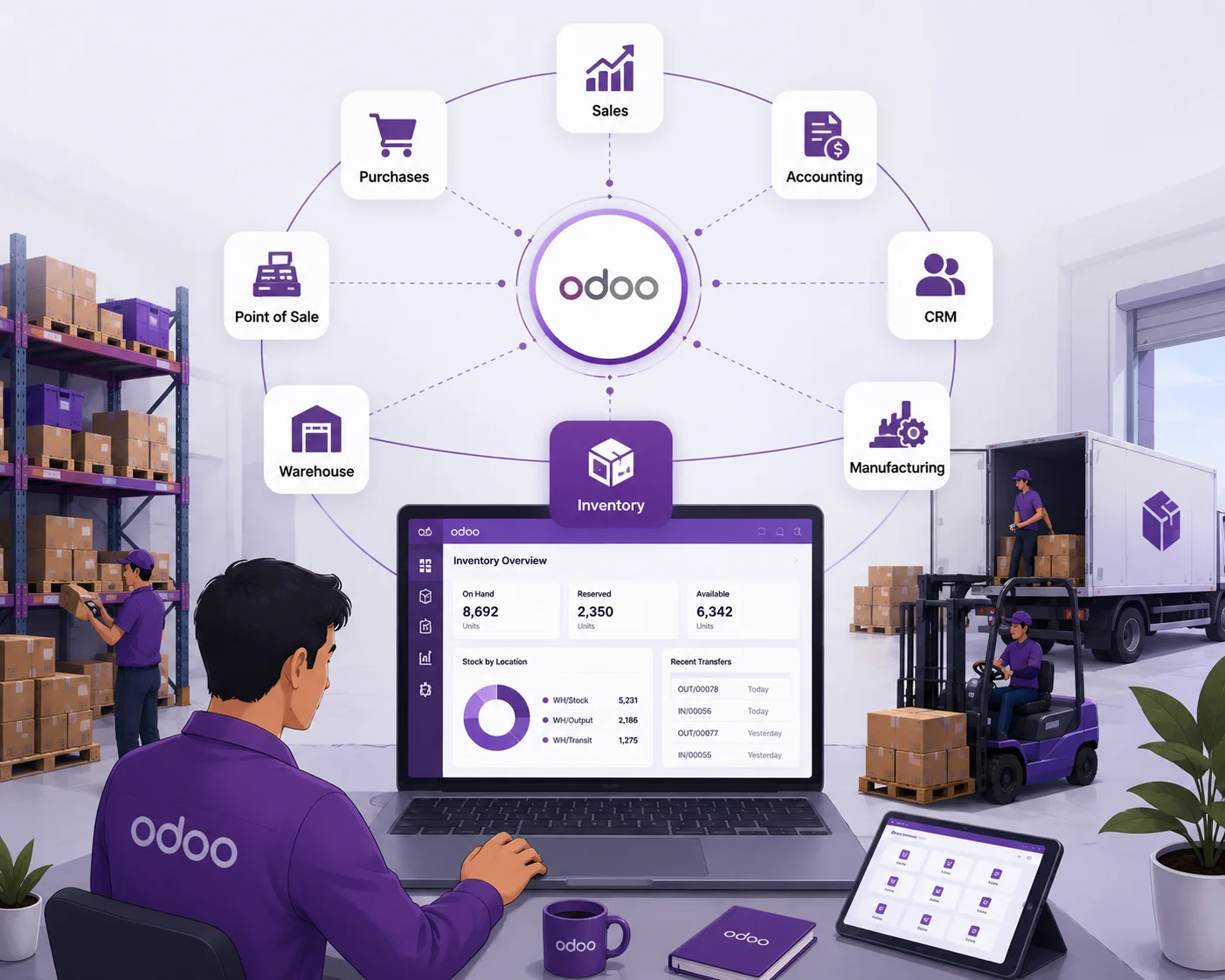
Businesses connecting Odoo to other applications







An Odoo integration developer connects Odoo with external applications, develops the synchronization logic, maps data between systems, automates cross-system workflows and resolves integrations that fail. Connecting two applications does not by itself guarantee their data and workflows stay consistent — that consistency is the thing being built.
If a standard connector, a supported API or an existing integration tool already meets your requirement, custom development may not be necessary. A developer earns their place when the integration needs logic the connector does not have.
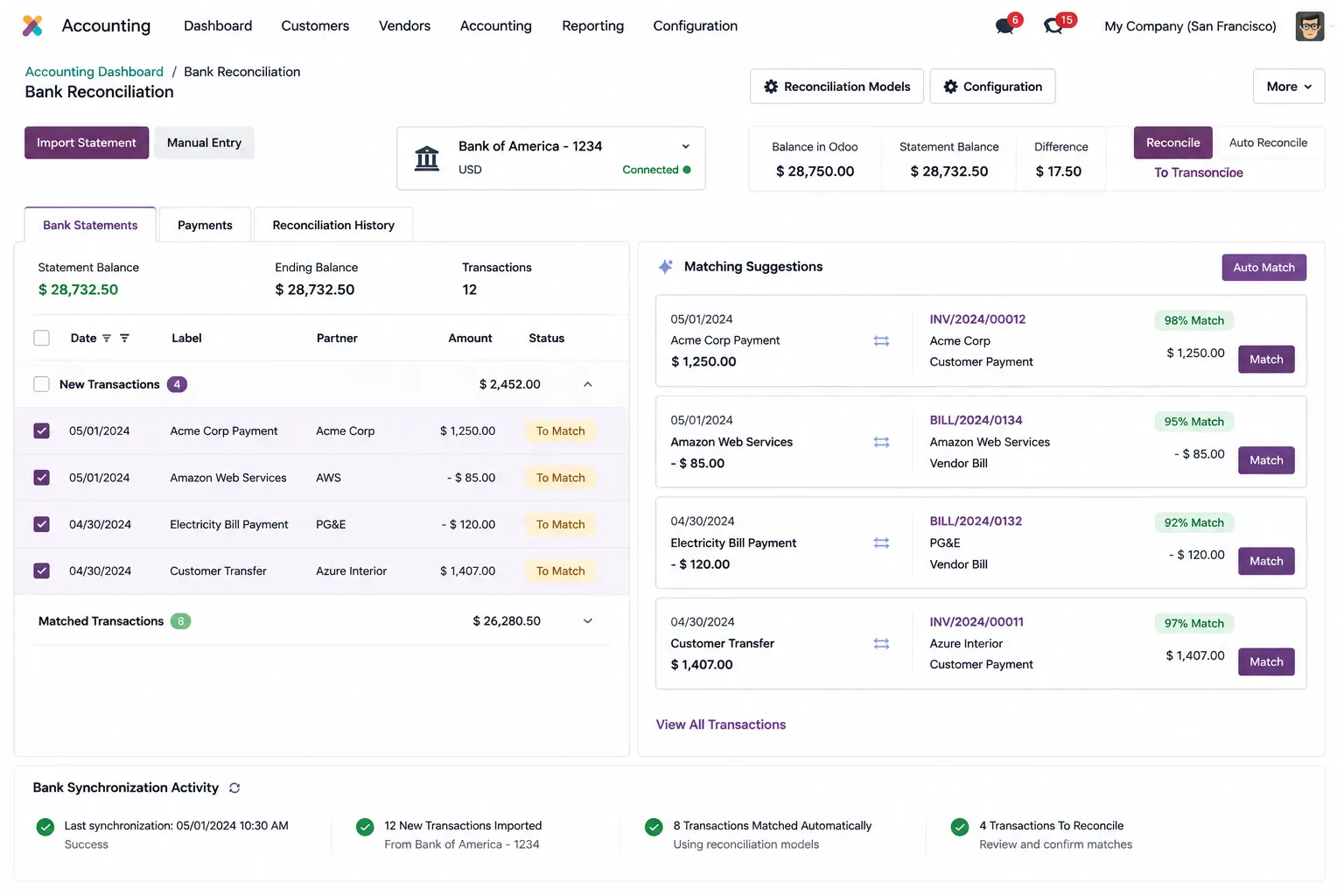
These problems require an assessment of the existing integration architecture, data flow and business rules before deciding whether custom development is necessary.
Customer details, product information, orders or stock quantities differ between Odoo and the external system.
Repeated synchronization requests create duplicate customers, sales orders or transactions.
An order received through an external platform does not trigger the required operations in Odoo.
Different field structures, formats or identifiers produce incomplete or incorrect records.
Authentication changes, API errors, timeouts or external system updates interrupt the data exchange.
Your team cannot identify failed synchronization jobs or trace a data transfer error.
An integration developer connects different business applications and coordinates the data exchanged between them. The scope depends on the external application’s API capabilities, available connectors, data structure and the business operations involved — the other system’s limits decide the design, not our preference.
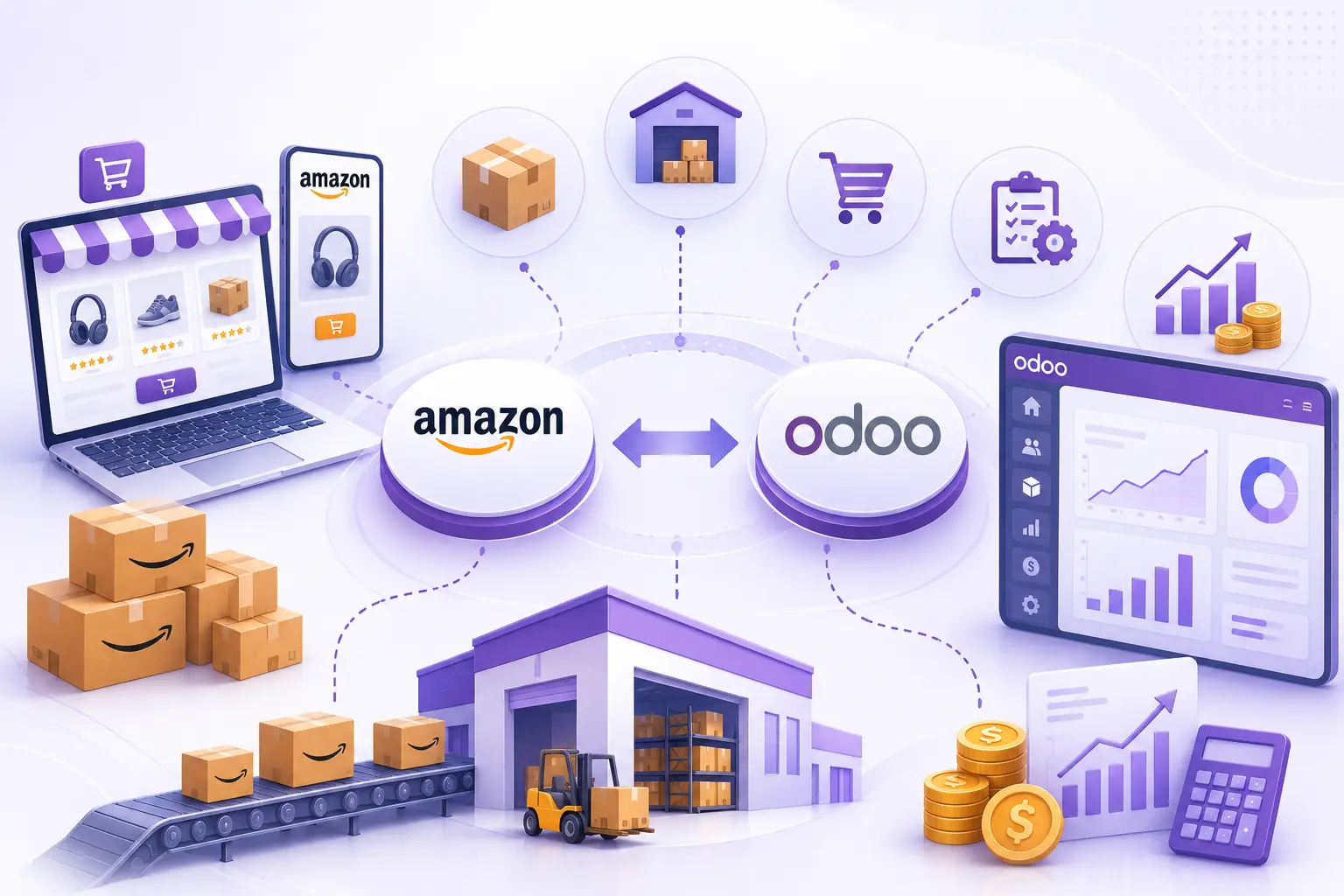
Reliable integration needs an understanding of how Odoo stores business data and how external applications exchange information. The developer must also understand access rights, transaction handling and synchronization performance, so that integration processes do not degrade the Odoo instance everyone else is working in.
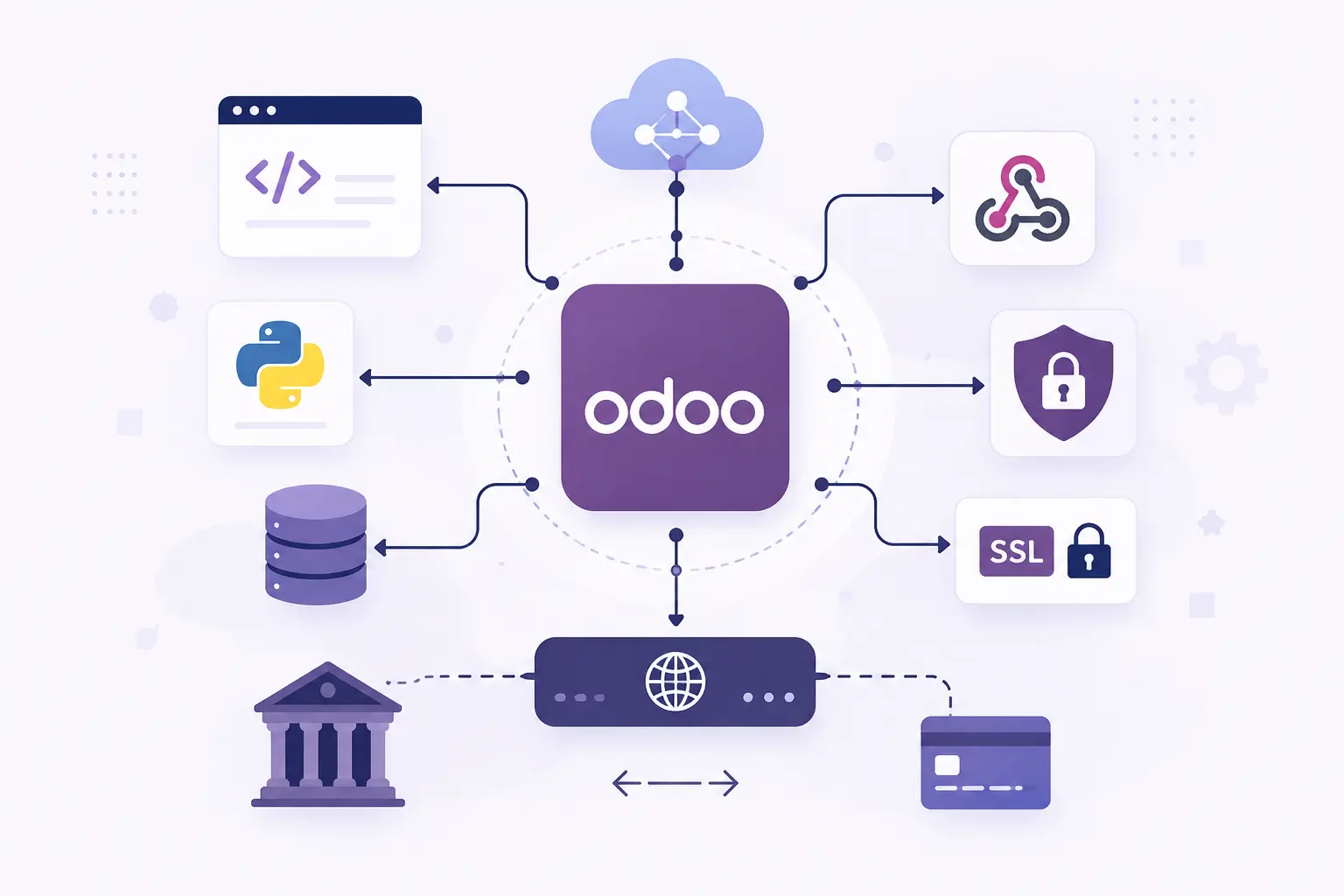
Custom integration is a system you then own, monitor and maintain. It is worth confirming the cheaper route is genuinely closed first.
Duplicates usually come from repeated requests, missing unique identifiers, incorrect matching rules, or retry logic that does not account for records it already processed. All four are design problems, not bugs to patch later.
These requirements establish the integration architecture and identify the development work before implementation begins.
Odoo and every external system that needs to be connected.
The records, fields and business information exchanged between applications.
Whether data moves out of Odoo, into it, or both ways.
Events, webhooks, scheduled jobs, or whatever the external system supports.
Field mapping, validation conditions, duplicate handling and record update requirements.
Available documentation, authentication details and test environment access.
How failed requests, conflicting updates and incomplete synchronization should be managed.
Three different questions. This page is the data contract between systems; the API page is the interface itself; the named pages answer whether we have done your specific platform.
Endpoints, controllers, authentication and payloads — the interface layer.
The managed engagement, with scope and responsibility.
The platforms we have connected, named one by one.
A worked example of a marketplace integration.
A cross-application workflow that stops halfway.
All capabilities, and how engagement works.
The Odoo behaviour this page describes, in Odoo’s own documentation.
Every capability
Each Odoo capability has its own page: what the work involves, when configuration would have been enough, and what to settle before hiring for it.
Journal rules, reconciliation, tax workflows and financial reports.
Custom endpoints, controllers, authentication and payloads.
Automated actions, scheduled processes and cross-app rules.
Python exceptions, ORM defects and access-rule conflicts.
Lead routing, pipeline stages, activity automation and sales reporting.
Storefront behaviour, checkout logic and payment providers.
Equipment, preventive schedules and repair workflows.
BoMs, work orders, routing, scrap and shop-floor data capture.
Version upgrades where custom modules and history must survive.
QWeb templates, PDF layouts, XLSX output and calculations.
A maintainable module with its own models and security rules.
Customer and vendor portals, and the access rules behind them.
Or start at hire an Odoo developer for hiring models, code ownership and how engagement works.
Share the applications you want to connect, the records that must move, the direction they move in, and any errors the current integration is producing. If an existing connector already covers it we will say so — and the diagnosis call is free.