
Payments against invoices
UPI, card, net banking and wallet payments posting against the correct Odoo invoice with the Razorpay payment reference attached.
UPICardsReference
Razorpay collects in a dozen ways — UPI, cards, net banking, wallets, payment links — and then pays you in batches, net of fees, a day or two later. Each of those is simple on its own and awkward in an accounting system.
The integration that matters is not the one that takes the payment. It is the one that makes a Tuesday deposit reconcile against the forty invoices and the fees behind it, without anyone opening a spreadsheet.
Businesses running Odoo with OdooBots







Odoo Razorpay integration records each payment against its invoice and reconciles the settlement deposit against the transactions and fees behind it. Payments taken through UPI, cards, net banking, wallets or payment links post against the right invoice with their reference, settlements arrive as a batch net of fees and commission, refunds raise credit notes, and failed or pending payments are visible rather than silently missing.
Razorpay settles in batches, so one bank credit covers many invoices minus fees. Reconciling invoice by invoice against the bank statement will never balance, and that is the problem this integration exists to solve.
Six things move between Razorpay and Odoo, and the useful ones happen after the customer has already paid.
UPI, card, net banking and wallet payments posting against the correct Odoo invoice with the Razorpay payment reference attached.
Links raised for a specific invoice, so a customer paying by link clears that invoice rather than leaving an unallocated receipt.
The batch deposit imported with the transactions it covers and the fees deducted, so the bank line matches without manual work.
MDR, GST on fees and any adjustment posted as expense lines rather than disappearing into the difference between gross and net.
Refunds raising the matching credit note, including partial refunds, with the reversal reflected in the next settlement.
Recurring collections against Odoo subscriptions, with failed mandate attempts visible so a lapsed customer is chased rather than lost.
A customer pays through a link or your checkout. The payment posts against the invoice with its reference, and the invoice closes. Two days later Razorpay deposits a batch covering that payment and many others, net of commission. The settlement import matches the deposit to those transactions and posts the fees as expense, so the bank reconciliation has nothing left over.
Without that last step the gross and net figures never meet, and someone spends the first week of every month explaining the difference.
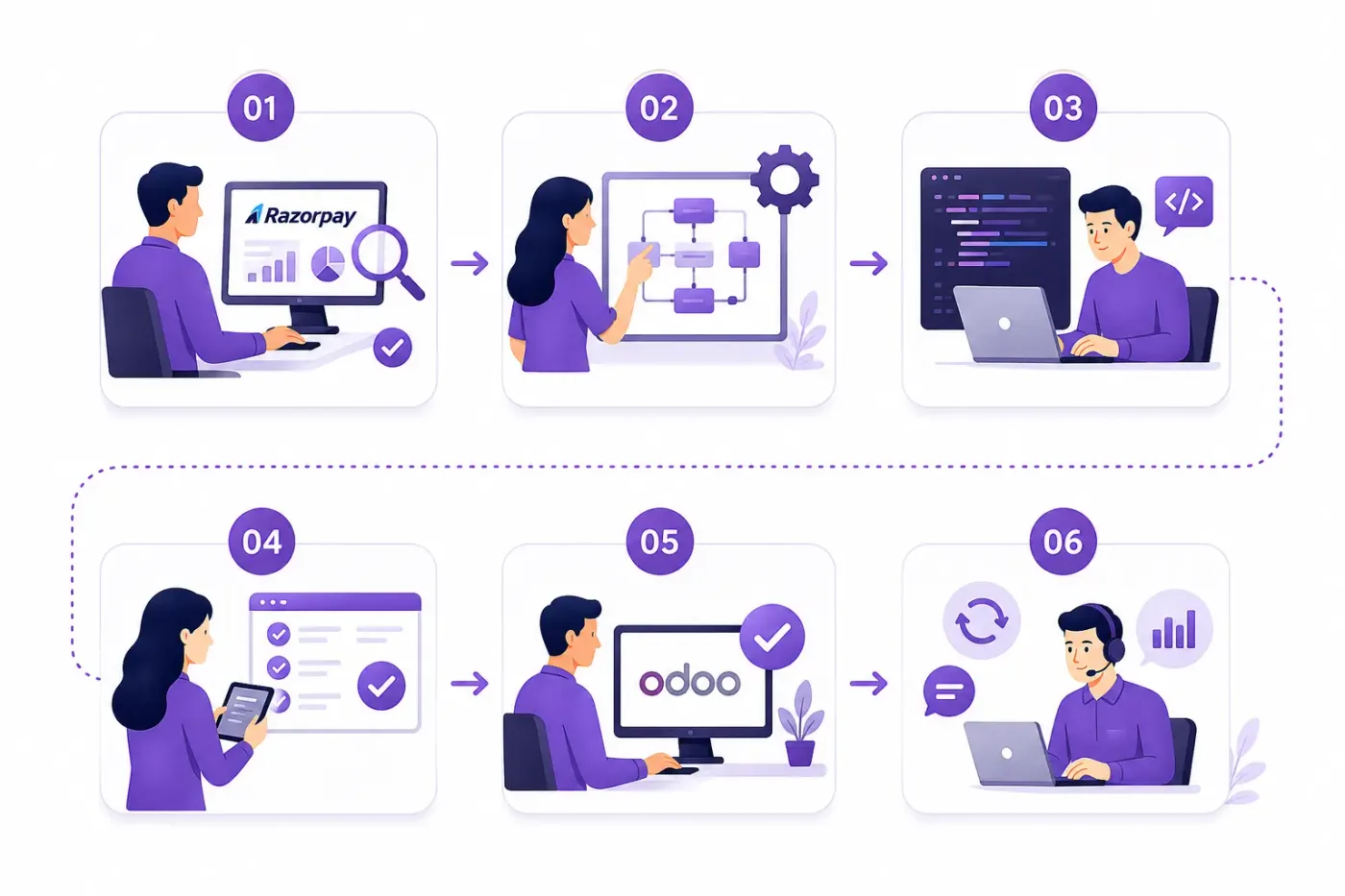
These are the decisions that are cheap to make now and painful to reverse once two systems have been exchanging records for a month.
Batch deposit against its transaction lines, with fees posted separately. This is the decision the whole integration is built around.
Which expense account MDR and GST on fees go to, agreed with your accountant so the input credit position is right.
Only a captured payment clears an invoice. Treating an authorisation as receipt overstates collections and is awkward to unwind.
How a link is tied to its invoice, so a customer paying by link does not leave a receipt nobody can allocate.
Whether a refund raises a credit note automatically and how it appears in the following settlement.
If you run more than one account or entity, which Odoo company and bank account each settles into.
A named owner for failed payments and failed mandate attempts, with an alert. Silent failures are lost revenue, not a technical issue.
We would rather say this before you buy licences than after. These are the areas where we scope real development, recommend a different tool, or tell you the connector will not reach.
Payment pages, offers and risk rules stay in Razorpay. Odoo holds the commercial and accounting record.
Payouts, vendor payments and current account features are a separate product and a separate scope.
Disputes are handled in Razorpay. Reflecting the accounting impact in Odoo is possible and needs explicit design.
Virtual account collections can be brought in, but matching them to customers needs rules agreed up front.
Route and split settlements for marketplace models need custom modelling before the accounting works.
Importing years of past settlements is rarely worth it. We usually start clean from a cut-off date.
Connecting Razorpay to Odoo is less about the connector than about agreeing what is true where, and what happens when a record will not go through.
Understand which payment methods you collect on, your settlement cycle, how fees are accounted for today, and whether subscriptions or payment links are used.
Agree how settlements reconcile, where commission posts, how links are allocated and what counts as received, before anything is connected.
Connect Razorpay to Odoo using the standard connector where one fits, and build only what the connector genuinely cannot reach. See Odoo customization.
Your records, in a test database, including the awkward ones — the cancelled order, the partial refund, the product that exists on one side only.
A queue for failed records with a named owner and an alert, because an integration nobody watches diverges quietly and the divergence is found at audit.
Cutover with a reconciliation on both sides, then hypercare, then ongoing support and AMC.
We do not publish one integration price, because the same connector costs very differently depending on the factors below. We do publish what moves the number, and the price is fixed in writing before work starts.
We configure the settlement import before the checkout, because taking the payment was never the hard part. The hard part is a Tuesday deposit that has to equal forty invoices minus commission, and that is where Indian businesses lose a week a month.
Product capabilities stated on this page are documented by Odoo. The mapping advice, failure handling and limitations come from our own integrations.
Tell us your monthly transaction volume and whether settlements are reconciled by hand today. Those two answers shape the configuration, and the diagnosis call is free.