Upgrade Odoo 19 to 20 Without Breaking Custom Modules
An Odoo upgrade can look straightforward until your business-critical custom modules stop working.
Your sales team may depend on a custom quotation approval process. Your warehouse may use additional stock validation rules. Your finance team may rely on a tailored invoice report, or on an integration that transfers data to another application.
These features may work perfectly in your current Odoo version. But when you move to Odoo 20, changes to standard models, fields, methods, views or dependencies can affect how those customisations behave.
The important question is not simply how to upgrade Odoo. It is who is responsible for making your custom modules compatible with Odoo 20.
The answer depends on who developed and maintains the modules, what your maintenance agreement covers, and whether the required source code is available. Understanding these responsibilities before starting the upgrade helps your business avoid delays, unexpected development costs and disruption to daily operations.
Why do custom Odoo modules need attention during an upgrade?
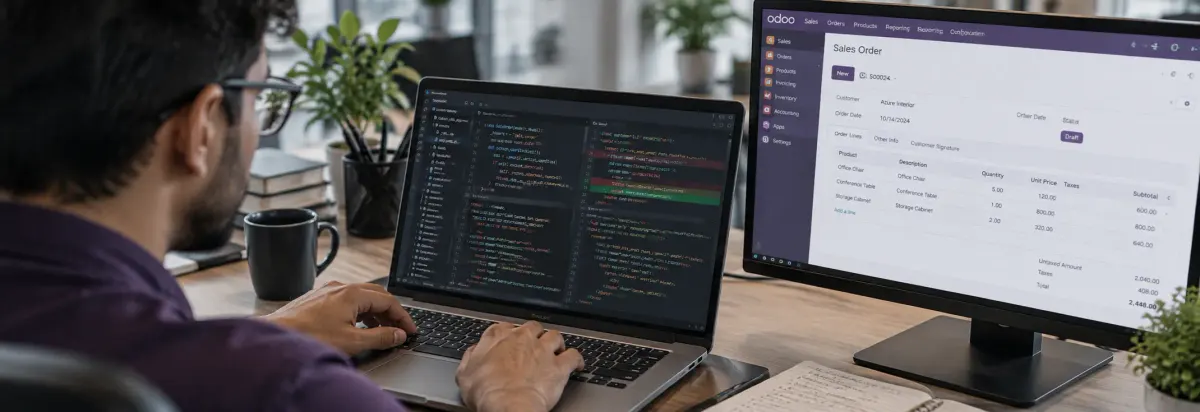
Custom modules extend Odoo to support business requirements that the standard applications do not fully address. They may introduce new fields, modify existing workflows, add reports, automate operations, or connect Odoo with external systems.
An Odoo version upgrade can introduce changes that affect these extensions:
- Model changes. A custom module may depend on a field or method that has changed in the new version.
- View changes. An inherited form or list view may no longer match the updated standard view structure.
- Business logic changes. A customisation that modifies sales, inventory or accounting operations may need code adjustments.
- Dependency changes. A module may rely on another custom or third-party module that is not yet compatible.
- Integration changes. External applications may require updates if the custom integration depends on modified Odoo functionality.
Consider a manufacturer using a custom module to prevent production orders from being confirmed until material availability is checked. If the module depends on a method that changes during the upgrade, the validation process may fail.
The database upgrade alone does not guarantee that this business rule will keep working. The custom code must also be reviewed, adapted and tested.
Does Odoo's standard upgrade service update custom modules?
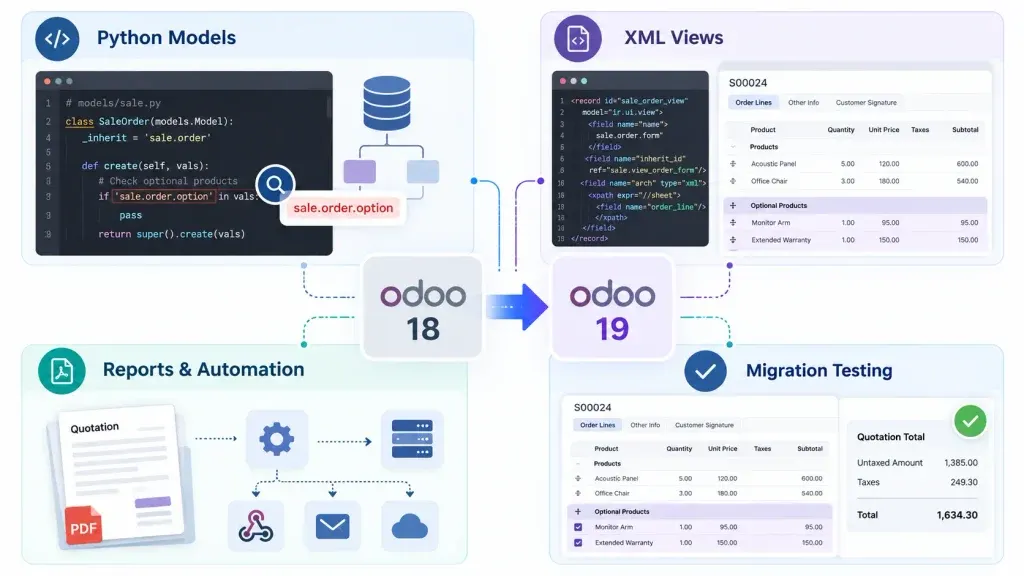
Not necessarily. This is one of the most important distinctions to understand before planning an Odoo 20 upgrade.
Odoo's upgrade service focuses on converting the database and supported applications to the target version. The coverage of custom developments depends on the applicable Enterprise upgrade terms and maintenance arrangements.
According to Odoo's upgrade documentation, the service can cover:
- Standard Odoo applications.
- Customisations created using Odoo Studio, subject to the stated subscription conditions.
- Developments and customisations covered by a maintenance of customisations subscription.
Additional modules developed in-house or by third parties, including Odoo partners, are not automatically covered when they fall outside the applicable maintenance agreement.
So your business should not assume that requesting a database upgrade also includes the redevelopment of every custom module. Before proceeding, confirm which customisations are covered by your subscription or maintenance agreement, which modules were developed separately, who currently maintains the source code, and whether that developer is responsible for Odoo 20 compatibility.
Who is responsible for updating your custom Odoo modules?
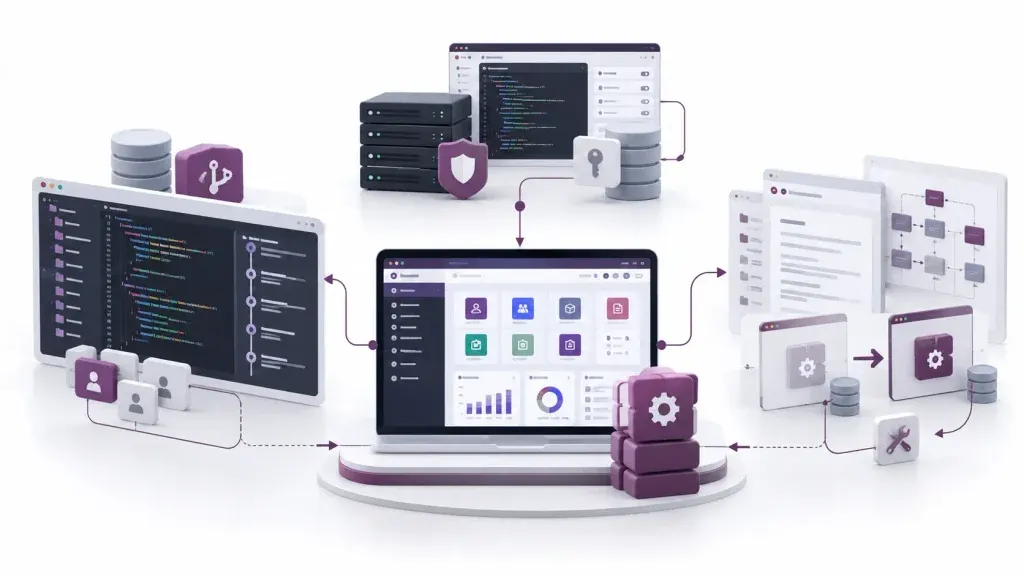
Responsibility generally belongs to the party maintaining the custom module, but the exact arrangement depends on your development and maintenance agreement.
| Development arrangement | Who should handle the update |
|---|---|
| Developed and maintained by an internal team | Your internal Odoo development team |
| Developed and maintained by an Odoo partner | The partner, according to the agreed maintenance scope |
| Developed by a third party with an active maintenance agreement | The contracted maintenance provider |
| Developed by a freelancer without ongoing support | Your business must arrange new development support |
| Developed in-house but no longer maintained | An available internal or external Odoo developer |
Internal development team
If your company has its own Odoo developers, they can review the existing code, identify compatibility issues, update the modules and test them against Odoo 20. Your team should also understand the original business requirements — particularly where custom code supports approval rules, manufacturing operations or accounting processes.
Original Odoo development partner
If an Odoo partner developed and maintains your modules, check whether version upgrades are included in your agreement. Do not rely only on the fact that the partner originally wrote the software: confirm the current maintenance scope, response responsibilities and upgrade deliverables.
Third-party developer or maintenance provider
If another developer maintains the modules, that provider should assess the code and confirm the work required for Odoo 20 compatibility. The agreement should define which modules are included, what testing is expected, and who handles issues discovered after deployment.
The practical rule: the business owns the decision to upgrade and must ensure the work is assigned. The developer or maintenance provider is responsible for the technical work covered by the agreed scope.
What if your original Odoo developer is no longer available?
This is more common than businesses expect. The original developer may have left, the partner may no longer provide support, or the freelancer who built the modules may be unreachable. That does not automatically mean you need to rebuild your entire Odoo system.
Before assigning the upgrade, collect:
- Custom module source code and repository access.
- The Odoo version each module was developed for.
- A list of installed custom and third-party modules.
- Module dependencies and external libraries.
- Documentation explaining important custom workflows.
- Details of external API connections and scheduled jobs.
- Available test cases and known technical issues.
If the source code is missing, the developer must first investigate how the existing functionality was implemented and determine whether it can be recovered or needs to be recreated.
Avoid starting development with only a list of requested features. The developer needs to understand how the current system works, which business rules must remain unchanged, and which customisations are still required.
When should you hire an Odoo developer for the Odoo 20 upgrade?
You may need an Odoo developer when the upgrade involves custom code that is not covered by your existing maintenance arrangement, or when your internal team does not have the capacity.
Consider development support when:
- Your database contains custom modules developed outside Odoo Studio.
- Existing customisations depend on older Odoo models, methods or views.
- Custom workflows must continue working after the upgrade.
- Third-party modules have no confirmed Odoo 20-compatible release.
- Your original developer or implementation partner is unavailable.
- API integrations, reports or automated actions require code changes.
- Your team cannot confidently test and resolve compatibility issues.
The right developer should do more than make the module install successfully. They should understand the business process behind the customisation and verify that the expected outcome still works. If you need external technical support, you can hire an Odoo developer to review existing modules, handle compatibility updates and support the upgrade.
What should a developer check before updating custom modules?
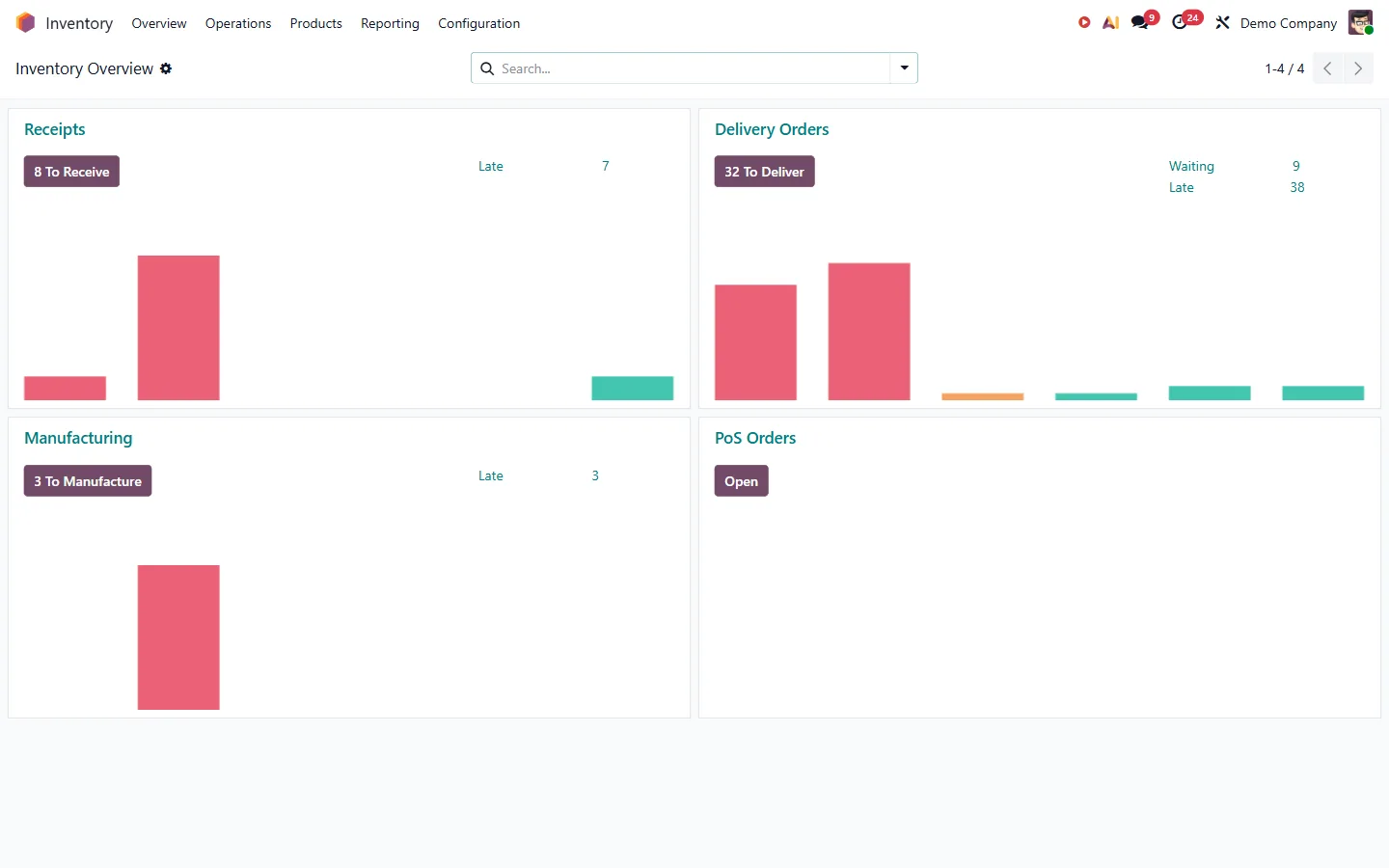
A structured technical assessment identifies the actual work, instead of relying on assumptions about the number of modules or lines of code.
Source code and dependencies
Inspect the module manifest, dependencies, Python files, XML views, security rules and other assets. Identify dependencies that are unavailable or incompatible with the target version. Third-party modules should be checked separately, because their compatibility may depend on the original publisher.
Models, fields and methods
Review inherited models, custom fields, computed fields, constraints and overridden methods. If the new version changes an underlying model or method, the developer must adapt the custom implementation without removing the intended business behaviour.
Views and user interactions
Check inherited form, list and search views. Confirm that users can still reach the fields, buttons, actions and information they need for their daily work.
Security and access rules
Review access control lists, record rules, groups and permissions. A module may install successfully and still block the wrong users from a required operation — or expose information to users who should not see it.
Integrations and automated operations
Test API connections, scheduled actions, automated actions, server actions and data exchange with external systems. A successful module update does not prove that an external integration or background process is working.
How should you verify custom modules before production?
Do not use the live database as the first place to test upgraded custom code.
Odoo recommends requesting an upgraded test database, preparing the custom module source code for the target version, and thoroughly testing that environment before moving to production.
- Create a test environment. Use an appropriate database copy and preserve the required test data and files.
- Update the custom module code. Adapt the modules and resolve dependency or installation errors.
- Install or update the modules. Confirm the updated code loads correctly in the target version.
- Test business workflows. Run the actual processes that depend on the customisations.
- Check integrations. Verify API requests, data synchronisation, scheduled jobs and external connections.
- Review access and reports. Confirm permissions, calculations, generated documents and reporting results.
- Resolve and retest. Record failures, correct them and repeat the relevant tests.
- Approve production deployment. Move forward only after business users confirm the critical workflows behave as expected.
For example, if a custom module controls purchase approvals, test the complete process — from purchase request creation through approval to order confirmation. Checking only whether the module installs is not sufficient.
Agree a rollback and recovery plan with your technical team before scheduling the production upgrade.
What should you agree with your Odoo developer before starting?
A clear scope prevents misunderstandings about who is responsible for each part of the upgrade. Before development begins, agree on:
- Module inventory. Which custom and third-party modules are included?
- Compatibility assessment. What code or dependency issues have been identified?
- Business requirements. Which existing workflows must remain unchanged?
- Development scope. Are code updates, integration changes and report adjustments included?
- Testing responsibilities. Who prepares test cases, and who approves the business result?
- Deployment plan. Who manages staging, production deployment, backups and recovery?
- Post-upgrade support. Who handles defects discovered after the new version goes live?
Ask for a module-wise assessment rather than a general statement that all customisations will be upgraded. That gives your business a clearer view of the work, the responsibilities, the risks and the deliverables.
Conclusion
Updating custom Odoo modules for Odoo 20 is not automatically the responsibility of Odoo's standard upgrade service. It depends on the applicable maintenance coverage and on who maintains the custom code.
If your internal team or development partner maintains the modules, confirm they can prepare and test the required updates. If the original developer is unavailable, arrange access to the source code and technical documentation before assigning the work to someone new.
Most importantly, verify your critical business workflows in a test environment before moving to production. A successful database upgrade is only one part of a successful Odoo upgrade — your custom business processes have to work as expected too.
Where we can help with an Odoo 20 upgrade
- Odoo migration and version upgradeDatabase upgrade, custom module porting and staged testing.
- Odoo customisationCustom modules written to survive the next version change.
- Hire an Odoo developerNamed developers who work in your own repository.
- Odoo support and maintenanceOngoing cover so customisations stay compatible between versions.
- Odoo ERP consultantA module-wise assessment before the upgrade is scoped.
- Odoo functional consultantSomeone who knows the business rule behind the code.
- Odoo integration servicesAPI connections and data exchange retested after the upgrade.
- Integrations by systemWhat connecting Odoo to a specific system involves.
- Odoo hostingA staging database to test the upgrade before production.
- Cost of Odoo implementationWhat the work is priced on, so an upgrade quote makes sense.
- Odoo trainingBusiness users who can sign off the upgraded workflows.
- Odoo expertsThe team, and the versions each person has worked on.
- Odoo case studiesProjects where customisations were carried across versions.
Frequently asked questions
Does Odoo automatically upgrade custom modules to Odoo 20?
No. Automatic upgrade coverage depends on your maintenance agreement. Custom modules developed in-house or by third parties may require manual updates from their respective developers.
Can a new Odoo developer update modules created by another developer?
Yes. A new developer can update existing modules if the source code and dependencies are available. They should first review the code and understand the existing business workflows.
How can I check whether my custom modules are ready for Odoo 20?
Test them in an upgraded staging database. Verify module functionality, dependencies, views, security, reports, integrations and business workflows. Fix any issues and get user approval before production deployment.