OdooBots
Loading
Integration · Magento

Odoo Magento integration

Magento is built for businesses that outgrew a simple store: several websites, store views in different languages, customer groups with their own prices, and B2B accounts buying on terms. Every one of those features is a decision the integration has to respect.

Which is why a Magento integration is a scoping exercise before it is a technical one. Stock, price and tax are all scoped to a website in Magento, and an integration that ignores that will publish the wrong number to the wrong store.
Karthik RajOdoo Technical Consultant, 10+ years| Reviewed by Suresh Babu| Updated 20 October 2026| Covers Odoo 16–19, Community & Enterprise
0Odoo projects delivered
0Consultants & developers
Per websiteStock, price and tax scoped right
ChennaiAmbattur, Tamil Nadu
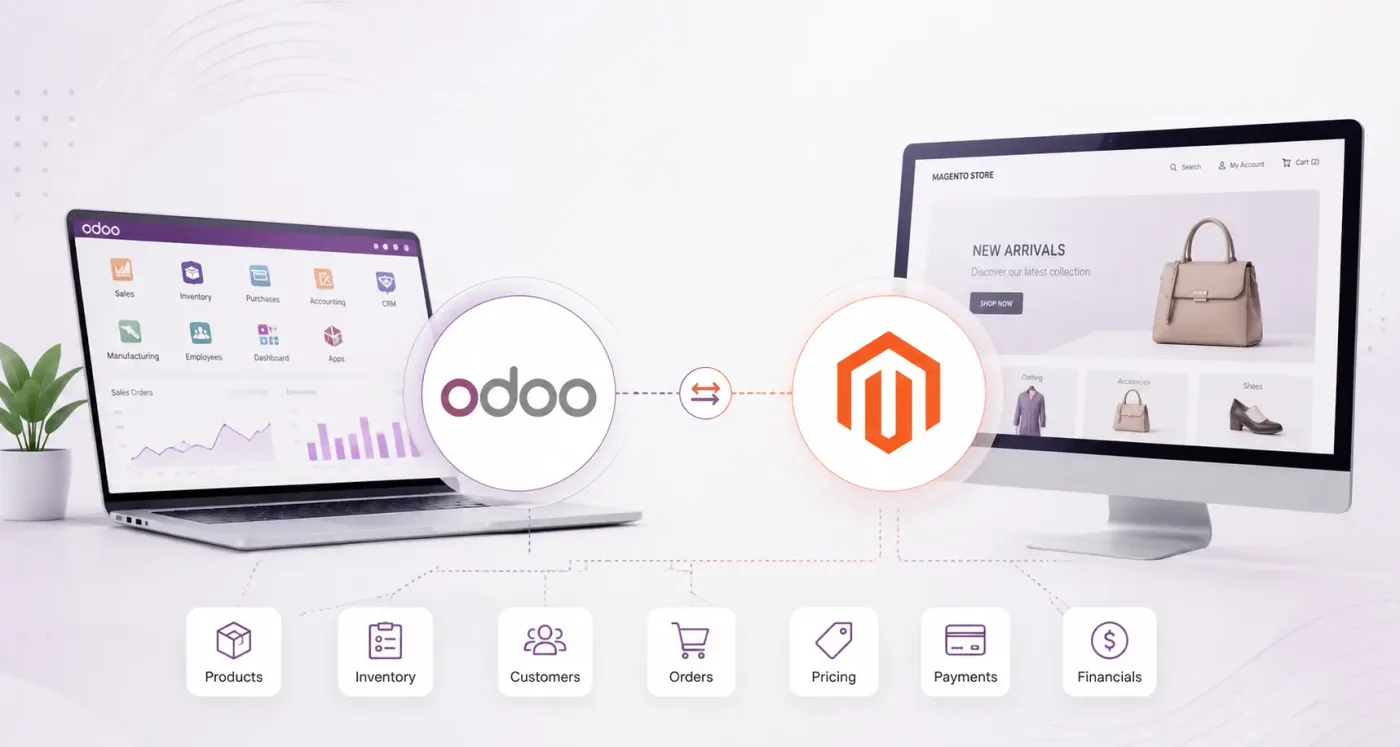
Odoo magento integration — a multi-store Magento catalogue and Odoo ERP sharing stock and orders
630
630+ projectsdelivered on Odoo

Businesses running Odoo with OdooBots

Dhanalakshmi Industries logo Sanjeev Autoparts logo Electro Flux Equipments logo Anchor Marine Equipment Company logo NEXG logo PV Constructions logo SESS logo
Definition

What is Odoo Magento integration?

Odoo Magento integration maps a multi-store catalogue, website-scoped stock and pricing, and customer groups onto one set of ERP records. Products and configurable options publish per website and store view, stock sources map to Odoo warehouses, orders arrive as sales orders with their customer group pricing intact, B2B accounts keep their payment terms, and invoices and credit memos stay aligned on both sides.

Magento scopes stock, price and tax to a website. An integration that treats the catalogue as global will publish one store’s price and another store’s stock, and the error is not obvious until a customer notices.

Website / store view
Magento’s scoping levels. Price, stock and tax can differ at each, so the mapping must name which one it means.
Configurable product
A parent with simple product children. Maps to an Odoo product with variants, not to several products.
Customer group
The B2B pricing and tax bucket a buyer belongs to. Maps to an Odoo pricelist.
Source
A Magento inventory source. Maps to an Odoo warehouse or location, one to one.
What syncs

What moves between Magento and Odoo

Six things move between Magento and Odoo, and in Magento each of them carries a scope that has to be named.

Catalogue

Simple, configurable and grouped products with attributes, attribute sets, categories and media, published at the website or store-view scope you choose.

ConfigurableAttribute setsScope

Stock by source

Each Magento inventory source mapped to an Odoo warehouse, with forecast available quantity published per source rather than as one global figure.

SourcesPer websiteForecast

Pricing and customer groups

Customer group and tier prices mapped to Odoo pricelists, so a B2B buyer sees the price your ERP says they should.

PricelistsTiersB2B

Orders

Orders from every website arriving as Odoo sales orders with their store, currency, customer group, shipping method and tax as placed.

Multi-siteCurrencyTax

Customers and companies

B2B company accounts with their buyers, addresses and payment terms, matched to Odoo contacts and their parent companies.

CompaniesTermsContacts

Invoices and credit memos

Invoices, shipments and credit memos kept aligned on both sides so neither system shows a balance the other does not recognise.

InvoicesShipmentsCredit memos
How it works

How a record travels between Magento and Odoo

An order placed on one of your websites arrives in Odoo as a sales order carrying its store, its currency and the customer group pricing it was placed under. Stock reserves against the warehouse mapped to that order’s source, the warehouse picks, and the shipment and invoice go back so the customer’s account page agrees with your ERP.

Scale is what makes Magento integrations fail rather than complexity. A catalogue of fifty thousand products cannot be synced in one pass, so the plan has to include batching, retries and a way to resume.

  • Catalogue published at a named scope — website or store view, never assumed
  • Each inventory source mapped to a real Odoo warehouse
  • Customer group and tier prices mapped to Odoo pricelists
  • Orders carry store, currency and group pricing into the ERP unchanged
  • Large catalogues synced in batches that can be resumed, not one pass
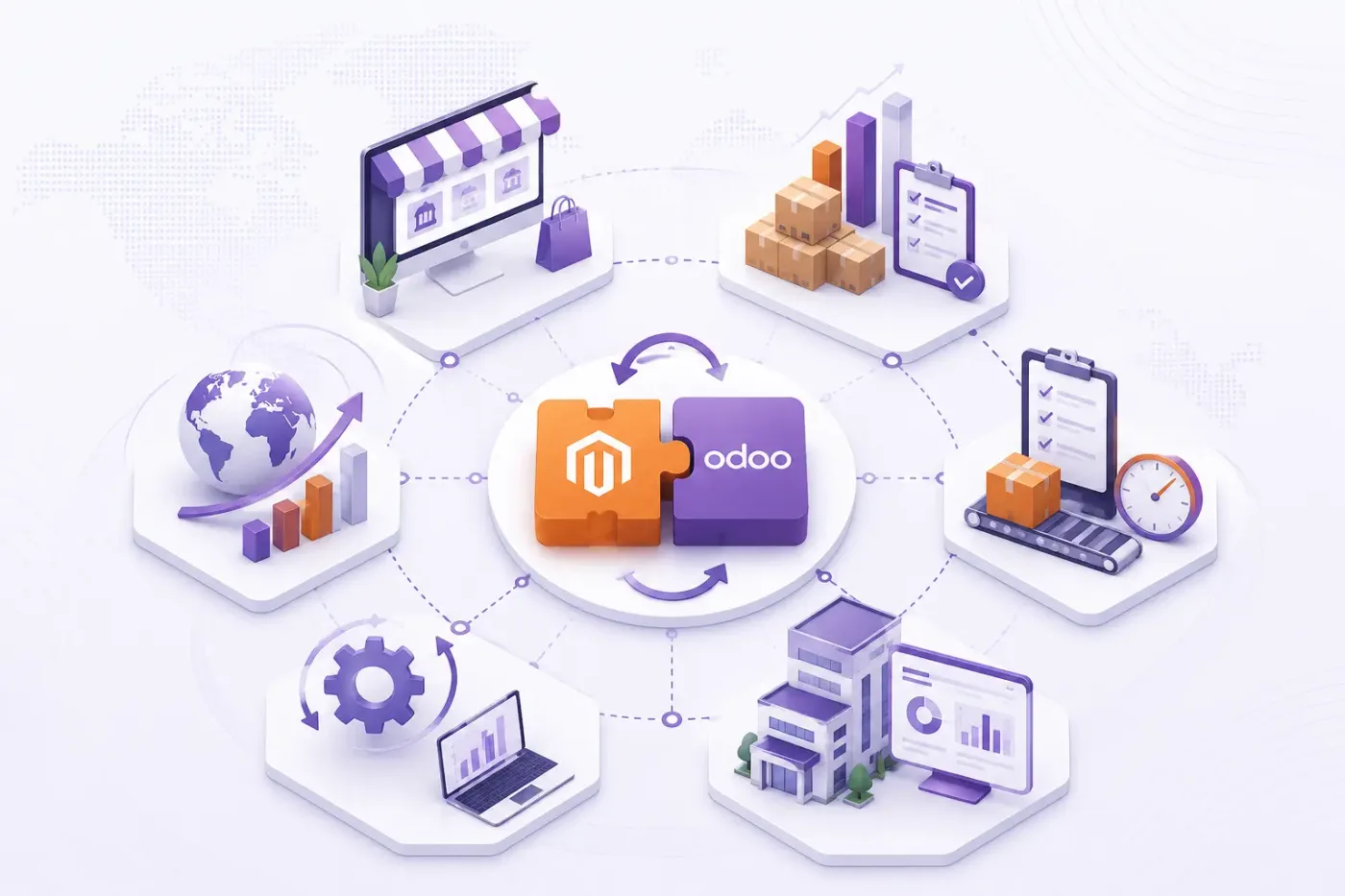
Odoo magento integration showing synchronised records between the two systems
Connected systems — how magento and Odoo share one set of records.
Expertise · how we work

What we settle in week one of an Odoo Magento integration

These are the decisions that are cheap to make now and painful to reverse once two systems have been exchanging records for a month.

  1. Which scope each field belongs to

    Website, store view or global for price, stock and tax. Naming this per field is the single most important decision in a Magento integration.

  2. Source to warehouse mapping

    Each Magento inventory source mapped to one Odoo warehouse or location, agreed before anything is published.

  3. Customer group to pricelist

    How B2B groups and tier pricing map to Odoo pricelists, so the ERP and the storefront quote the same price.

  4. Configurable product handling

    Whether configurables become Odoo variants or separate products. Variants is almost always right and almost always more work up front.

  5. Batch size and resume

    How a large catalogue is synced without timing out, and how a failed batch resumes rather than starting again.

  6. Multi-currency treatment

    Which currency an order is recorded in, which rate is used, and how the difference is recognised.

  7. Who owns the error queue

    A named owner and an alert. At Magento volumes a silent failure is a thousand records before anyone notices.

Honest advice

Where an Odoo Magento integration needs work

We would rather say this before you buy licences than after. Below is what the connector genuinely does not reach, where we scope development, and where we would tell you to keep the other system as it is.
  • Magento extensions — Fields and behaviour added by third-party extensions are not in the standard mapping and are scoped as development.
  • Page builder content — Rich content blocks and layouts stay in Magento. An ERP should not be the source of your merchandising pages.
  • B2B quoting workflow — Magento B2B negotiable quotes have their own approval flow. Aligning it with Odoo quotations needs explicit design.
  • Advanced inventory rules — Magento MSI source selection algorithms decide where an order ships from. Odoo has its own routing, and the two need reconciling deliberately.
  • Very large catalogues — Beyond a certain size the sync becomes an infrastructure question — batching, queues and timing — as much as a mapping one.
  • Historic order import — Years of past orders are rarely worth migrating. Open orders and customers usually are.
Odoo magento integration configuration showing field mapping and sync direction
Where it needs work — the parts that are development rather than configuration.
Our services

Our Odoo Magento integration process

Connecting Magento to Odoo is less about the connector than about agreeing what is true where, and what happens when a record will not go through.

  1. What you are connecting

    Understand how many websites and store views you run, how stock sources are configured, which customer groups price differently, and how large the catalogue is.

  2. Field and direction mapping

    Name the scope of every field, map sources to warehouses and groups to pricelists, and agree batching and resume behaviour before anything is built.

  3. Build and configure

    Connect Magento to Odoo using the standard connector where one fits, and build only what the connector genuinely cannot reach. See Odoo customization.

  4. Test with your own data

    Your records, in a test database, including the awkward ones — the cancelled order, the partial refund, the product that exists on one side only.

  5. Error handling and alerts

    A queue for failed records with a named owner and an alert, because an integration nobody watches diverges quietly and the divergence is found at audit.

  6. Go-live and monitoring

    Cutover with a reconciliation on both sides, then hypercare, then ongoing support and AMC.

Trust · what it costs

What an Odoo Magento integration costs

We do not publish one integration price, because the same connector costs very differently depending on the factors below. We do publish what moves the number, and the price is fixed in writing before work starts.

  • Number of websitesEach website is its own scope, pricing and tax mapping.
  • Catalogue sizeLarge catalogues need batching and resume logic rather than a single sync.
  • B2B complexityCustomer groups, tier pricing and payment terms each add mapping work.
  • Extension countEvery extension that changes orders or the catalogue adds scope.
  • Multi-currencySeveral currencies means rate handling and revaluation configuration.
  • Inventory source rulesReconciling Magento source selection with Odoo routing is explicit design work.
Why us

Why choose OdooBots for your Odoo Magento integration

Magento integrations fail on scope, not on code: the right price published to the wrong website. We name the scope of every field before writing anything, and we plan the catalogue sync in resumable batches because at Magento volumes one pass does not finish.

Based inAmbattur, ChennaiTamil Nadu 600053, India
Phone+91 98414 81435Mon–Sat, business hours IST
Delivered630+ Odoo projects30+ consultants and developers
Versions supportedOdoo 16 – 19Community and Enterprise
FAQ

Odoo Magento integration: frequently asked questions

Why integrate Magento with Odoo ERP?
So one catalogue, stock figure and customer record serves several websites. Magento scopes price, stock and tax per website, and without an ERP behind it each store ends up maintained separately, which is where multi-store businesses lose both time and accuracy.
Can Magento support multi-store ERP integration?
Yes, and the scoping is the whole job. Each website and store view can carry its own price, stock and tax, so the mapping names the scope of every field rather than treating the catalogue as global. Getting that wrong publishes one store’s price to another.
How do Magento inventory sources map to Odoo?
Each source maps to an Odoo warehouse or location, one to one, with forecast available quantity published per source. Magento’s own source selection rules then need reconciling with Odoo’s delivery routing, which is explicit design rather than a default.
Can B2B customer groups and tier pricing be synchronised?
Yes, by mapping customer groups and tier prices to Odoo pricelists so the storefront and the ERP quote the same number. B2B company accounts keep their buyers, addresses and payment terms on the Odoo side.
How are configurable products handled?
A configurable parent with its simple children maps to one Odoo product with variants rather than to several products. That is almost always the right structure and it takes more preparation up front, which is why it is settled in week one.
Can a large Magento catalogue be synchronised?
Yes, in resumable batches rather than a single pass. Beyond a certain size the sync becomes an infrastructure question as much as a mapping one, so batch size, retry and resume behaviour are part of the design rather than something discovered during go-live.
Does Magento integration support future expansion?
Adding a website, a warehouse or a currency later is routine when the scoping was done properly at the start. It is expensive when the first integration assumed a single global catalogue, which is the main reason we insist on naming scopes early.
Can OdooBots build a custom Magento integration?
Yes, including extension-specific fields, B2B quote alignment and reconciling Magento source selection with Odoo routing. We use standard connectors where they fit and scope the rest honestly. See Odoo customization.
References

Sources and official documentation

Product capabilities stated on this page are documented by Odoo. The mapping advice, failure handling and limitations come from our own integrations.

Ready to connect Magento to Odoo?

Tell us how many websites you run and roughly how large the catalogue is. Those two answers decide the scoping and the batching, and the diagnosis call is free.