Odoo vs Zoho CRM
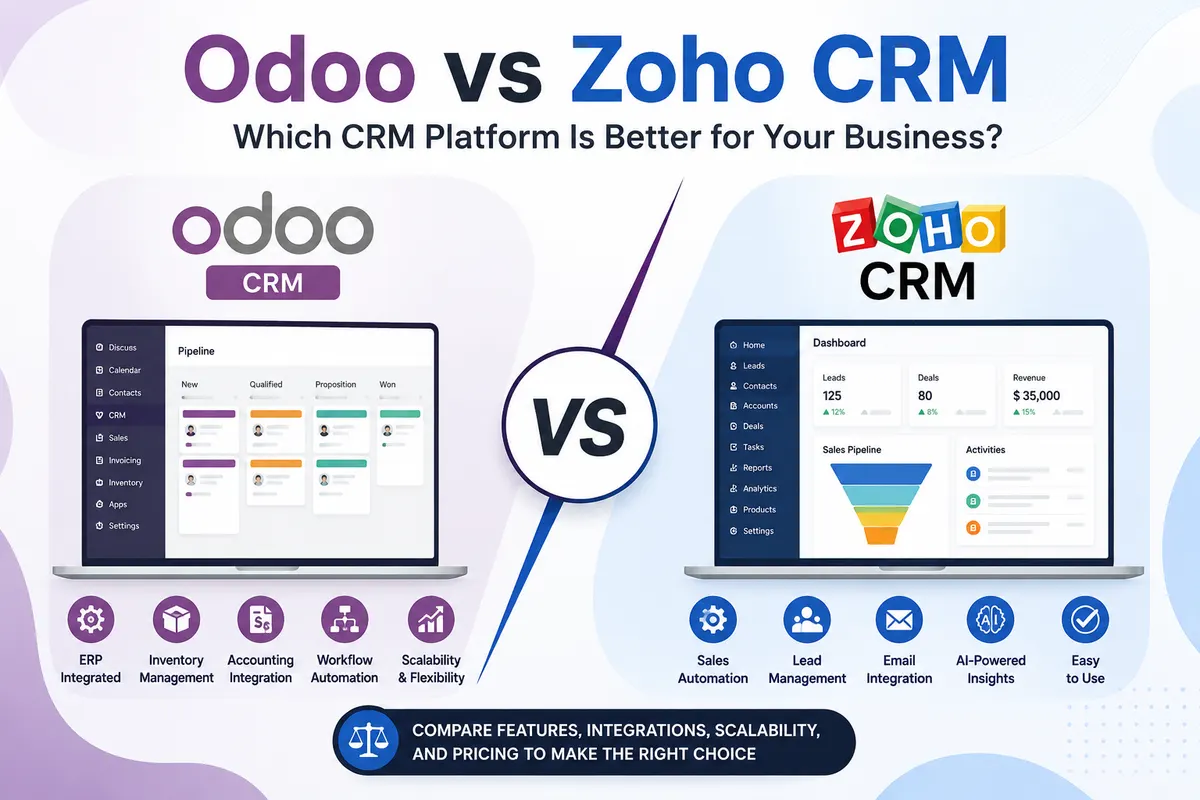
This comparison gets asked the wrong way round. Odoo CRM and Zoho CRM are both good at what they do, and the question is almost never which is the better CRM. It is whether you are buying a CRM or buying the first module of a business system.
We implement Odoo, so take the bias as read. What follows is the honest version, including the cases where we would tell you Zoho is the better choice.
The real difference in one line
Zoho CRM is a CRM that connects to other Zoho products. Odoo CRM is one app inside a single database that also holds your inventory, invoices, purchase orders, manufacturing and payroll.
Everything else follows from that. If sales is the only process you want in software, the connected-apps model is lighter and quicker to start. If the question your sales team keeps asking is “can we actually deliver this, and what did it cost us last time”, the single-database model answers it without an integration in between.
Where Zoho CRM is the better answer
You want sales software and nothing else. A small sales team with no stock, no manufacturing and an accountant who is happy with their own software does not need an ERP. Buying one is overspending on a problem you do not have.
You need to be live this month. Zoho CRM can be configured and in use very quickly. An Odoo implementation that touches several departments takes longer because it is doing more.
Your sales motion is high-volume and marketing-led. Zoho's marketing automation, campaign tooling and lead scoring are mature, and the wider Zoho suite is built around that motion.
Nobody internal will own a larger system. An ERP needs one named person inside the business who can decide that a process changes. Without them, a lighter tool used well beats a bigger one used badly.
Where Odoo is the better answer
The salesperson needs to see stock. Not a nightly sync of stock, the actual figure, including what is already reserved against other orders. In Odoo that is the same record; between two systems it is an integration that is occasionally wrong at the worst moment.
Quotation to invoice should be one chain. A confirmed quotation becomes an order, the order drives delivery, the invoice draws from what was delivered. No retyping and nothing to reconcile at month end.
Your products are configured or made to order. Quoting from a bill of materials, with real component costs and lead times, is an ERP question. A CRM can hold the price; it cannot tell you whether the margin is real.
You are already running four or five tools. CRM here, inventory there, accounting somewhere else, each with its own login and its own version of the customer. The cost of keeping those in step is usually larger than the licence saving. This is the situation where Odoo ERP implementation pays for itself the fastest.
You expect to customise. Odoo's source is open, so a field, a screen or an approval rule can be changed and will survive upgrades if it is built as a proper module. Zoho allows configuration and scripting within boundaries it sets.
Cost, compared honestly
Zoho's per-user subscription is lower than almost anything comparable, and for a sales-only use case the total cost is genuinely small.
Odoo's cost sits differently. The software is per-user if you take Odoo's own hosting, or no per-user charge at all if it is self-hosted or on managed hosting — our own managed Odoo hosting is ₹3,000, ₹6,000 or ₹9,000 per month with unlimited users. The real number in an Odoo project is implementation, because configuring several departments is work.
So the comparison that matters is not subscription against subscription. It is Zoho CRM plus your inventory tool plus your accounting software plus the integrations and the manual reconciliation between them, against one Odoo system and the project to set it up. For a sales-only business the first column wins easily. Once three or four tools are in it, the second usually does.
What happens when people switch, in both directions
Businesses move from Zoho to Odoo when sales stops being the bottleneck. The CRM is working fine; the problem is that nothing after the sale is connected to it, so delivery promises are guesses and month end is manual.
Businesses move from Odoo to Zoho — and some do — when they implemented an ERP for a process they did not have. If only the CRM module ever got used, a dedicated CRM is a better fit, and we would rather say so in the first conversation than take the project.
Questions to answer before choosing
- Does your sales team need to see live stock or production capacity to make a promise?
- How many separate systems hold a version of your customer today?
- Who inside the business will own the system after go-live?
- Is the hard part of your work winning the order, or delivering it?
- Will you need fields and rules that are specific to your industry?
Three or more answers pointing past sales means the honest comparison is Odoo against a stack of tools, not against Zoho CRM. If they all point at sales, buy a CRM.
Frequently asked questions
Not as a CRM on its own, and for a sales-only team Zoho is usually the quicker and cheaper choice. Odoo wins when sales needs to see live stock, cost or production capacity, because those live in the same database rather than behind an integration. The honest comparison is Odoo against your whole stack of tools, not against Zoho CRM alone.
Zoho, for a sales-only use case — its per-user subscription is very low. Odoo has no per-user charge when self-hosted or on managed hosting, but implementation is a real cost because it configures several departments. Compare Zoho plus your inventory and accounting tools plus the work of keeping them in step against one Odoo system and its project.
They can be integrated through APIs, and it is sometimes the right answer when a sales team is settled on Zoho and the rest of the business needs an ERP. It adds a moving part that has to be monitored, so it is worth doing deliberately rather than as a way of avoiding a decision.
Contacts, companies, open opportunities and activity history export cleanly and import without much trouble. The work is in deciding what not to bring: closed opportunities from several years ago and duplicate contacts are better cleaned than migrated, because bad master data makes every later step slower.
When sales is the only process you want in software, when no one internally will own the system after go-live, or when you need to be live within weeks. In those cases a dedicated CRM used properly beats an ERP used partially, and we will tell you that rather than quote for the larger project.