Why Odoo 20 Loses Overtime After Revalidation

An Odoo 20 attendance shows as Validated, and the overtime attached to it still shows as Refused. Worked hours fall from nine to eight, the overtime work entries vanish, and nothing in the log says why. There is no traceback, so the first sign is usually a payroll run that is short by an hour.
The cause is a state-transition gap: the source attendance and the overtime record it generated do not go through the same transitions.
Where overtime lives in Odoo 20
Odoo 20 no longer uses a separate hr.attendance.overtime model. Overtime generated by a time rule is stored as additional hr.attendance records linked back to the original attendance.
When a validated attendance exceeds the employee's scheduled hours, Odoo cuts the source attendance at the rule threshold and creates a second attendance record for the excess period. Three fields hold that relationship together:
time_rule_id— the time rule that produced the output.source_attendance_id— links the overtime record back to its source attendance.overtime_attendance_ids— the outputs generated from a source attendance.
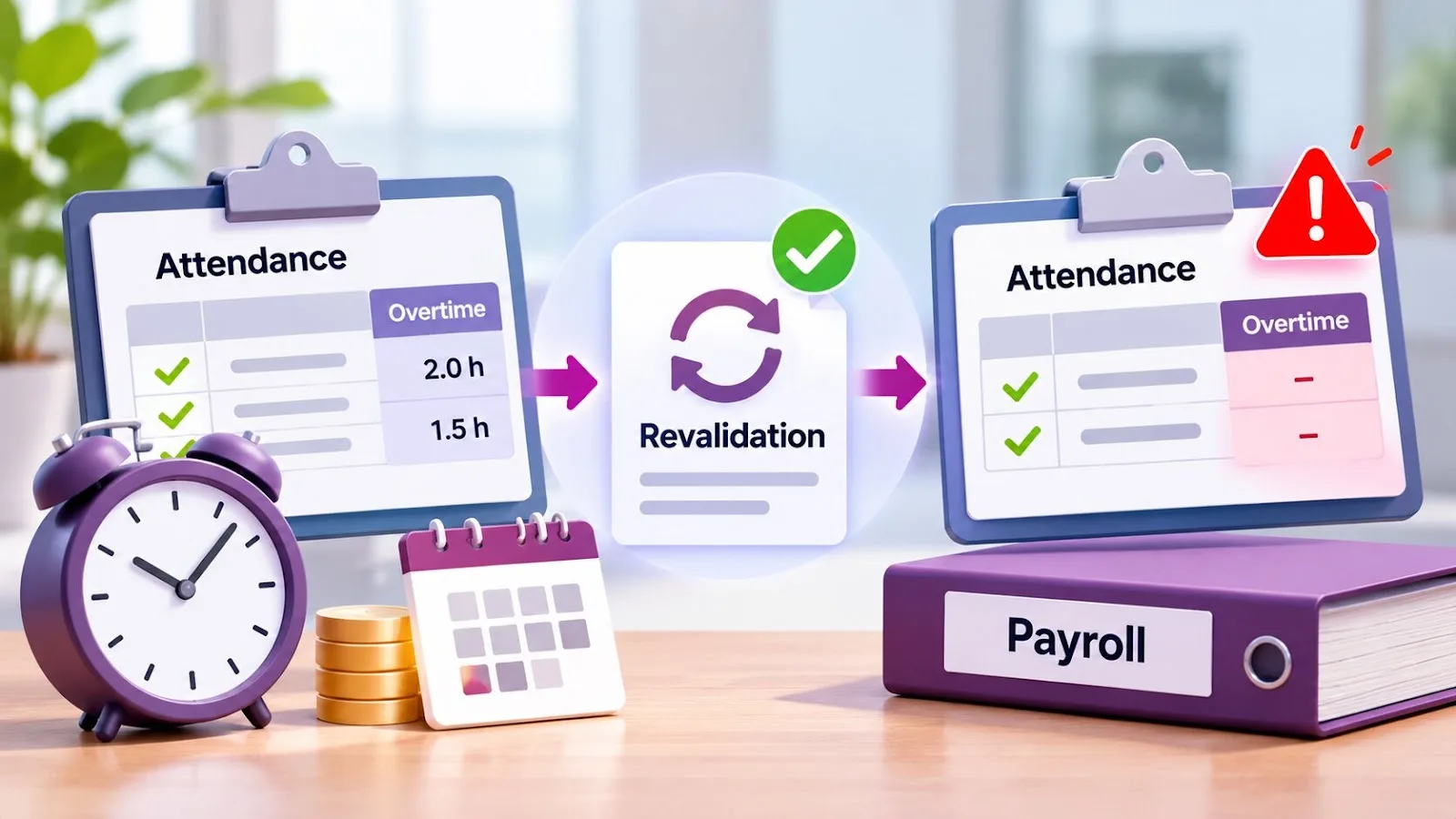
That relationship is where the failure sits. Refusing the source attendance also refuses its linked overtime records — but revalidating the source does not bring them back.
How the failure reproduces
Odoo issue #301453, opened on 6 November 2026, reproduces it with the default daily overtime rule and a standard Monday-to-Friday schedule of 08:00–12:00 and 13:00–17:00.
A validated attendance from 08:00 to 17:00 is split into a regular attendance of 08:00–16:00 and an overtime attendance of 16:00–17:00. The administrator then runs Refuse → Reset to Draft → Validate on the regular attendance.
| Record | Before refusal | After revalidation |
|---|---|---|
| Regular attendance | 8 hours | 8 hours |
| Overtime attendance | 1 hour | Refused |
| Total worked hours | 9 hours | 8 hours |
| Overtime work entry | Present | Missing |
The original checkout time is not restored and the overtime period is not recreated. The reporter's automated test confirms it: Odoo returns eight hours where nine are expected.
Why the overtime record stays refused
The three actions in addons/hr_attendance/models/hr_attendance.py do not treat the linked records consistently:
action_refuse()refuses the source attendance and itsovertime_attendance_ids.action_reset_to_draft()resets the source attendance only. The refused overtime outputs are left alone.action_validate()validates the source attendance and runs the time rules, but does not restore the overtime records that were refused earlier.
Because the time rule already cut the original attendance, revalidation has nothing left to recompute the overtime period from. The end state is a validated source attendance pointing at a refused overtime record — a state-transition failure, not an arithmetic error in the overtime calculation.
How to find the records this has hit
A validated source attendance does not mean its overtime is validated too. Inspect these fields on hr.attendance:
state— the condition to look for is a validated source attendance whose linked overtime record is refused.overtime_attendance_ids— the overtime records belonging to that source attendance.source_attendance_id— which original attendance each overtime record came from.time_rule_id— the rule that generated the output.worked_hours— compare against the original attendance duration.
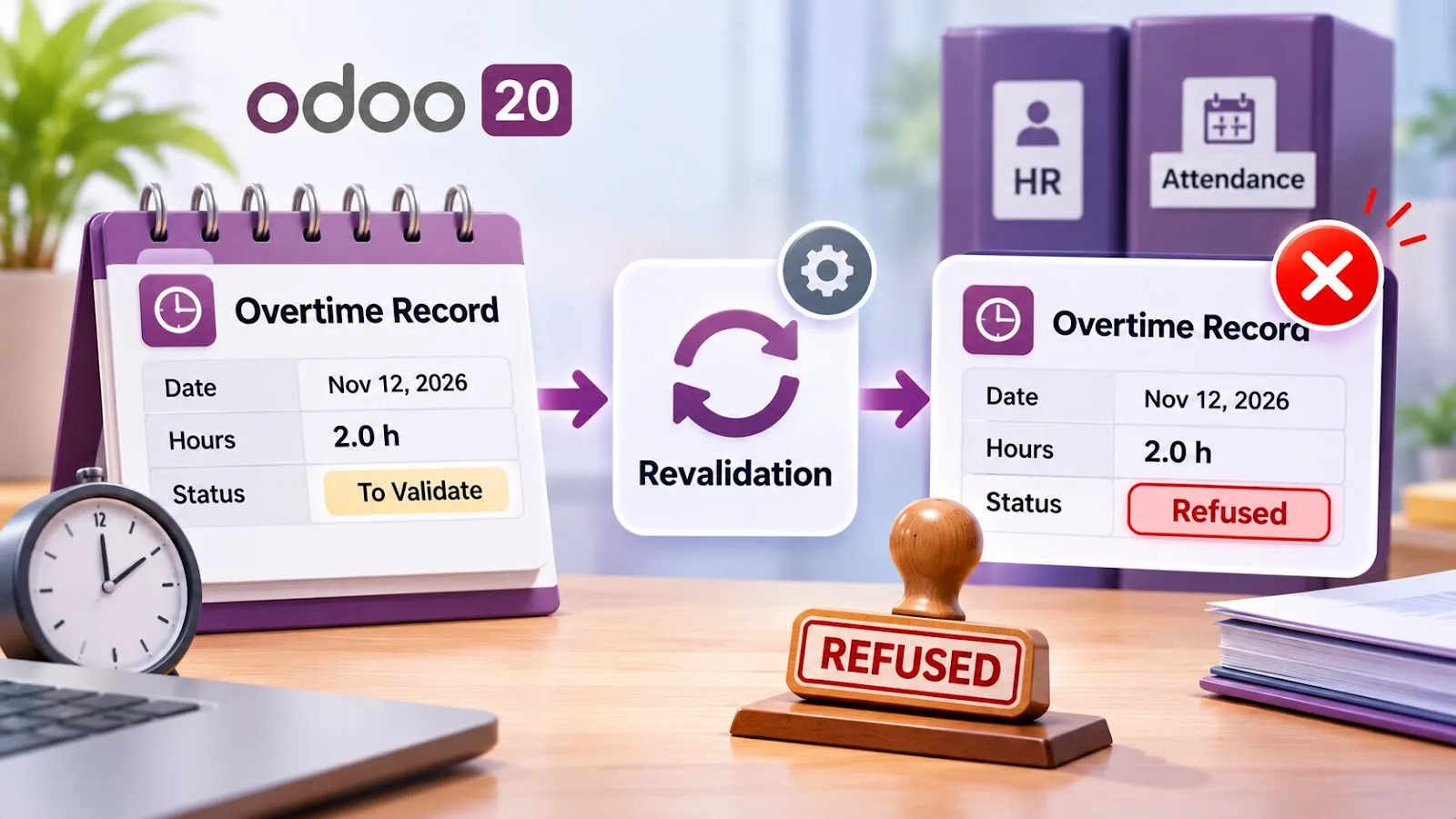
Check the generated work entries as well: the overtime work entry simply goes missing, with no server error to point at it. Run this check before payroll processing, not after.
Do not edit refused overtime records by hand without first checking the source attendance and the time rule behind them. A manual edit hides the inconsistency instead of correcting it, and the next revalidation reproduces it.
What a developer has to change
The correction has to apply the attendance state transitions to the linked overtime records, not only to the source. Two pull requests address issue #301453:
- PR #302161 extends Reset to Draft and Validate to the associated
overtime_attendance_ids, and adds a regression test for the restored working hours. - PR #301887 proposes the same state handling across the source attendance and its time-rule outputs.
Both target Odoo 20 and were still open as of 17 November 2026. Neither is a deployed, official correction, so treat them as the direction of the fix rather than something to rely on in production.
Regression testing should confirm that refusing, resetting and revalidating a source attendance applies the matching transitions to its linked overtime records, and that worked hours, overtime and work entries all come back to the expected values.
One related limitation is worth knowing: PR #301887 explicitly leaves out the restoration of compensatory time-off credits under hr_holidays_attendance. That behaviour is tracked separately as issue #301452.
Why this is an Odoo 20 problem specifically
It is worth being precise about the version, because the same symptom on an older release has a different cause and a different fix.
Up to Odoo 19, overtime lived in its own hr.attendance.overtime model, recalculated from the attendance rather than stored as a second attendance record. The source attendance kept its original check-in and check-out, so recomputing after a correction had the full period to work from.
Odoo 20 moved overtime into hr.attendance itself and made the time rule cut the source record at the threshold. That is what makes the state gap destructive rather than cosmetic: once the source has been trimmed to 08:00–16:00, the 16:00–17:00 period exists only in the refused overtime record. Revalidation has nothing to recompute from.
So on Odoo 20 the correction has to restore the refused record. On earlier versions, recomputation was enough. If you are planning an upgrade to Odoo 20 with attendance-driven payroll, this is worth testing against your own time rules before go-live, not after.
What this costs in payroll terms
Work entries are what payroll reads. A missing overtime work entry is not a reporting glitch — it is an hour that does not reach the payslip, for an employee who worked it. Nobody gets an error; the payslip is simply an hour short, and the employee is the one who notices.
Until a fix is merged, the practical control is a periodic check for validated attendances whose linked overtime records are refused, run before each payroll close rather than after a complaint.
Frequently asked questions
Conclusion
Odoo 20 loses overtime on revalidation because the source attendance and the overtime record it generated do not complete the same state transitions. After Refuse → Reset to Draft → Validate, the source can be validated while its overtime stays refused.
Until the fix lands, the practical safeguard is a check before payroll: any validated attendance whose overtime_attendance_ids are refused is an hour that will not be paid.