

When inventory is spread across multiple warehouses, knowing your total stock is not enough. Your team needs to know where stock is available, what is already committed, what needs replenishment, and which transfers are still in progress.
Multiple warehouses can make inventory visibility, transfers, and replenishment harder to manage when each location follows different processes. Without clearly defined workflows, businesses can face stock discrepancies, delayed transfers, unnecessary purchasing, and limited visibility across locations.
The key is to define how your warehouses should operate before the system is configured.
This includes deciding how stock moves between locations, who can perform and approve transactions, how replenishment should work, what existing data needs to be migrated, which external systems need to connect, and what information each team needs to access.
Clear decisions at this stage can help reduce unnecessary customization, rework, and confusion during implementation while giving your implementation partner a clear understanding of the required scope.
If you are evaluating an implementation partner, your operational requirements should be the starting point. Explore our Odoo ERP implementation company page to discuss your business requirements.
What Should You Define Before Implementing Odoo for Multiple Warehouses?
There is no single warehouse structure that works for every business.
A distributor, manufacturer, retailer, and regional business may all operate multiple locations but have very different stock flows, responsibilities, and replenishment needs.
Before configuration begins, define the business decisions and workflows the system needs to support.
Define the Role of Each Warehouse
Start by mapping how your physical operations are organized.
- Central or distribution warehouses
- Regional warehouses
- Manufacturing locations
- Retail stores
- Transit locations
- Returns or damaged-stock areas
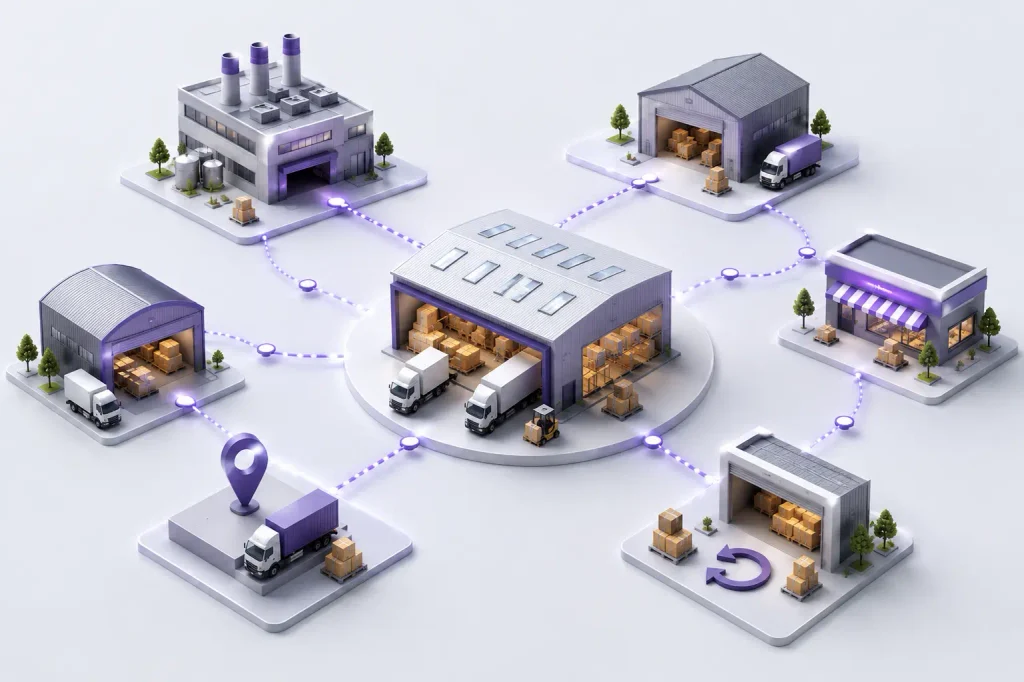
The important question is not only how many warehouses you have, but what each location is responsible for.
For example, a central warehouse may receive goods and supply regional locations, while a manufacturing location may handle raw materials and finished products.
This gives your implementation team a clear basis for designing the warehouse structure.
Map How Stock Moves Between Locations
Document how inventory moves between your warehouses and other business locations.
A typical flow might be:
Supplier → Central Warehouse → Regional Warehouse → Customer
Another business may follow:
Main Warehouse → Production → Finished Goods → Distribut
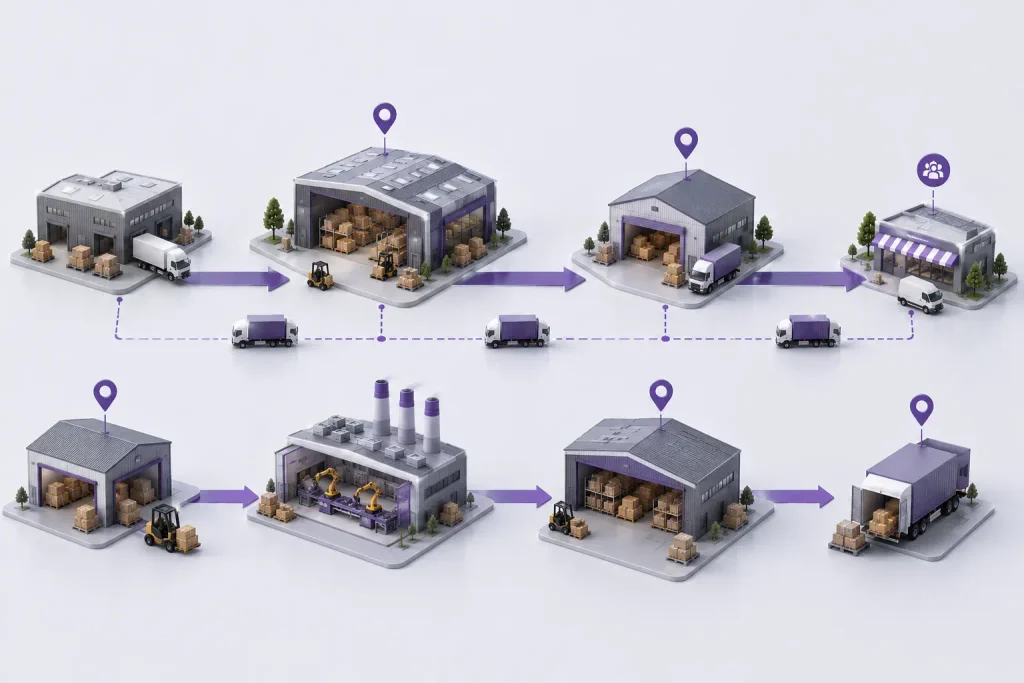
- Who requests a transfer
- Who approves it
- Which location sends the stock
- Which location receives it
- How stock in transit is handled
- What happens when quantities differ
- How urgent transfers are managed
If these rules are unclear, teams may continue relying on spreadsheets, messages, or manual coordination even after implementation.
Define Inventory Visibility and User Access
Different teams need different information.
A warehouse operator may need operational stock information, while a warehouse manager may need location-level visibility and management may need a consolidated view across locations.
- Available stock
- Reserved quantities
- Incoming and outgoing stock
- Stock in transit
- Replenishment requirements
- Inventory by warehouse or location
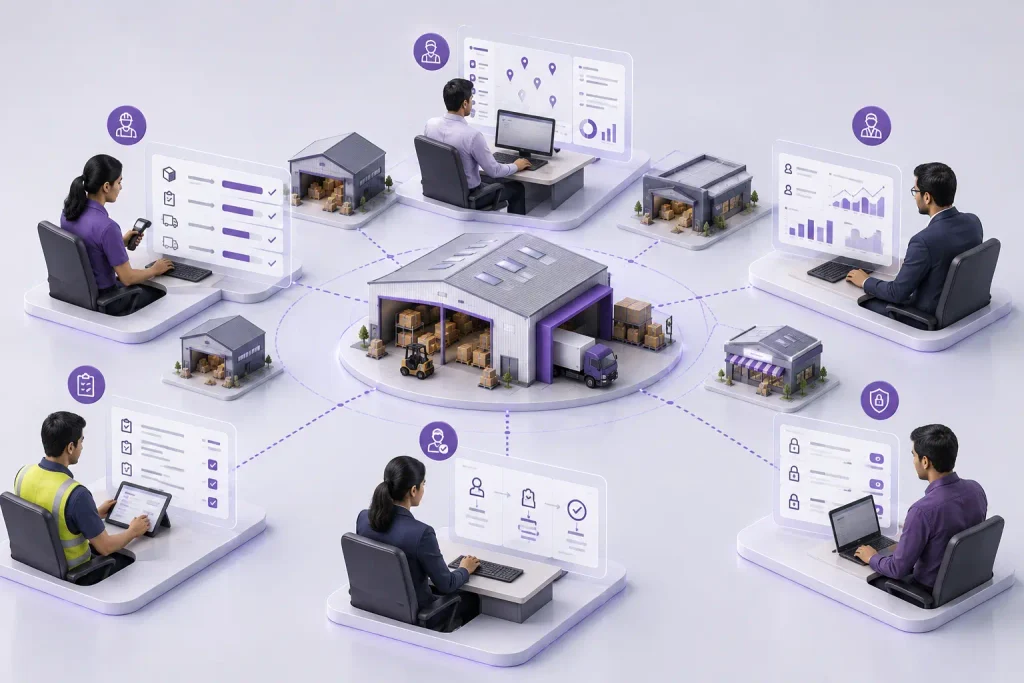
Also define who can view, create, approve, validate, or modify inventory transactions.
The objective is not to give everyone access to everything. It is to give each role the information and permissions needed to perform its responsibilities.
Define How Replenishment Should Work
A common multi-location problem is deciding where replacement stock should come from.
For example, a regional warehouse may be replenished from a central distribution centre rather than purchasing directly from suppliers.
Define:
- Reorder points
- Minimum and maximum stock levels
- Supplier lead times
- Warehouse-specific demand
- Internal replenishment rules
- Preferred suppliers
- Safety-stock requirements
This helps establish whether a location should be supplied by a vendor, another warehouse, or both.
Prepare the Inventory Data You Actually Need
Poor-quality data can create problems from the first day of operation.
Review your existing:
- Products and variants
- Stock quantities
- Warehouse and location records
- Customers and suppliers
- Product categories
- Opening balances
- Historical transactions, where required
Look for duplicate products, inconsistent names, incorrect quantities, obsolete records, and missing information.
Also decide which historical information is genuinely required after go-live.
Migrating every available record can increase effort without necessarily providing additional business value.
Identify Essential Integrations
Your warehouse operations may depend on systems outside the ERP, such as eCommerce platforms, marketplaces, shipping providers, barcode solutions, accounting systems, or manufacturing applications.
For each integration, clarify:
System → Information exchanged → Business purpose → Responsibility → Testing
For example, an online store may need to send orders into the ERP while receiving inventory availability and order status in return.
Separate essential integrations for the initial rollout from connections that can be introduced later. This can help keep the first phase focused.
Define the Reports and Decisions That Matter
More reports do not necessarily mean better visibility.
Instead of reproducing every report from your existing system, identify the information your teams actually use to make decisions.
Depending on your operation, this may include:
- Stock by location
- Inventory movement
- Transfer status
- Product availability
- Replenishment requirements
- Inventory valuation
- Slow-moving stock
For each report, ask:
What decision will this information help us make?
If standard functionality can provide the required information, custom development may not be necessary.
Test Real Warehouse Scenarios
Testing should reflect actual operations rather than isolated system functions.
For example:
Purchase → Receipt → Putaway → Transfer → Sale → Delivery
Also test situations such as:
- Partial receipts
- Partial deliveries
- Internal transfers
- Returns
- Inventory adjustments
- Stock reservations
- Replenishment
- User permissions
- Integrated orders
The people who perform these activities should participate in testing. They can identify practical issues that may not appear during technical configuration.
Decide What Belongs in the First Rollout
A multi-warehouse project can quickly become large when every workflow, integration, report, and customization is treated as a day-one requirement.
Consider whether a phased rollout is more practical.
For example:
Initial rollout: Core purchasing, sales, inventory, and warehouse operations.
Later phases: Additional integrations, advanced automation, specialized reporting, or additional locations.
The objective is not to implement everything at once. It is to establish a reliable operation that users can adopt and expand.
Common Problems to Avoid
Treating every warehouse identically
Different locations may have different responsibilities and processes.
Migrating unclean data
Duplicate or inaccurate records can create operational problems after go-live.
Giving users excessive access
Permissions should reflect actual responsibilities.
Integrating everything immediately
Prioritize systems that are essential to daily operations.
Testing only the standard workflow
Test exceptions such as returns, partial deliveries, transfer differences, and stock adjustments.
Customizing before understanding the requirement
First determine whether standard functionality or configuration can meet the need. Custom development should address a clearly defined business requirement.
How Do You Know Your Requirements Are Clear Enough?
Before asking an implementation partner to finalize the project scope, your team should be able to answer these questions:
- Warehouses: How many locations are involved, and what is each one responsible for?
- Stock movement: How does inventory move between warehouses?
- Users: Who can create, approve, and validate stock transactions?
- Replenishment: How is each location expected to receive replacement stock?
- Data: What existing inventory and master data needs to be carried forward?
- Integrations: Which external systems are essential to daily operations?
- Reporting: What information do managers and operational teams need to make decisions?
- Testing: Which real-world warehouse scenarios must work before go-live?
- Rollout: What needs to be implemented first, and what can wait for a later phase?
If your team cannot answer these questions, the project scope may still need clarification before configuration begins.
You do not need to define every technical setting yourself. What matters is having a clear understanding of how your warehouses operate, where the current problems are, and what the new system needs to support.
Frequently Asked Questions
Yes. Odoo can manage multiple warehouses and inventory locations. The key consideration is how the warehouse structure, stock flows, replenishment rules, and user permissions should be configured to match your business operations.
Define the role of each warehouse, inventory movement between locations, user responsibilities, replenishment rules, data requirements, essential integrations, reporting needs, and the real-world scenarios that must be tested before go-live.
It can. Complexity depends on factors such as warehouse workflows, internal transfers, replenishment rules, user permissions, integrations, data quality, and the number of processes that need to be tested. The number of warehouses alone does not determine implementation complexity.
Not necessarily. Standardizing common processes can improve control and consistency, but warehouses with different operational roles may require different workflows or rules.
Not necessarily. Migrate the data required for ongoing operations, reporting, compliance, and decision-making. Before migration, review the quality and usefulness of historical records rather than assuming everything needs to be transferred
Conclusion
A successful multi-warehouse Odoo implementation starts with clear business requirements, not configuration.
Define your warehouse structure, stock flows, user responsibilities, replenishment, data, integrations, reporting, and testing before the project begins.
Clear requirements help your implementation partner understand the scope, reduce unnecessary customization, and plan a smoother rollout.

