Odoo ERP Implementation Improves Workflow Efficiency
“Workflow efficiency” is one of those phrases that survives a whole sales cycle without anyone defining it. So here is a definition worth using: a workflow is efficient when the person doing the work does not have to ask anyone for information, re-enter something that already exists, or wait for an email before they can finish.
Measured that way, most businesses are not slow because their people are slow. They are slow because the work stops. This article is about where it stops, what an ERP actually changes, and which of those stops an ERP cannot help with.
Where the time actually goes
Before changing anything, it is worth watching one order travel from enquiry to payment and noting every pause. The pauses tend to look like this.
Re-entry. The same details typed three or four times — into a quotation, then an order, then a delivery note, then an invoice. Each retype costs a minute and risks a mistake, and the mistakes are expensive because they are discovered late.
Lookups. Someone has to find out something another system already knows. Is this item in stock? What price did we give this customer last time? Has this invoice been paid? Every one of those is a phone call or a walk across the office.
Approvals that sit still. A discount needs sign-off, the approver is travelling, and the quotation waits. Nothing is wrong with the approval; the problem is that it lives in someone's inbox with no visible queue.
Reconciliation. Two records of the same thing disagree, and somebody spends a morning working out which is right. Stock against the physical count. Sales against accounting. Payroll against attendance.
Add those up across a month and the number is usually larger than anyone expects. It is also the honest baseline against which an ERP should be judged.
What one database changes
The reason an ERP removes those pauses is not that its modules are clever. It is that they share one database, so a record created once is available everywhere it is needed.
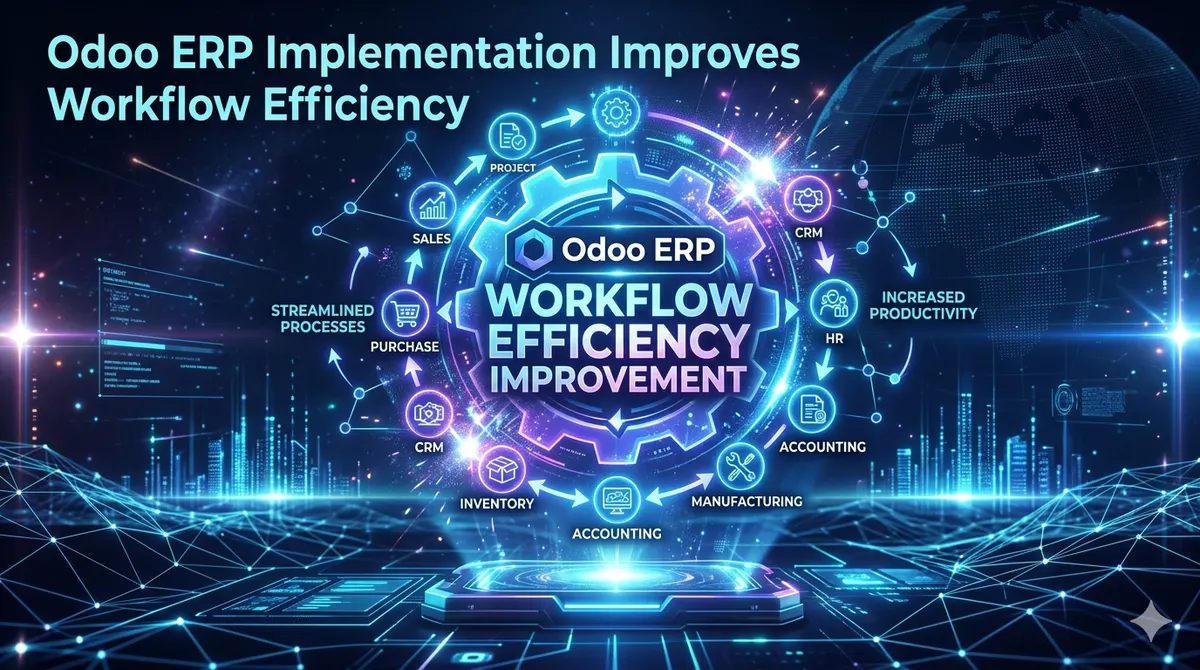
A confirmed quotation becomes a sales order without retyping. The order reserves stock, so the warehouse sees it without being told. Delivery updates the stock position, so the next salesperson sees a true figure. Invoicing draws from the delivered quantity, so there is nothing to reconcile. Payment closes the receivable, so the follow-up list shrinks by itself.
That chain is the whole argument. Each link removes a retype, a lookup or a reconciliation, and the saving compounds because the errors that used to appear two steps downstream never get created.
The parts that need deciding, not installing
An ERP will enforce whatever process you configure, including a bad one. Three decisions do more for efficiency than any amount of software.
Which approvals are real
Most approval steps exist because of something that went wrong once, years ago. Review each one and ask what would actually happen without it. Keeping only the approvals that still earn their delay removes more waiting than any automation.
Who owns a record
One named person responsible for a customer record, a product record, a price. Shared ownership means nobody corrects anything, and bad master data makes every downstream step slower.
What gets measured
Pick three or four numbers before go-live and record them: average days from order to dispatch, invoices raised per person per day, stock accuracy against a physical count, receivables over sixty days. Without a before, the after is an opinion.
What an ERP will not fix
We would rather say this at the start of a project than at the end of one.
A process nobody agrees on. If two departments genuinely disagree about how an order should be handled, configuration cannot settle it. The argument has to be had first.
Not enough people. A system removes retyping. It does not remove the work itself. A team running at capacity will still be at capacity, doing better work.
Data nobody trusts. If opening stock was never counted properly, every report built on it is suspect and people go back to their own spreadsheets. This is the most common reason an implementation technically succeeds and practically fails.
A habit that survived training. The workaround invented in week one often outlives the problem it solved. Reviewing those at month three, while people still remember the alternative, is far cheaper than retraining a year later. Odoo training for the people who key transactions daily — not just their managers — is what decides this.
A realistic order of work
Doing everything at once is how projects stall. In practice the first phase is quote-to-invoice and the stock behind it, because that chain contains most of the re-entry. Purchasing and accounting follow, since they close the loop and make the reports true. Manufacturing, projects, payroll and field operations come after, once people trust the data they are working from.
Each phase should be short enough that the business feels the change before interest fades. If a phase has no visible result inside a few weeks, it is too big.
If you want this costed against your own process rather than in general, the cost of Odoo implementation depends mostly on how many of those pauses are specific to you. A free diagnosis call maps them first, and the quotation follows in writing.
Frequently asked questions
By removing the pauses in the work rather than by making people faster. One shared database means a record created once is used everywhere, so re-entry, lookups between departments and reconciliation between two versions of the same figure stop happening. A confirmed order reserves stock, delivery updates the stock position, and invoicing draws from the delivered quantity with nothing to match up afterwards.
Record three or four numbers before go-live: average days from order to dispatch, invoices raised per person per day, stock accuracy against a physical count, and receivables over sixty days. Without a baseline, any improvement is an opinion. These are also the numbers worth reviewing six weeks after go-live, when the first round of changes is cheapest.
Quote to invoice, with the stock behind it, because that chain holds most of the duplicate data entry in a typical business. Purchasing and accounting follow to close the loop and make the reports trustworthy. Manufacturing, projects and payroll come later, once people rely on the data in front of them.
No. The first week is slower than the old way, because a system enforces steps people previously held in their heads. Productivity usually recovers within a few weeks and improves past the old baseline after the first month end, once exceptions have been configured and people have stopped narrating what they are doing.
Three things, in order of how often we see them: opening data that was never cleaned, so nobody trusts the reports; a process two departments genuinely disagree about, which configuration cannot settle; and approval steps kept out of habit, which reintroduce the waiting the system was meant to remove.